 Adobe InDesignAdobe PhotoshopAdobe IllustratorAdobe After Effects
Compositor: Claude inside Adobe
Ask Claude or ChatGPT to do the tedious work in your open Adobe InDesign, Photoshop, Illustrator or After Effects document. The AI reads the document, then edits it with real paragraph styles, layers and keyframes, all editable. Deletions wait for your approval, and every change is one undo step.
- Four Adobe apps, one panel
- Works with Claude and ChatGPT
- Every change is one undo step
- Runs on your computer: no Lingway server
- Works in
- Adobe InDesign, Adobe Photoshop, Adobe Illustrator, Adobe After Effects
- Adobe InDesign, Photoshop, Illustrator or After Effects 2024 or later, with Claude Desktop or the ChatGPT desktop app
- Updated
- 25 Nov, 2026
- Support
- From the developers
- Updates included
Your AI app, working in your Adobe documents
Compositor is one panel for four Adobe apps. It gives Claude or ChatGPT 78 tools, the same actions you would take by hand, so the result is a normal Adobe document: nothing is flattened, pasted as an image or hidden in a script.
Adobe InDesign, in depth
32 tools: text, paragraph, character and object styles, swatches, shapes, tables, placed images and links, parent pages, text wrap, align and distribute, find and replace with GREP, preflight and PDF export.
Photoshop, Illustrator, After Effects
15 tools in each: text, shape, fill and adjustment layers and layer effects in Photoshop; shapes, text, swatches, styles and artboards in Illustrator; comps, layers, keyframes, effects and expressions in After Effects.
It checks its own work
The AI can look at a picture of the page, document, artboard or frame it just changed, and correct what doesn't look right before it answers.
One request, several apps
Each app's tools carry the app's name, so one conversation can take a brand from an Illustrator logo to an InDesign flyer and a Photoshop post.
You approve what matters
Reading never asks. Deleting or replacing asks first, with Allow, Allow until I close the app, or Always allow. Or have it ask before every change.
One undo step per change
Every change is a single step in the app's Edit > Undo, named "Compositor: …". The panel lists what the AI did per request, with Undo on the latest group.
Pause at any time
Pause stops the AI at once. Calls are refused until you resume, and the AI is told to wait for you.
Saved actions
Keep a group of steps under a name and run it again with one click, without a chat: a find and replace, a set of styles, a preflight and export.
House style
Type your house rules once in Settings (fonts, colours, tone) and they are sent to the AI with every document overview.
From install to result in a few clicks
- 1
Install the panel
Open it in Window > Extensions > Compositor (Photoshop: Extensions (legacy)). The same panel works in all four apps.
- 2
Connect your AI app
Click Connect Claude and then Install in Claude Desktop. For ChatGPT, copy the three values the panel shows into ChatGPT's MCP settings.
- 3
Ask in plain language
"Check this menu for inconsistent prices and fix them." The AI reads the document, makes the changes and lists them in the panel.
Set up in a minute, with Claude or ChatGPT
Compositor uses the AI account you already have. There is no API key to buy and no Lingway account.
ChatGPT in Adobe InDesign
In the panel, choose ChatGPT as your AI app. In the ChatGPT desktop app, open Settings, add a custom MCP server of type STDIO, and paste the name, command and argument the panel shows. Save, and the panel says Connected to ChatGPT.
Use ChatGPT's Work mode. One request becomes many steps, so a real task needs a paid ChatGPT plan.
Claude in one click
With Claude Desktop, the panel's Connect Claude button opens Claude's install dialog. Click Install and the panel switches to Connected by itself.
Claude shows its standard warning for every extension added from a file. Compositor's connector only talks to the panel in your Adobe apps on the same computer: it opens no file and makes no internet request.
Other AI apps
The connector is a standard MCP server, so any AI app that can start a local MCP server can use it. The panel prepares the setup for Cursor and VS Code, and gives one command line for any other app.
These apps need Node.js once. If it's missing, the panel downloads the official copy from nodejs.org into its own folder, checks it and uses it. Nothing is installed system-wide.
Built for production work
Layout and production
Review a document for inconsistent styles and prices, apply styles across stories, build tables, relink images, preflight and export the print PDF.
Brand and campaign work
One brief taken across apps: a logo in Illustrator, a flyer in InDesign, a social post in Photoshop and a title in After Effects.
Repetitive edits
Find and replace with GREP, restyling, new swatches and parent pages, saved as one-click actions for the next document.
Motion design
Text and shape layers, keyframes, effects and expressions in After Effects, checked frame by frame.
See Claude work in four Adobe apps
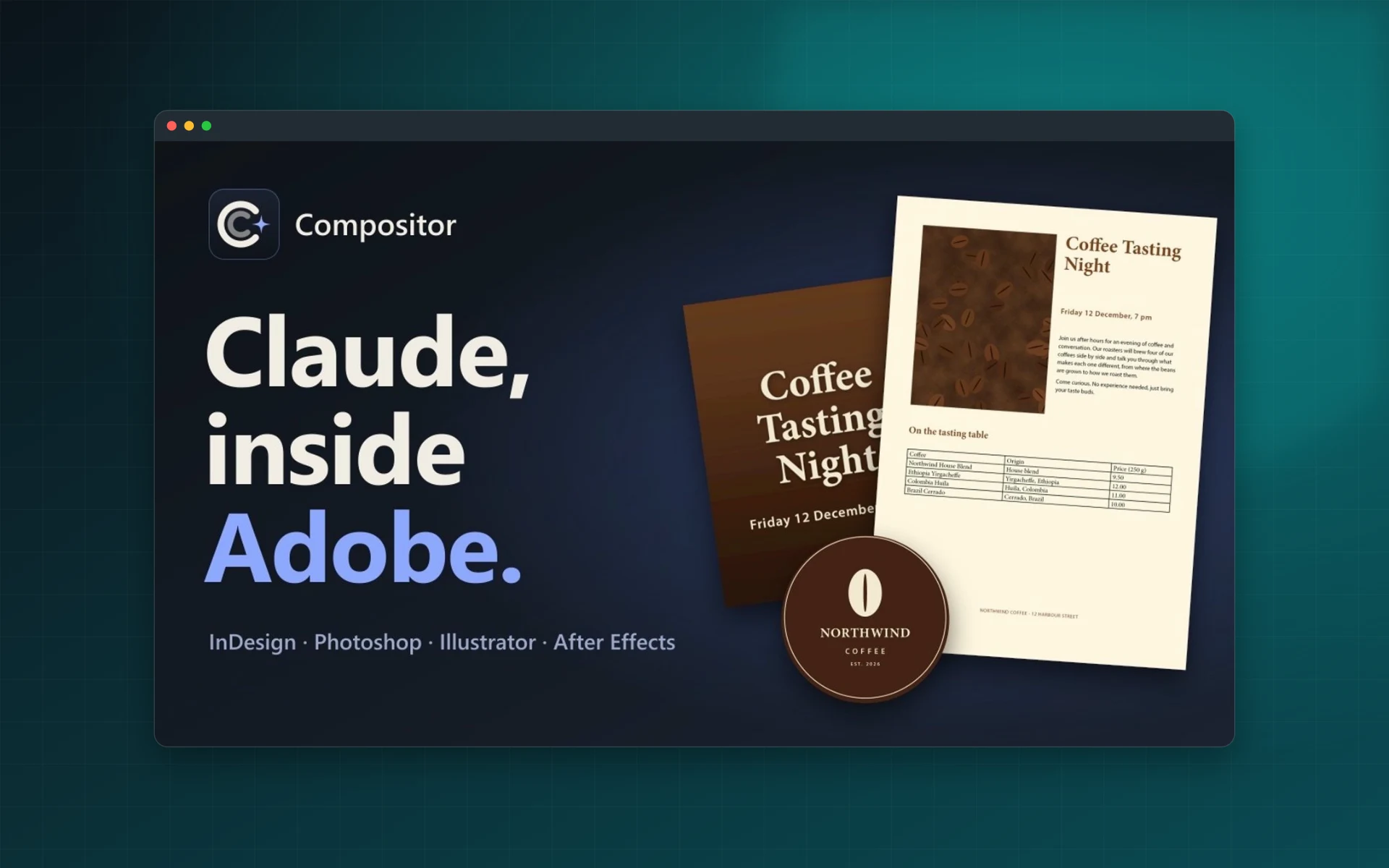
A café brand from one brief: Claude reviews and fixes an InDesign menu, builds a page and exports a print PDF, designs a logo in Illustrator, makes a social post in Photoshop and an animated title in After Effects.
 Plays from YouTube (privacy-enhanced mode)
Frequently asked questions
What is Compositor?
Compositor is an Adobe extension that connects Claude or ChatGPT to Adobe InDesign, Photoshop, Illustrator and After Effects. You ask in plain language and the AI reads and edits your open document through 78 tools: 32 for InDesign, 15 each for Photoshop, Illustrator and After Effects, and one that lists the connected apps.
Which AI apps work with Compositor?
Claude Desktop and the ChatGPT desktop app, which we have tested in real use. The connector is a standard MCP server, so Cursor, VS Code and other apps that can start a local MCP server can use it too. Web versions of Claude, ChatGPT and Gemini can't: they only reach servers on the internet.
Does my document go to a Lingway server?
No. Compositor runs on your computer. The connector talks only to the panel in your Adobe apps, on 127.0.0.1. What the AI reads from your document goes to your AI provider (Anthropic or OpenAI) as part of your conversation, as with anything you type there.
Can the AI break my document?
The AI never sends code. It calls a fixed set of tested tools, each change is one undo step, and a step that fails is rolled back. Deleting or replacing waits for your approval by default, and Pause stops everything at once.
Do I need an API key?
No. Compositor uses the Claude or ChatGPT account you already have. With ChatGPT, use Work mode on a paid plan: one request becomes many steps, and the free plan's allowance ran out after a few steps in our test.
Why does Claude say the extension gets access to everything on my computer?
Claude Desktop shows that sentence for every extension installed from a file, whatever it does. Compositor's connector loads only Node's http module, listens on 127.0.0.1, opens no file and makes no internet request.
Which Adobe versions are supported?
Adobe InDesign, Photoshop, Illustrator and After Effects 2024 and later. One installation adds the same panel to all four apps.
Can the AI place my images?
Yes, by the file's full path, in Adobe InDesign. It cannot look inside an image file, but it can look at a picture of the page to check the result.
Guides and tutorials
More from Lingway

ReplacePro for Adobe Illustrator
Batch replace text, images, colors and fonts across folders of .ai files.
View Product
ReplacePro for Adobe InDesign
Batch replace text, links, colors and fonts across many INDD files.
View Product
Markup Automator for Adobe Photoshop
Batch replace smart objects in mockups and export every version.
View Product