A clear process, whether you install a plugin or commission a product
Every project follows the same four steps. They keep the scope honest, show you progress early and avoid surprises at the end.
Talk to our team
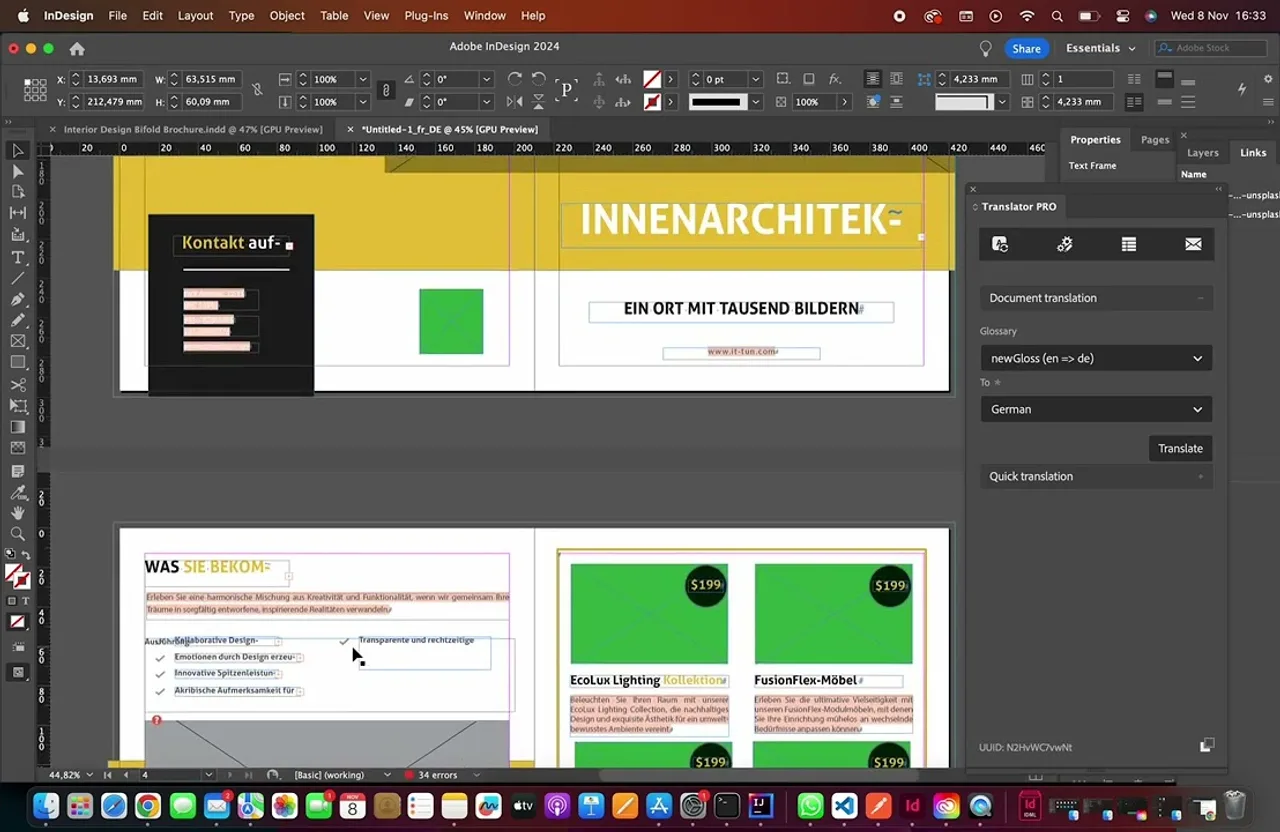
Translator PRO, our best-rated plugin
Translator PRO translates Adobe InDesign documents with DeepL and keeps the layout intact. It was built with the process described on this page and is rated 4.7 out of 5 on Adobe Exchange.
1. Discover
We start with your goal and how the work is done today. We ask who will use the software, where the time is lost and what a good result looks like. You get a short written summary of what we understood.
2. Design
We propose a solution with a defined scope, timeline and estimate. For anything uncertain we build a quick prototype first, so decisions are made on something you can see.
3. Build
We develop in short iterations. You see working software regularly, give feedback and adjust priorities while it is still cheap to change.
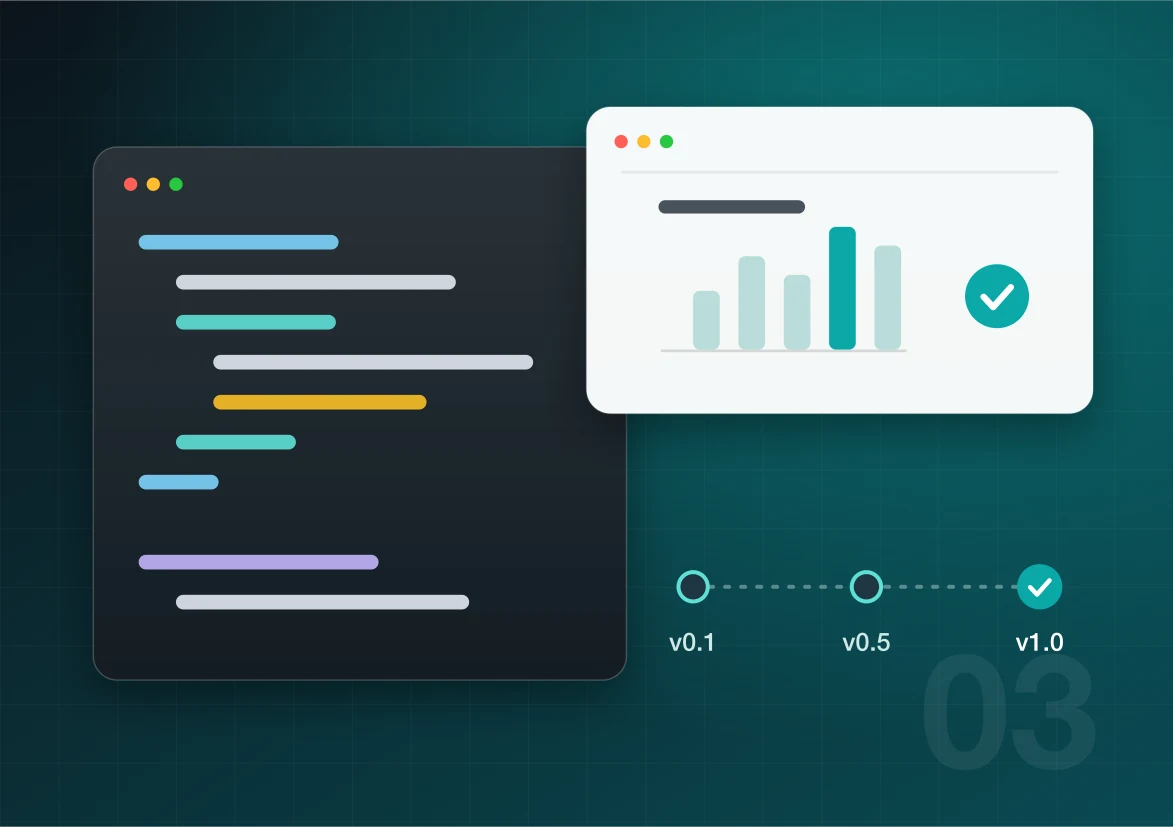
4. Launch and support
We deploy the software or publish it to the relevant store or marketplace, document it and stay available for fixes, updates and new features.
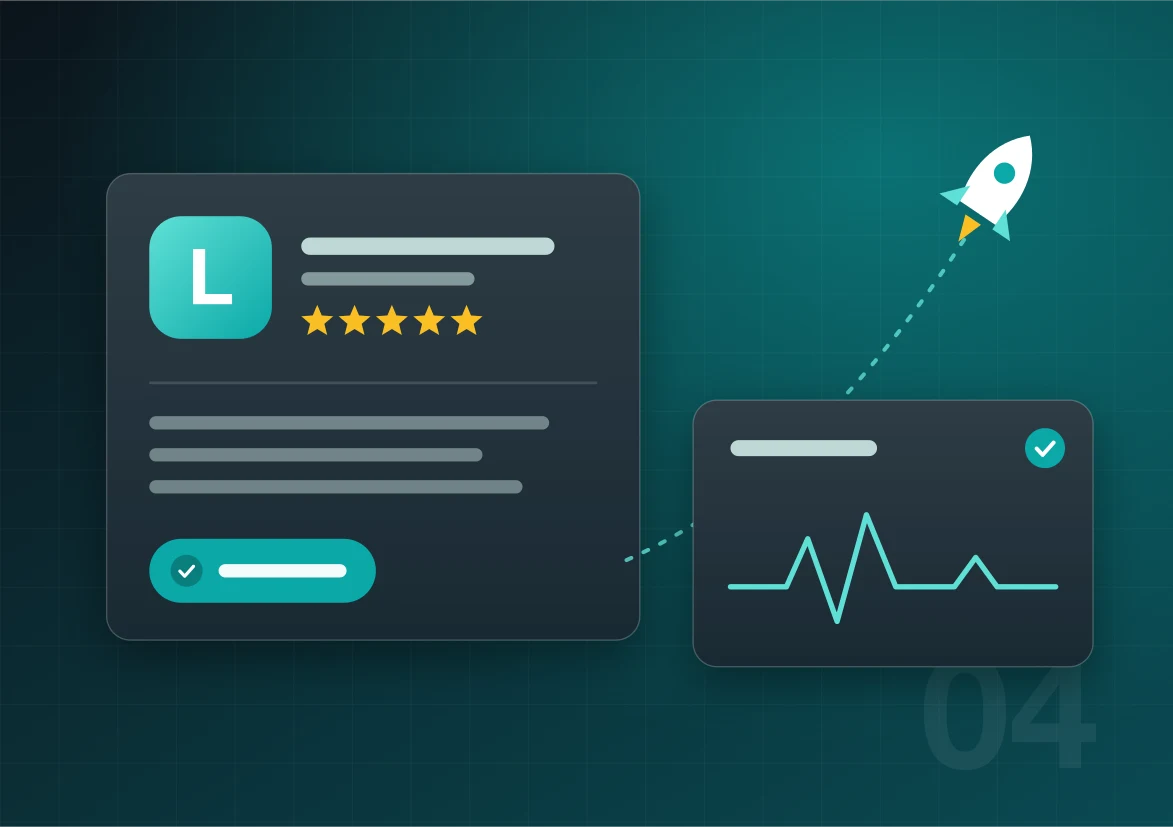
Rated 4.7 out of 5 on Adobe Exchange
Translator PRO for Adobe InDesign: 51 ratings, 47 of them five stars.
Official DeepL technology partner
What reviewers highlight
- Layout and formatting stay intact after translation
- Much shorter turnaround on complex multilingual documents
- Support answers quickly and knows the product
“A Must-Have for Complex Multilingual Projects”
Packaging Queraltó, review on Adobe Exchange
Rating as shown on Adobe Exchange in October 2026.
Have a project in mind?
Tell us what you want to build or which task you want to get rid of. We will tell you honestly whether one of our products already does it or what a custom build would involve.