AI Translator Pro for Adobe InDesign
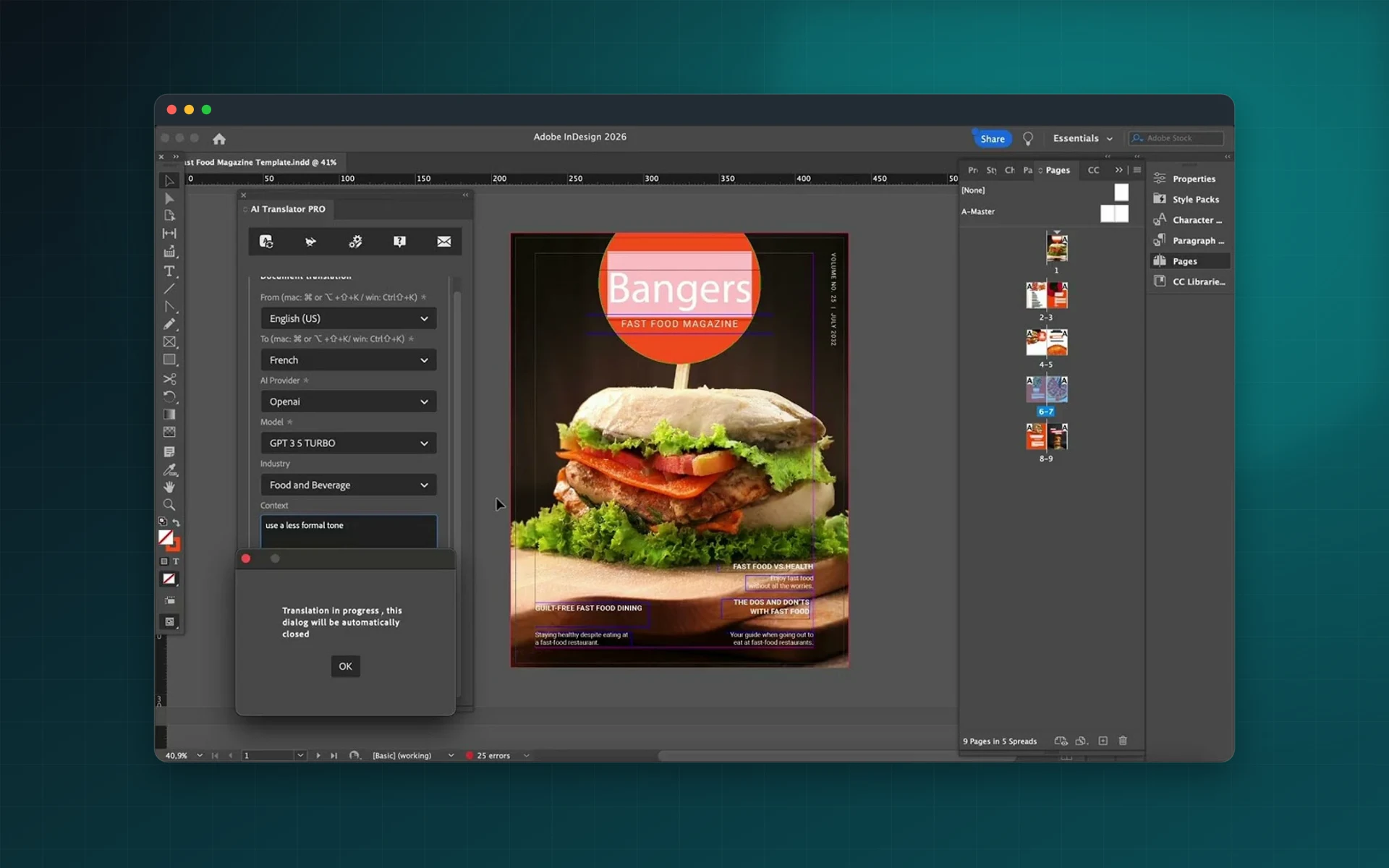
Translate InDesign documents with AI, inside InDesign. Choose your AI provider, add a glossary and context, and get the translation back in the same frames with styles, tables and layout intact.
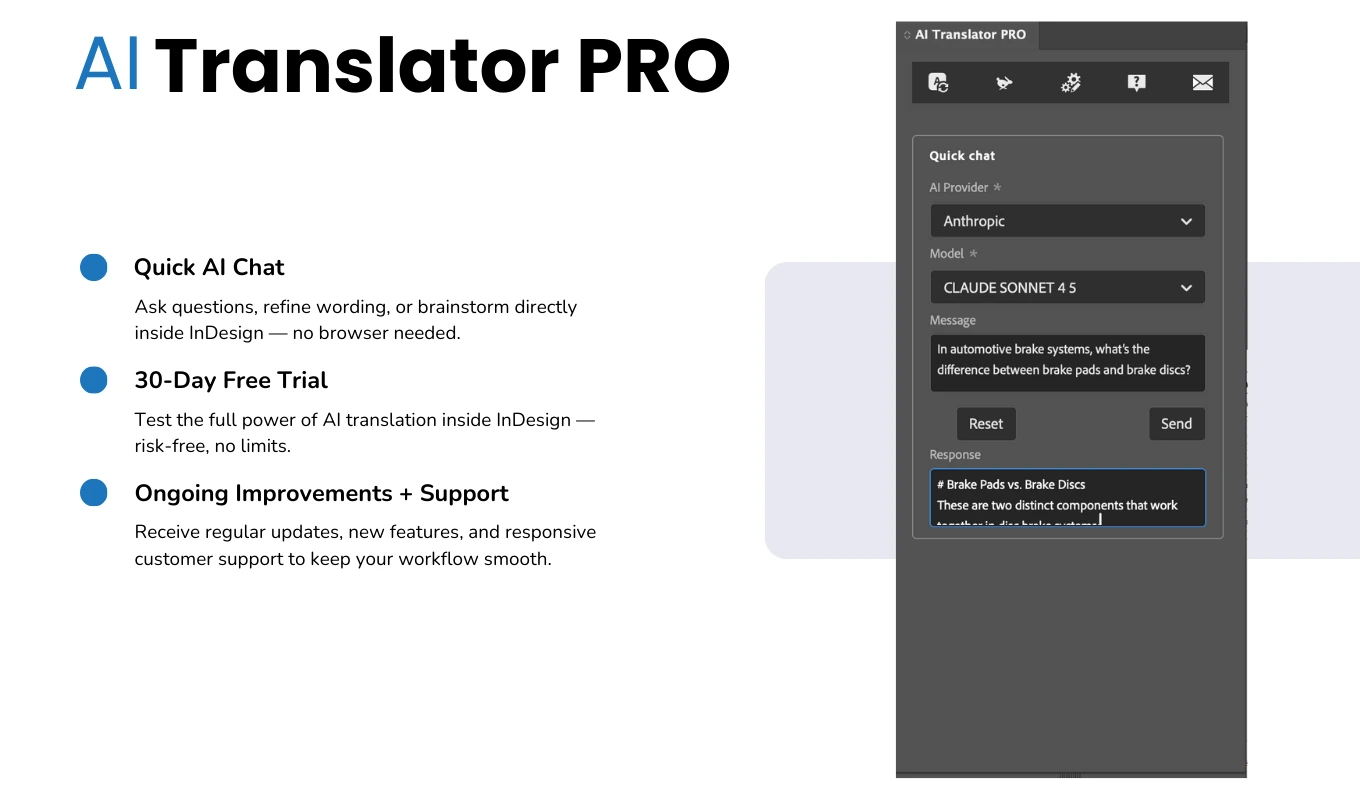
- Works with your own AI provider key (OpenAI, Gemini, Anthropic and more)
- Glossary, context and industry tone
- Styles, tables, numbering and hyperlinks preserved
- Full documents or selected frames
Why Use AI Translator Pro
Translating design files manually often requires exporting text, translating it separately, and re-inserting it into the layout. Translation plugins aim to streamline this process by allowing translation to happen directly inside the design environment. AI Translator Pro simplifies this workflow by integrating AI translation directly into Adobe InDesign.
Typical Workflow
Translate documents in a straightforward in-app workflow
- Open your InDesign document
- Select the text or document to translate
- Choose the target language
- Select the AI model you want to use
- Run the translation
- The plugin inserts translated content directly into the layout
Designed For
Built for multilingual publishing teams
- graphic designers
- marketing teams
- localization teams
- publishing houses
- agencies producing multilingual content
Requirements
What you need to run AI Translator Pro
- Adobe InDesign
- Internet connection
- API key for supported AI providers (BYOK)
Translate Adobe InDesign Documents with AI
AI Translator Pro is a powerful translation plugin for Adobe InDesign that allows you to translate documents directly inside InDesign using modern AI models. Instead of exporting text, translating externally, and rebuilding layouts, the plugin translates content while preserving the structure of your document. It is designed for professional publishing workflows where formatting, layout, and typography must remain intact.
AI Translation Inside InDesign
Translate text directly within Adobe InDesign without exporting files or switching tools. The plugin inserts translated text back into your document automatically.
Support for Multiple AI Models
AI Translator Pro works with modern AI translation models. With BYOK (Bring Your Own Key), you can connect your own API keys and choose the AI provider that fits your needs.
This gives you flexibility to use different AI models depending on quality, language support, or pricing.
Preserve Layout and Formatting
The plugin maintains your document's structure while translating content.
Formatting elements preserved include:
- paragraph styles
- character styles
- tables
- numbering
- hyperlinks
- layout structure
This allows translated documents to stay visually consistent with the original design.
Translate Full Documents or Selected Content
You can translate:
- the entire document
- selected text frames
- specific sections of the layout
This makes it easy to translate large documents or work progressively on multilingual versions.
Professional Publishing Workflow
AI Translator Pro is designed for workflows where design and translation need to work together.
It is suitable for translating:
- product catalogs
- brochures
- magazines
- manuals
- marketing materials
- multilingual documentation
See AI Translator PRO in action
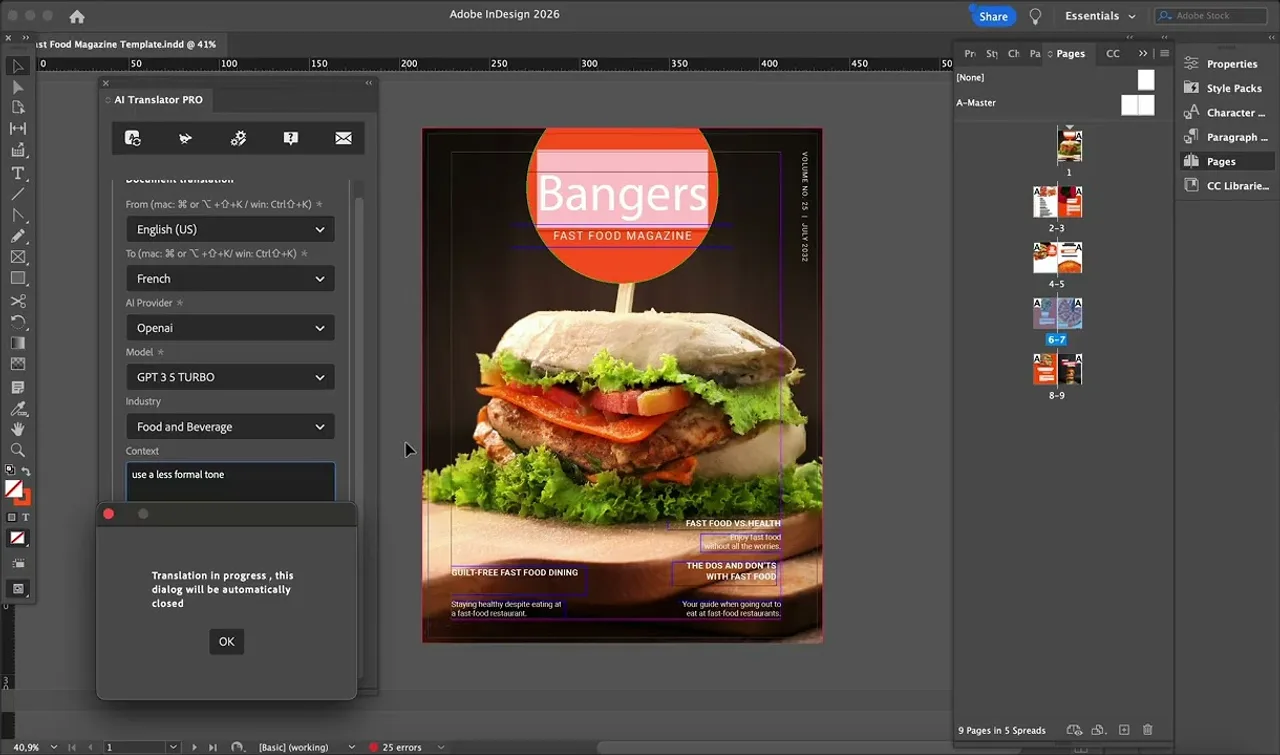
A complete InDesign document translated with AI, with glossary and context, and no formatting loss.
Frequently asked questions
Which AI providers does it support?
AI Translator PRO works with several AI providers, including OpenAI, Google Gemini and Anthropic. You connect your own API key and choose the model.
Do I need my own API key?
Yes. The plugin uses a bring-your-own-key model, so you pay your AI provider directly for what you translate.
What formatting is preserved?
Paragraph styles, character styles, tables, numbering, hyperlinks and the layout structure of the document.
Can I translate only part of a document?
Yes. You can translate the entire document, selected text frames or specific sections.
How is it different from Translator PRO?
Translator PRO uses DeepL. AI Translator PRO uses AI language models, which lets you give context, an industry and a tone for the translation.
Download AI Translator Pro and start translating InDesign documents with AI
AI Translator Pro is available on Adobe Exchange.