Translator PRO for Adobe InDesign
The DeepL translation plugin for Adobe InDesign. Translate complete documents in place and keep paragraph styles, character formatting and layout exactly as designed. No export, no copy and paste.
- 4.7 / 5 from 51 ratings on Adobe Exchange
- Official DeepL technology partner
- For InDesign 18.5 and later
- Works with DeepL API Free and Pro
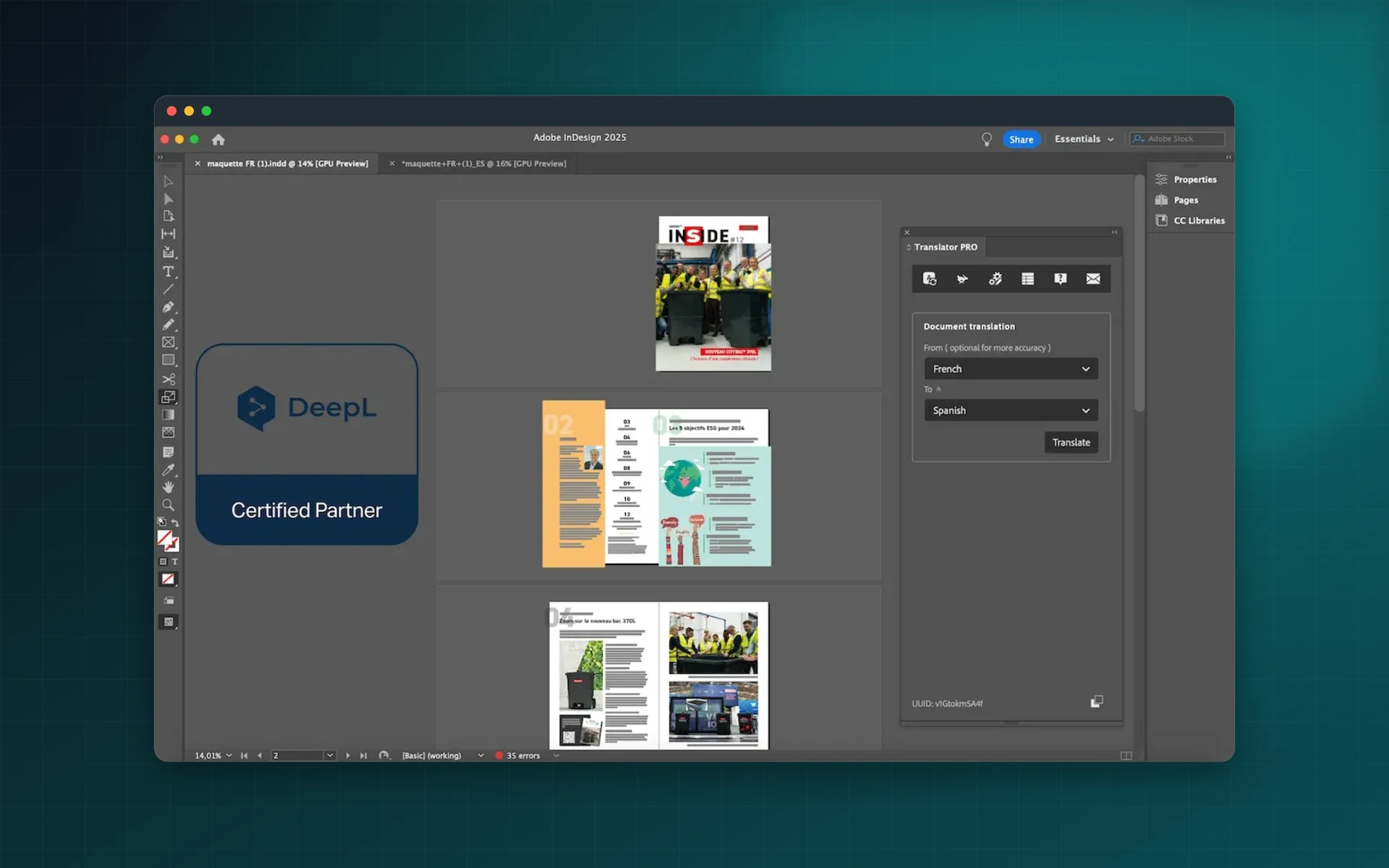
Everything you need to publish in several languages
Translator PRO brings DeepL into Adobe InDesign, so translation happens in the layout instead of around it.
Translate in place
Translate complete InDesign documents without exporting, copying or pasting. The translated text lands in the frames it came from.
Layout preserved
The original layout, paragraph and character styles and formatting are kept, so the translated document is ready for review.
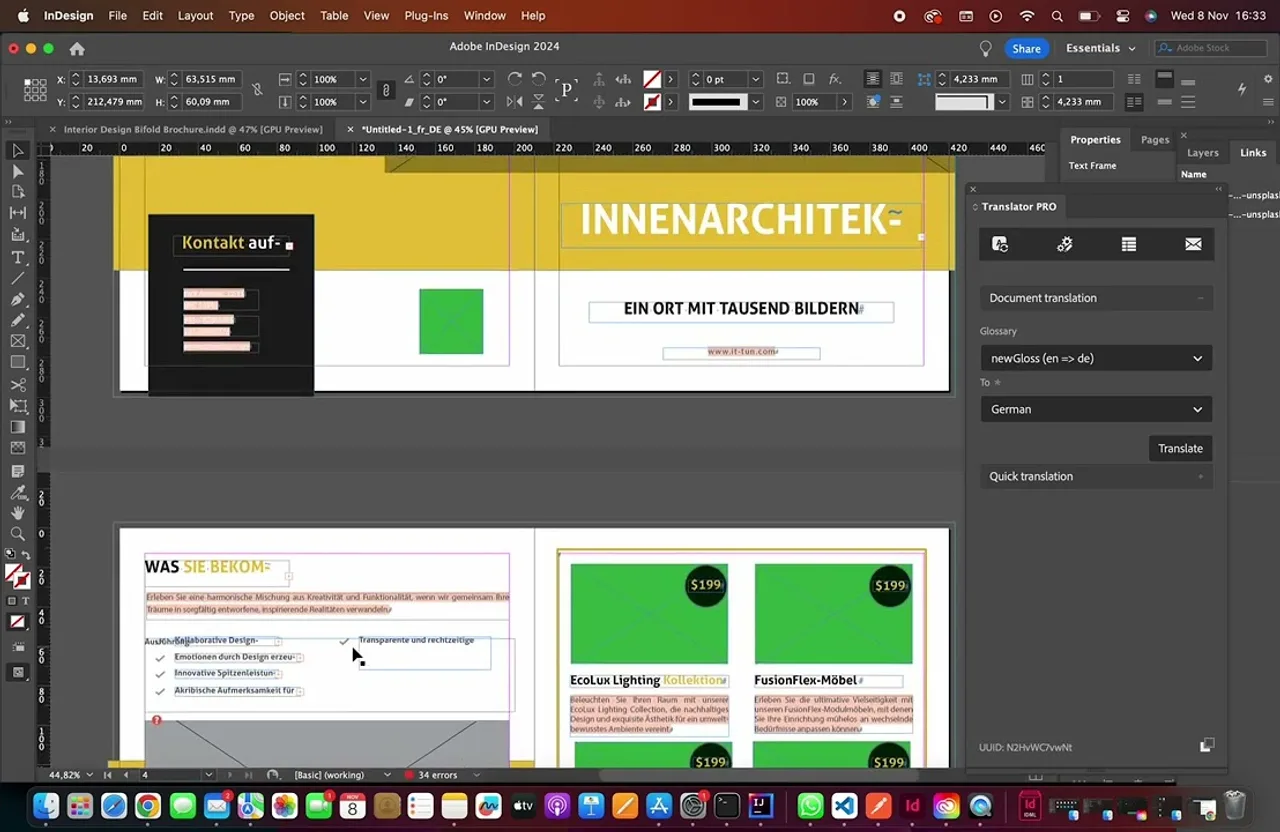
Custom glossaries
Fix how product names, technical terms and brand vocabulary are translated and apply them to every document.
Formality control
Choose a formal or informal tone to match your audience in the languages where DeepL supports it.
Context for better terminology
Describe the subject of the document to steer translations towards the vocabulary of your industry.
Privacy first
Translations run through our secure backend and translated documents are deleted within 24 hours.
Multilingual Document Translation
In Minutes, Not Hours
Translator Pro is the essential InDesign plugin for publishers, designers, and agencies managing multilingual content. Powered by DeepL API integration, this Adobe Exchange plugin delivers professional-grade translation directly within your InDesign workspace, saving hours of manual translation work.
Rapid InDesign Document Translation
Transform complete InDesign documents in minutes with a streamlined translation workflow. Select target languages from DeepL's comprehensive language library and process entire documents with a single click - no copy-pasting or export-import cycles required.
Automatic Format & Layout Preservation
Maintain perfect document integrity during translation. Translator Pro preserves structure, paragraph styles, character formatting, text frames, and design elements so translated documents are ready for review and publication.
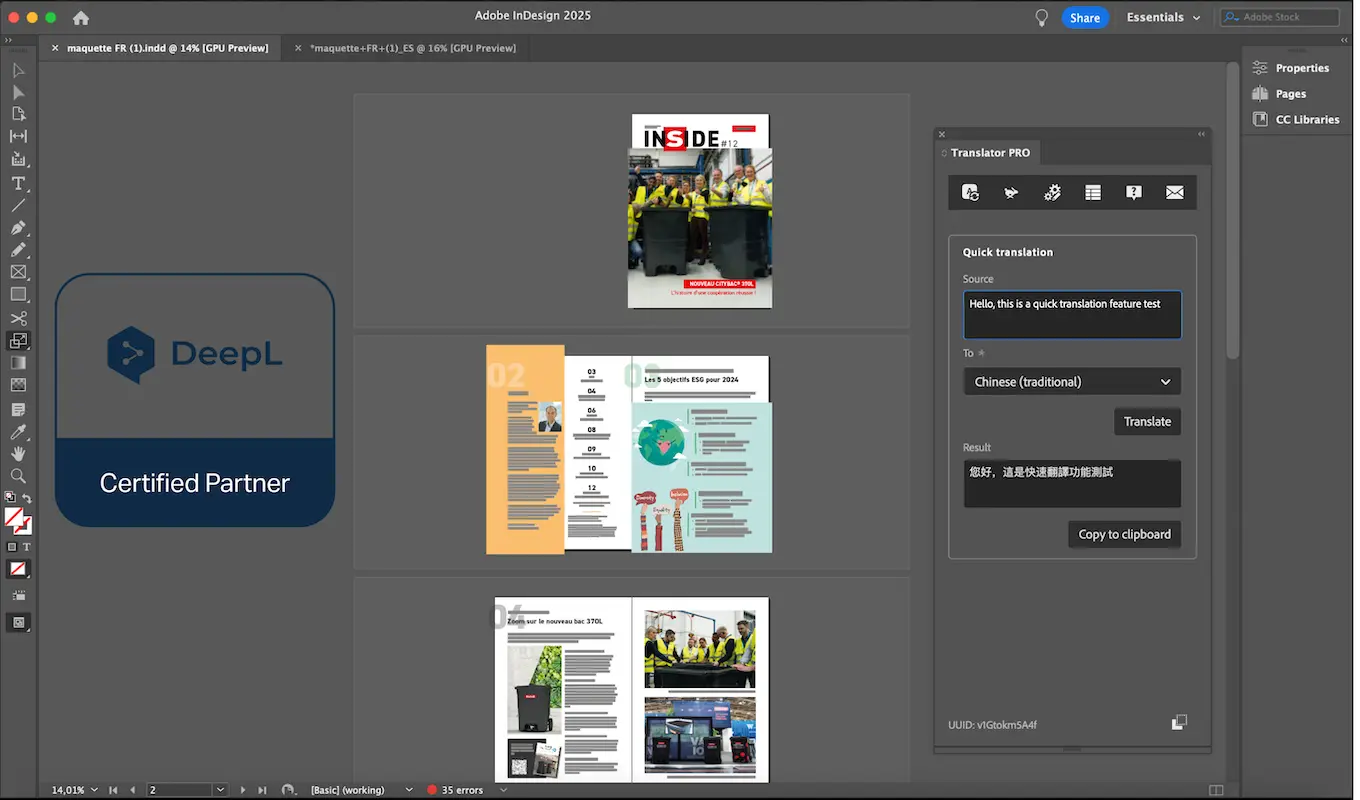
Professional Glossary Management
Ensure translation consistency across every project with custom glossaries. Create and apply brand-specific terminology for accurate translation of product names, technical terms, and corporate vocabulary.
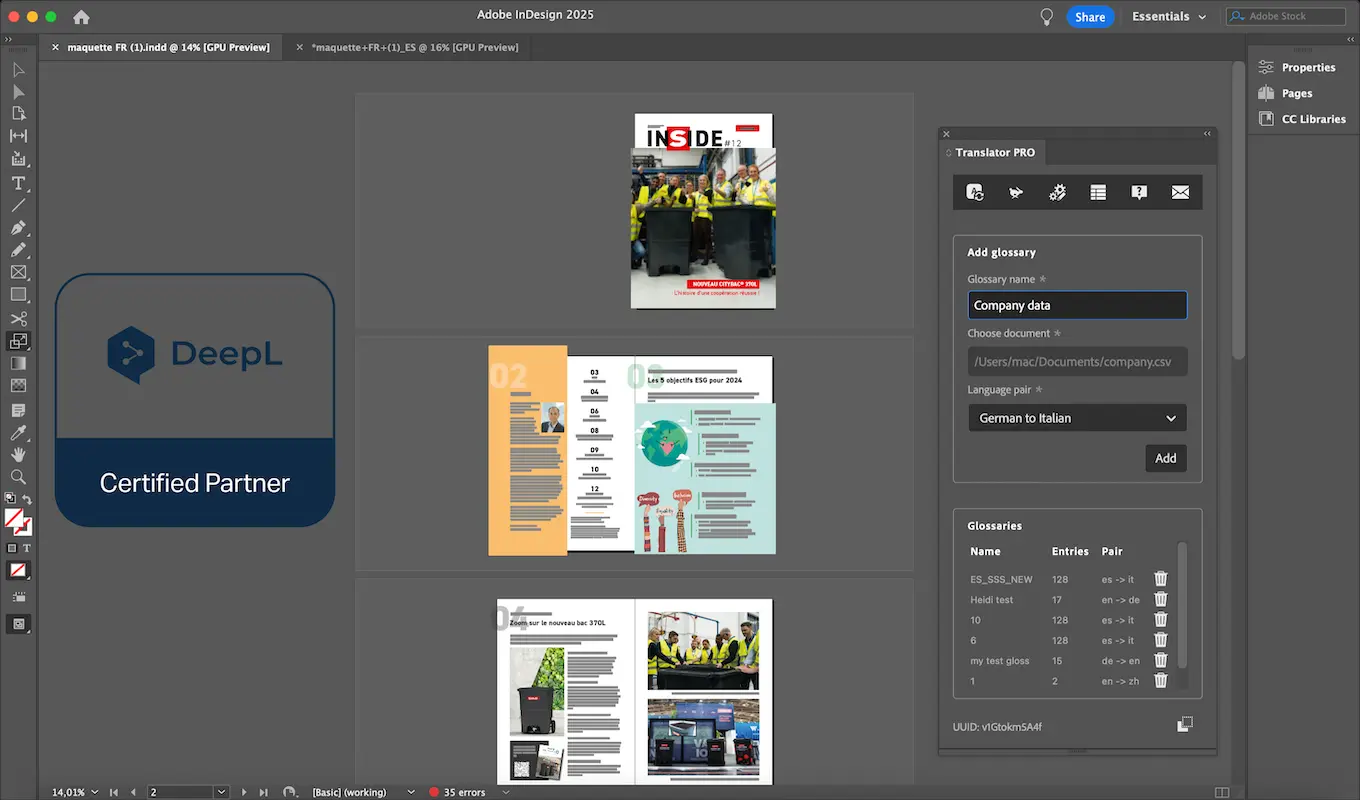
Full DeepL Language Coverage
Access DeepL's full language portfolio directly from InDesign. Translate documents into English, German, French, Spanish, Italian, Dutch, Polish, Portuguese, Russian, Japanese, Chinese, and more with confidence.
Watch Translator Pro Transform Your InDesign Workflow
See how publishing teams use Translator Pro to translate complete InDesign documents in minutes. Explore seamless DeepL API integration, automatic format preservation, and glossary support for consistent terminology across multilingual projects.
Rated 4.7 out of 5 on Adobe Exchange
Translator PRO for Adobe InDesign: 51 ratings, 47 of them five stars.
Official DeepL technology partner
What reviewers highlight
- Layout and formatting stay intact after translation
- Much shorter turnaround on complex multilingual documents
- Support answers quickly and knows the product
“A Must-Have for Complex Multilingual Projects”
Packaging Queraltó, review on Adobe Exchange
Rating as shown on Adobe Exchange in October 2026.
Frequently asked questions
Do I need a DeepL account?
Yes. Translator PRO connects to the DeepL API with your own key. It works with DeepL API Free, which includes 500,000 characters per month, and with DeepL API Pro.
Does the translation keep my formatting?
Yes. Translator PRO keeps the original layout, styles and formatting of the InDesign document.
Which languages can I translate?
Every language offered by the DeepL API, for both source and target.
Which InDesign versions are supported?
Adobe InDesign 18.5.0 or later.
Can I control terminology and tone?
Yes. Custom glossaries keep terms consistent, formality control sets the tone, and a context field guides the translation towards your sector's vocabulary.
How is the plugin licensed?
Translator PRO is sold on Adobe Exchange and licensed per individual Adobe account. It is not compatible with Adobe Team Management.
What happens to my documents?
Translations are processed through our secure backend servers, and translated documents are deleted within 24 hours.
Accelerate Your Multilingual Publishing Workflow Today
Download Translator Pro from Adobe Exchange and start translating InDesign documents effortlessly. Requires a DeepL API key (free tier available). Join hundreds of designers and publishers who have transformed hours of translation work into minutes.