 Adobe InDesign
Translator PRO Batch Edition for Adobe InDesign
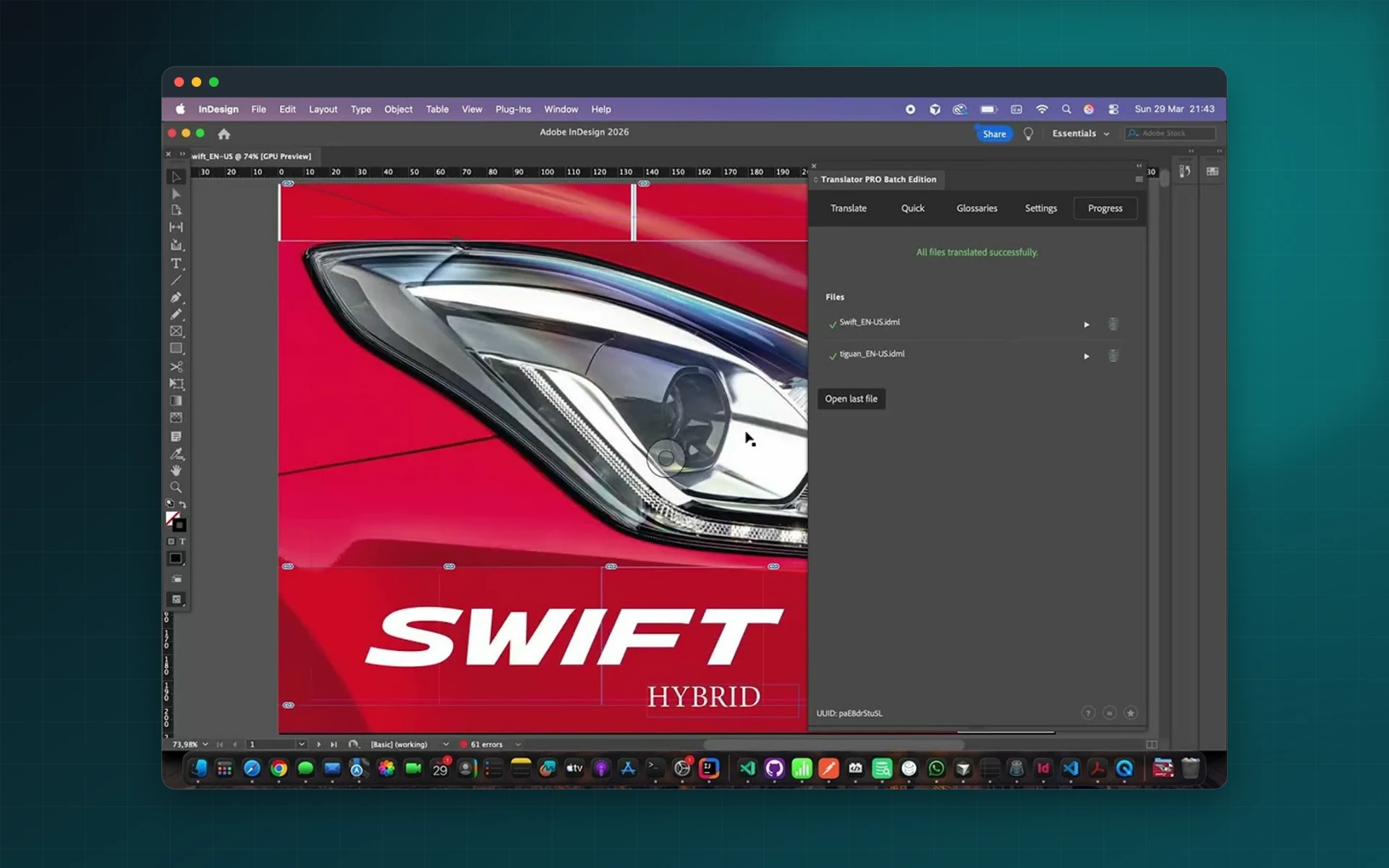
Translate whole projects, not single documents. Batch Edition translates multiple INDD, IDML and ICML files in one session with DeepL, tracks every file in a progress view and keeps styles and layout intact.
- Multiple .indd, .idml and .icml files in one session
- Works with DeepL API Free and Pro (your own key)
- Glossaries from CSV and formality control
- For InDesign 21.2 and later
Installs from Adobe Exchange · opens in a new tab
- Works in
- Adobe InDesign
- InDesign 21.2 or later, DeepL API key
- Price
- $7
- per month
- Support
- From the developers
- Updates included
Built for production translation work
The same translation quality as Translator PRO, applied to a whole folder of files at once.
Batch translation
Queue several documents and translate them in one operation, without opening them one by one.
InCopy ICML workflow
ICML files are translated and overwritten in place, so InCopy workflows keep working.
DeepL with your own key
Connect your own DeepL API key, Free or Pro, and stay in control of usage and cost.
Formatting preserved
Paragraph styles, character styles and layout are maintained automatically.
Glossary management
Create DeepL glossaries from CSV files, add entries and manage language pairs from the plugin.
Private by design
Processing runs on servers in Germany. Files are deleted within 24 hours and API keys are not saved.
From install to result in a few clicks
- 1
Add your files
Select several INDD, IDML or ICML files for one session.
- 2
Set languages and glossary
Choose target languages, a glossary and formality.
- 3
Run the batch
Translate every file in one operation and follow the progress.
See it inside the app
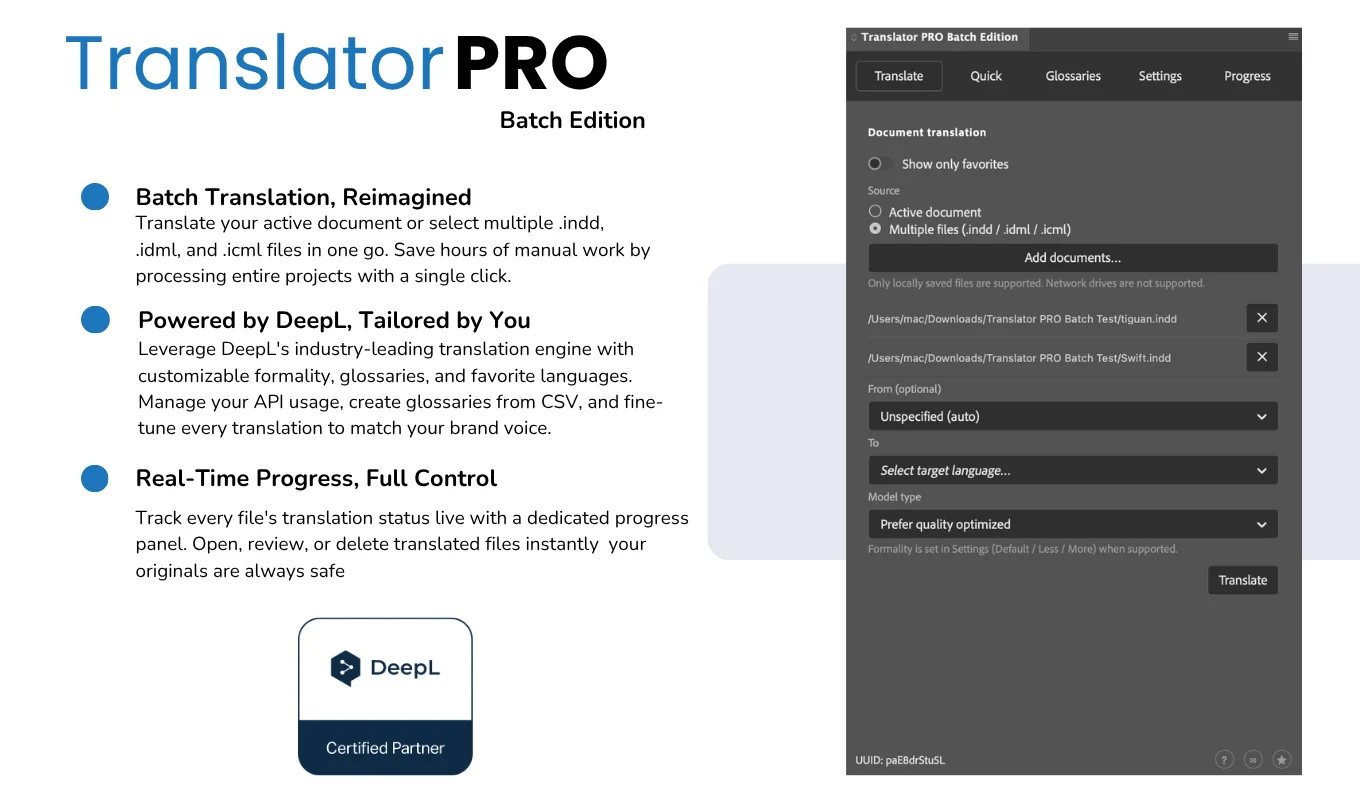
How a batch runs
Choose your files and languages, start the run and follow each file until it is done.
One run, many files
- Add the .indd, .idml or .icml files to translate.
- Choose source and target languages, glossary and formality.
- Start the batch. InDesign documents are exported to IDML automatically.
- Follow status, warnings and errors for every file in the Progress tab.
What you need
- Adobe InDesign 21.2.0 or later
- A DeepL API key, Free or Pro. It is not included with the plugin.
- The licence belongs to the Adobe account that buys it and cannot be transferred to another account.
Security and privacy
- Secure backend processing on servers located in Germany
- Files are deleted automatically within 24 hours
- API keys are used only for the request and are never stored
Built for production work
Design agencies
Multilingual clients with many documents per job.
Marketing teams
Scale campaigns to new markets quickly.
Publishers
Structured InCopy (ICML) editorial workflows.
Freelancers
Automate repetitive translation jobs.
See a batch translation run
Several InDesign documents translated with DeepL in one session, including ICML support.
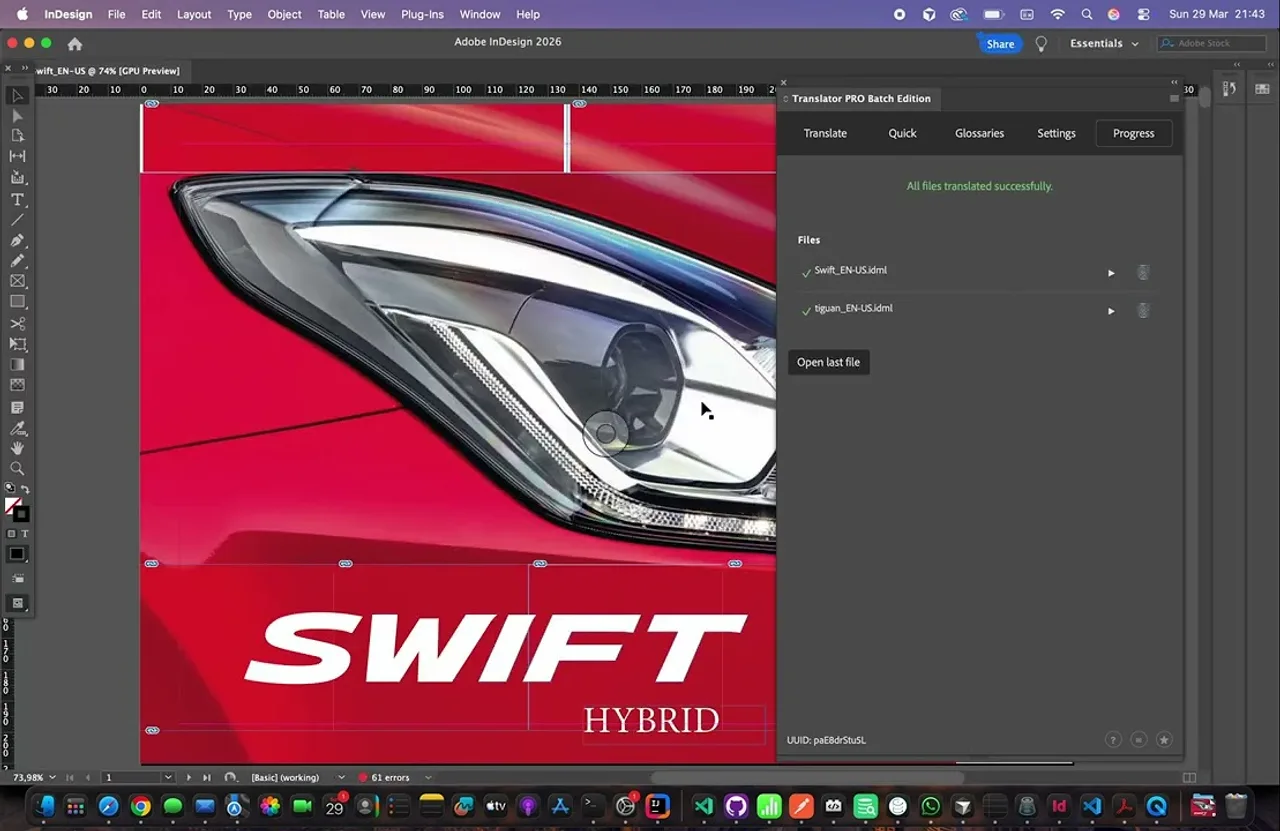 Plays from YouTube (privacy-enhanced mode)
Frequently asked questions
Which files can I translate in a batch?
InDesign documents (.indd), IDML files and InCopy ICML files, several at a time in one session.
Do I need a DeepL API key?
Yes. Batch Edition works with your own DeepL API key, Free or Pro. The key is not included.
Why is there a fee if I use my own key?
The plugin fee covers the infrastructure, ongoing updates, performance work and support.
What happens to my files?
They are processed on servers in Germany and deleted automatically within 24 hours. API keys are not saved.
How is it different from Translator PRO?
Translator PRO translates the document you have open. Batch Edition translates many files in one run and adds ICML support and glossary management.
Translate your next multilingual project in one run
Translator PRO Batch Edition is available on Adobe Exchange as a monthly subscription.
Need a feature it does not have yet?
We wrote this plugin, so we can extend it, connect it to your systems or build a private version for your team.
Talk to the developersHow we build Adobe pluginsGuides and tutorials
More from Lingway

Translator PRO for Adobe InDesign
Translate InDesign documents with DeepL and keep styles, formatting and layout intact.
View Product
AI Translator Pro for Adobe InDesign
Translate InDesign documents with modern AI models while preserving formatting, styles, tables, and layout structure.
View Product
Translator PRO Google for Adobe InDesign
Translate InDesign documents with Google Translate, using your own API key.
View Product