 Adobe InDesign
Next Barcode Suite for Adobe InDesign
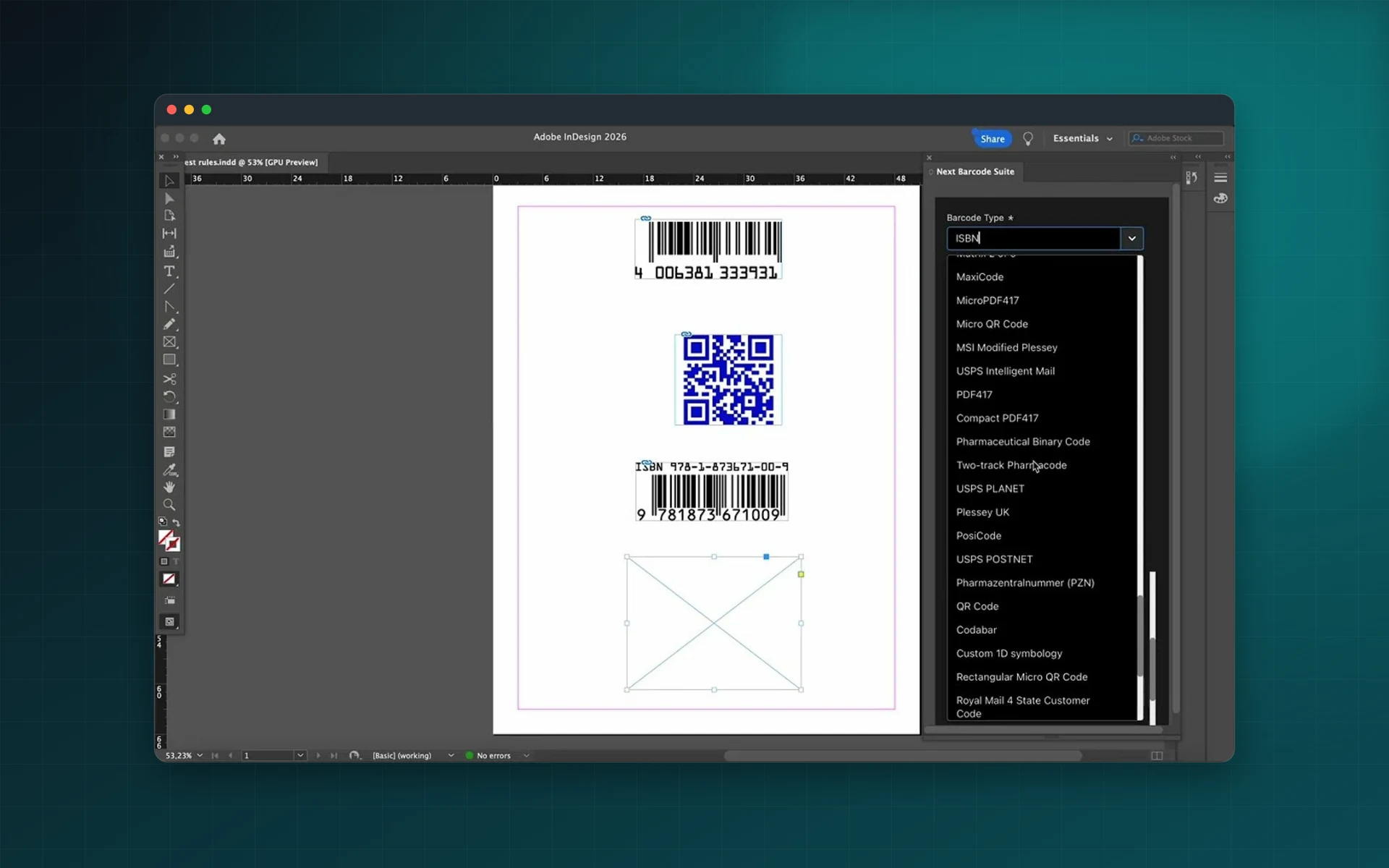
Put standards-compliant barcodes on book covers, packaging, labels and tickets without leaving InDesign. Choose a format, type your data, check the live preview and insert a print-ready vector barcode on the page.
- 159+ barcode and 2D code formats
- Vector output, sharp at any size
- Live preview and data validation
- One-time purchase, no subscription
Installs from Adobe Exchange · opens in a new tab
- Works in
- Adobe InDesign
- InDesign 20.0 or later
- Price
- $39
- one-time purchase
- Installs
- 110+ users
- Support
- From the developers
- Updates included
Every barcode your layout needs
No more online generators, exported EPS files or re-imports. Next Barcode Suite creates the barcode where it is used.
159+ formats
EAN-13, EAN-8, UPC-A, UPC-E, ISBN, ISSN, ISMN, GS1-128, GS1 DataBar, ITF-14, SSCC-18, Code 39, Code 128 and many more.
2D codes
QR Code, Micro QR, Data Matrix, PDF417, Aztec, MaxiCode, DotCode and Han Xin, with error correction levels.
Healthcare and postal
HIBC, Pharmacode, PZN, GS1 Digital Link, USPS Intelligent Mail, Royal Mail Mailmark, Australia Post and Deutsche Post.
Full styling
Bar, background and text colours, X/Y scaling, rotation, bar height, padding and quiet zones.
Human-readable text
Show or hide the text, pick the font and size, align it and set its offset and colour.
Live validation
Check digits and format rules are checked as you type, before anything reaches the page.
From install to result in a few clicks
- 1
Choose a format
Pick from 159+ symbologies, from EAN-13 to Data Matrix.
- 2
Enter your data
Type the value; it is validated and previewed as you go.
- 3
Insert on the page
Place a vector barcode in your InDesign document in one click.
See it inside the app
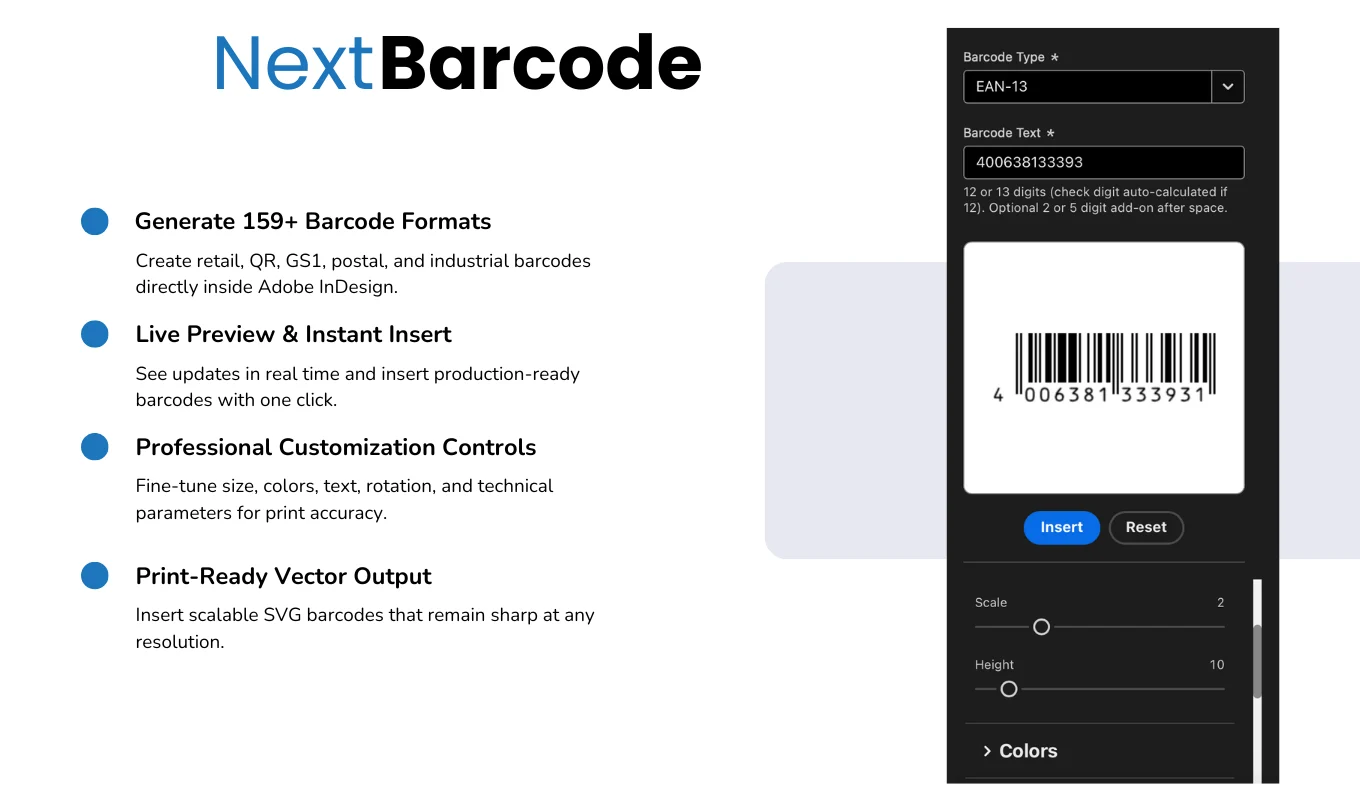
Built for production work
Publishers
ISBN, ISSN and ISMN barcodes for books, magazines and sheet music.
Packaging and retail
EAN and UPC codes on boxes, labels and shelf tags.
Logistics
GS1-128, ITF-14 and SSCC labels for cartons and pallets.
Events and marketing
QR codes for tickets, badges and printed campaigns.
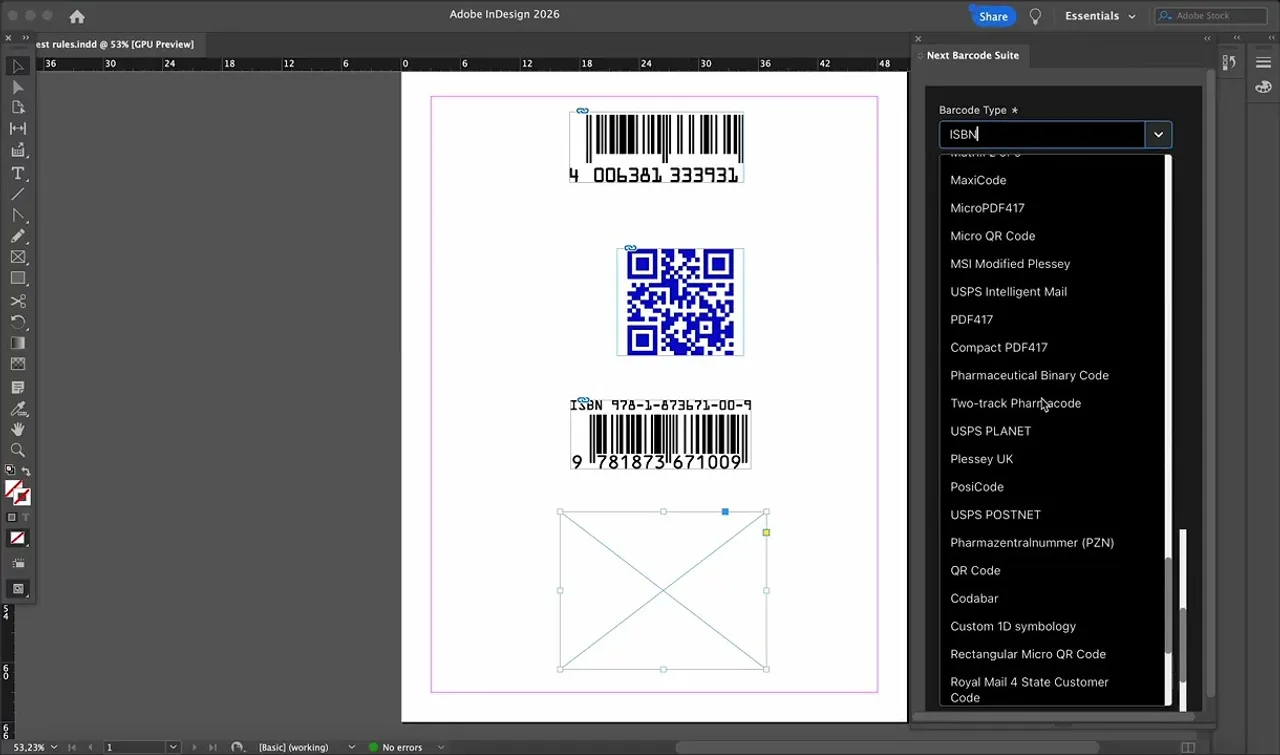
Watch Next Barcode Suite in InDesign
See barcodes and QR codes generated and placed on an InDesign page.
 Plays from YouTube (privacy-enhanced mode)
Frequently asked questions
Which barcode formats are supported?
More than 159, covering retail (EAN, UPC, ISBN), logistics (GS1-128, ITF-14, SSCC), 2D codes (QR, Data Matrix, PDF417, Aztec), healthcare, postal and industrial standards.
Are the barcodes vectors?
Yes. Barcodes are inserted as vector graphics, so they stay sharp at any size and are ready for commercial printing.
Is it a subscription?
No. Next Barcode Suite is a one-time purchase on Adobe Exchange.
Which InDesign versions are supported?
Adobe InDesign 20.0 or later.
I use Easy Barcode. Should I switch?
Yes. Easy Barcode is no longer updated. Next Barcode Suite replaces it with more formats and a new interface.
Can I create hundreds of barcodes from a spreadsheet?
For bulk generation from CSV or Excel, use Next Barcode Suite Batch Edition for Illustrator.
Stop exporting barcodes from websites
Buy Next Barcode Suite once on Adobe Exchange and create every barcode inside InDesign.
Need a feature it does not have yet?
We wrote this plugin, so we can extend it, connect it to your systems or build a private version for your team.
Talk to the developersMore from Lingway

Next Barcode Suite for Illustrator
Generate barcodes and QR codes in 159+ formats directly inside Adobe Illustrator, as vector artwork.
View Product
Next Barcode Suite for Adobe Photoshop
Generate 159+ barcode and QR code formats inside Photoshop.
View Product
Next Barcode Suite Batch Edition
Generate hundreds of barcodes in Illustrator from CSV or Excel files.
View Product