 Adobe Photoshop
Markup Automator for Adobe Photoshop
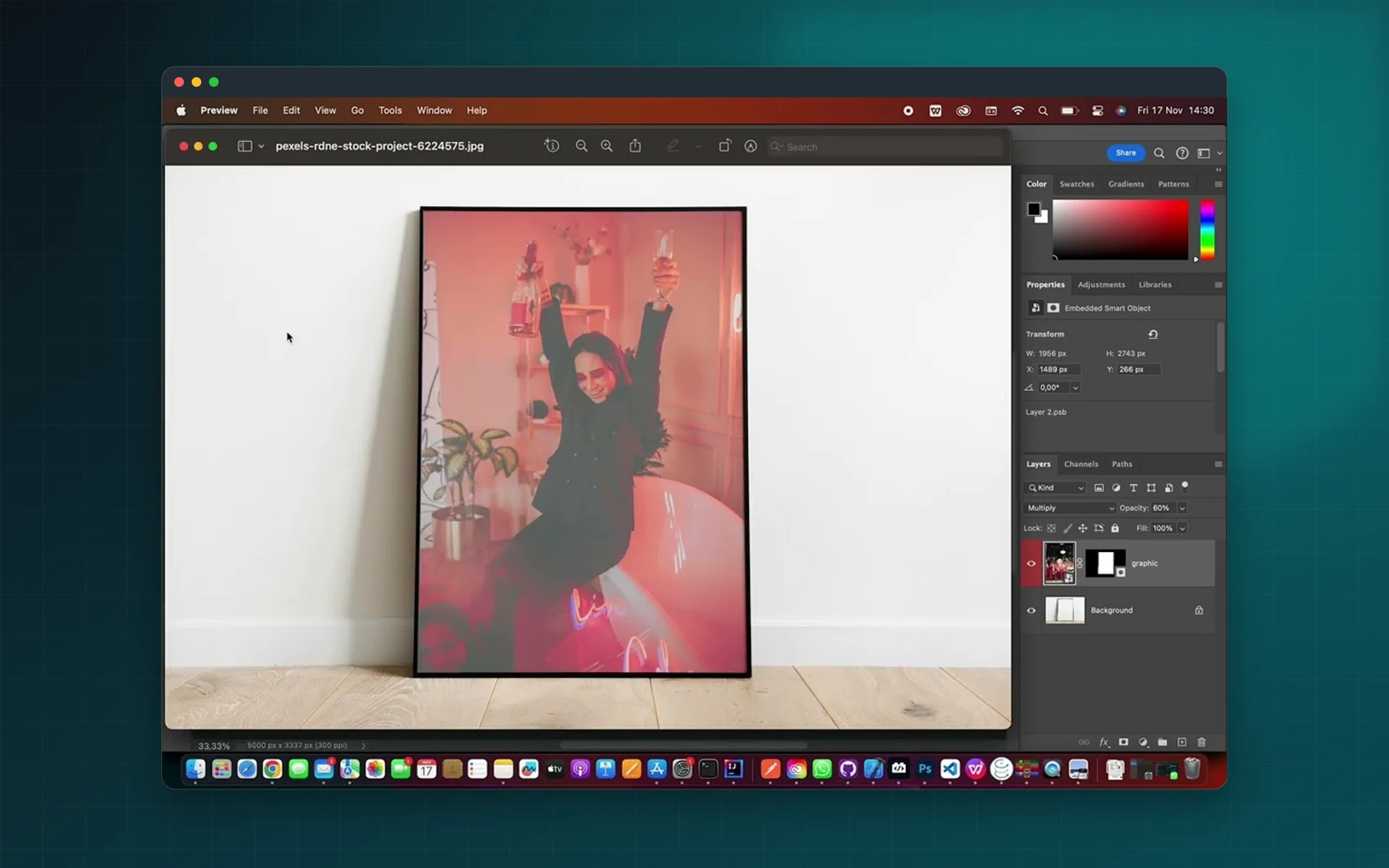
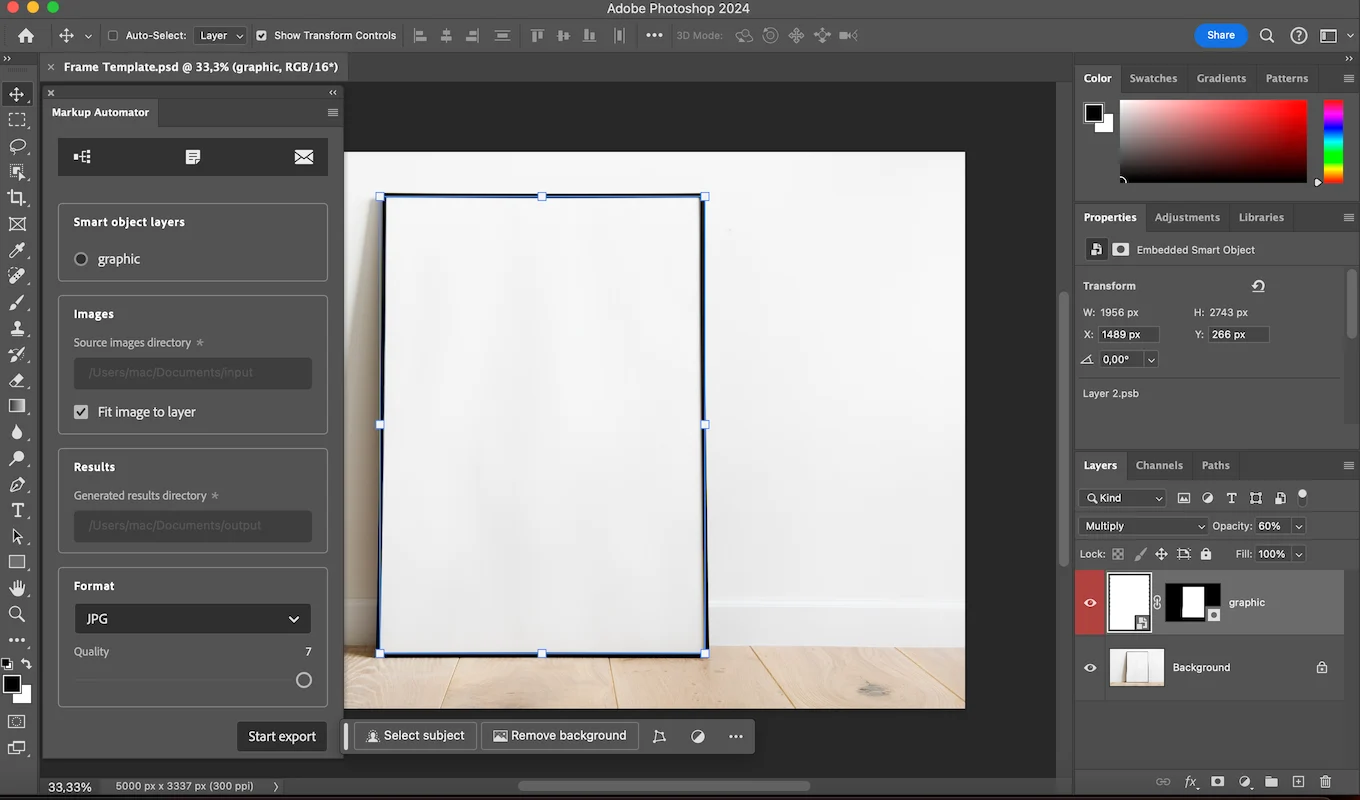
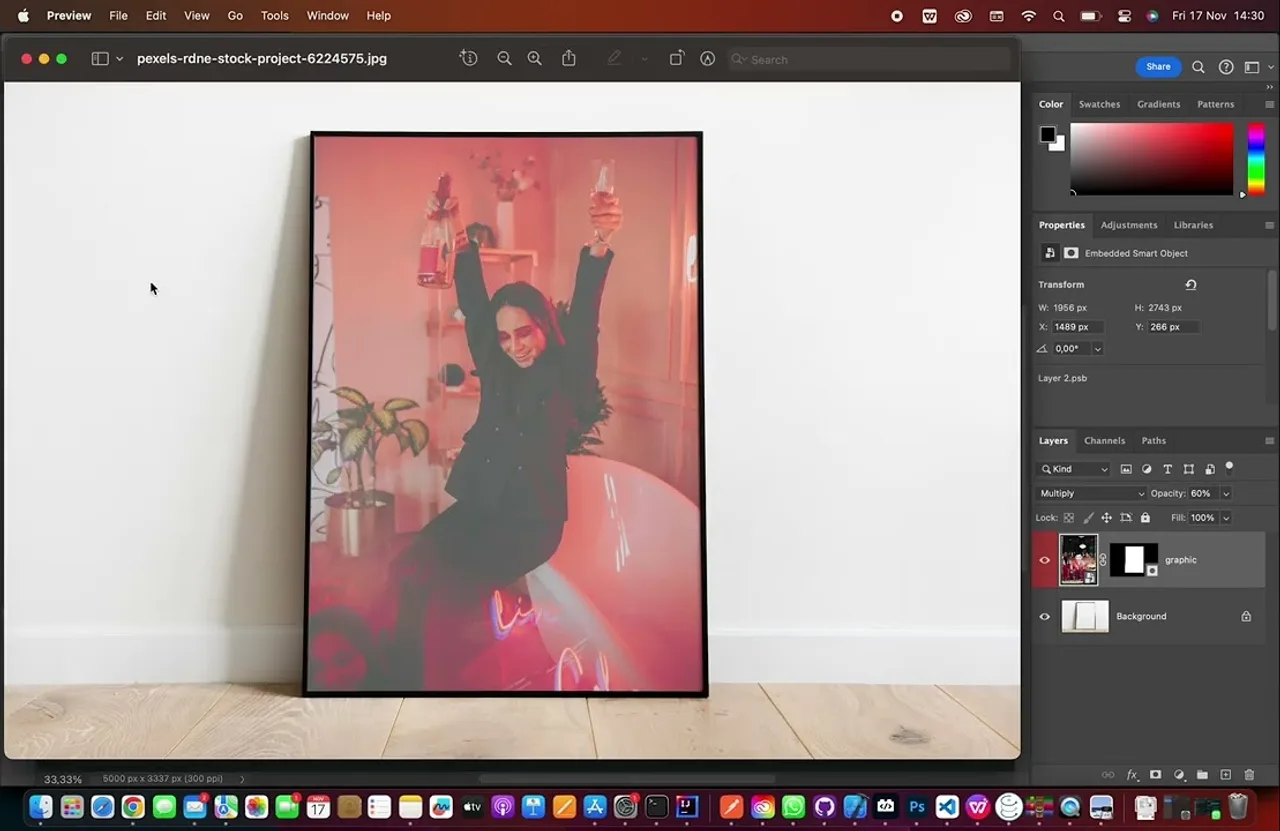
Drop a folder of designs into a mockup and get every finished image in one batch. Markup Automator replaces the smart object, fits each image to it and exports the result in the formats you need.
- Batch replace smart objects
- Images fitted to the smart object
- Export JPG, PNG, PSD and PDF
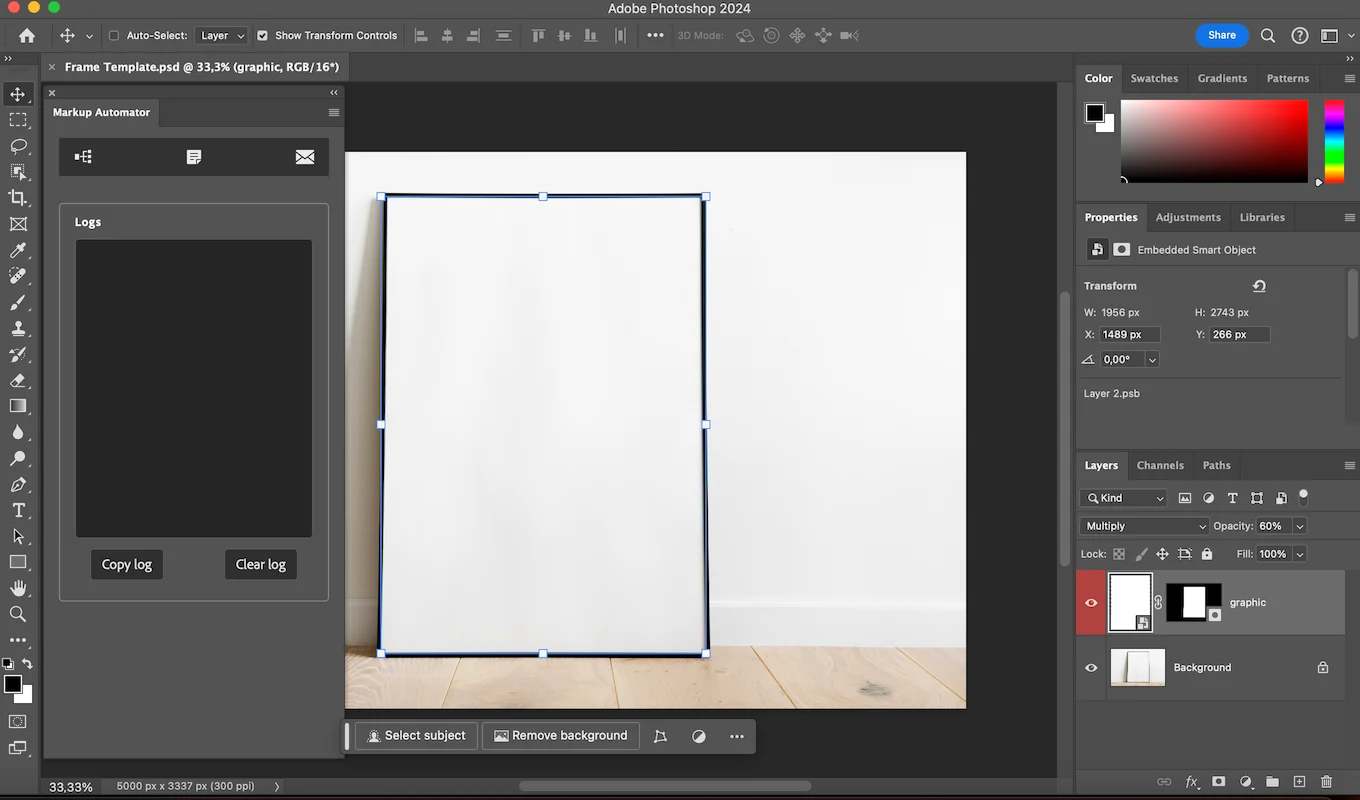
- Log panel to catch errors
Installs from Adobe Exchange · opens in a new tab
- Works in
- Adobe Photoshop
- Photoshop 23.0 or later
- Price
- $6
- per month
- Support
- From the developers
- Updates included
From one mockup to a hundred finished images
Stop opening the smart object, pasting, resizing and saving for every design.
Batch replacement
Run a whole folder of images through the smart object layer of your mockup.
Automatic fitting
Each image is transformed to the dimensions of the smart object, with no manual resizing.
Several formats
Export to JPG, PNG, PSD and PDF in the same run.
Reusable PSDs
PSD exports can be fed into another batch, for multi-step mockups.
Log panel
Any processing error is listed so you can fix it quickly.
One-click support
Contact us from the panel if something does not work as expected.
From install to result in a few clicks
- 1
Open your mockup
Use any PSD with a smart object layer.
- 2
Choose your images
Select the folder of designs and the export formats.
- 3
Run the batch
Markup Automator places, fits and exports every version.
See it inside the app
Built for production work
Print on demand
Generate product photos for every design in a collection.
Online shops
Create consistent listing images for posters, frames and packaging.
Designers
Present a whole series of concepts in a real context.
Marketing teams
Produce campaign visuals in several formats at once.
Watch Markup Automator in Photoshop
See a folder of designs placed into a mockup and exported automatically.
 Plays from YouTube (privacy-enhanced mode)
Frequently asked questions
Do I need a special mockup?
No. Any Photoshop document with a smart object layer works.
Which export formats are available?
JPG, PNG, PSD and PDF.
Does it resize my images?
Yes. Each image is transformed to fit the dimensions of the smart object layer.
Which Photoshop versions are supported?
Adobe Photoshop 23.0 or later.
Need a feature it does not have yet?
We wrote this plugin, so we can extend it, connect it to your systems or build a private version for your team.
Talk to the developersMore from Lingway

ReplacePro for Adobe Illustrator
Batch replace text, images, colors and fonts across folders of .ai files.
View Product
ReplacePro for Adobe InDesign
Batch replace text, links, colors and fonts across many INDD files.
View Product
Batch Export PRO for Premiere Pro
Export many sequences with many presets in one Premiere Pro batch.
View Product