 Adobe Photoshop
Nano Banana Studio for Adobe Photoshop
Use Google Gemini image generation (Nano Banana) without leaving Photoshop. Create images from a prompt, or edit a layer by describing the change: new style, replaced element, removed background.
- Text-to-image with Google Gemini
- Edit layers by describing the change
- Reference images and selections
- Usage and token panel
Installs from Adobe Exchange · opens in a new tab
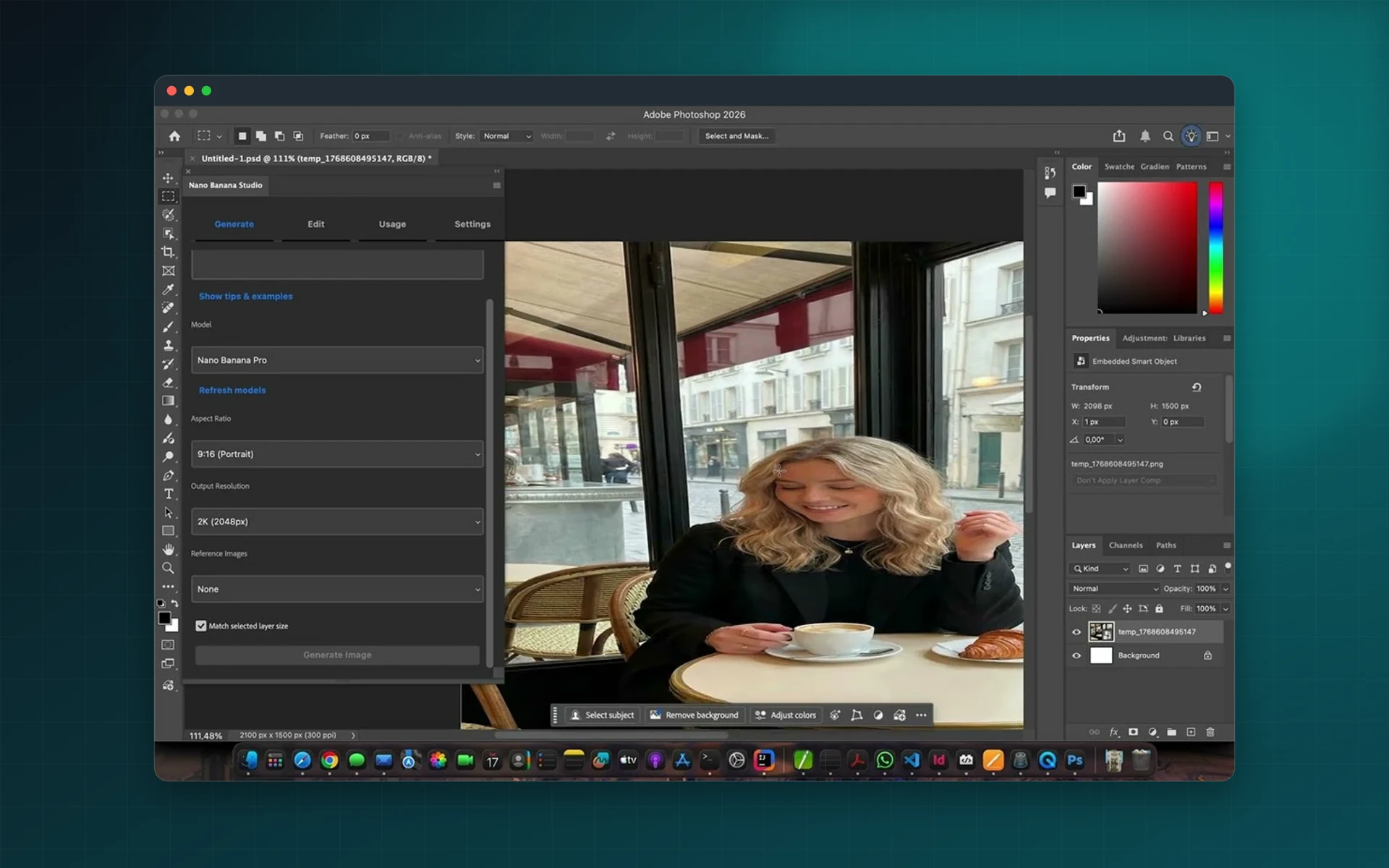
- Works in
- Adobe Photoshop
- Photoshop 23.3 or later, Google AI API key
- Price
- $7
- one-time purchase
- Support
- From the developers
- Updates included
Gemini where your images live
No more round trips between a browser tab and your PSD.
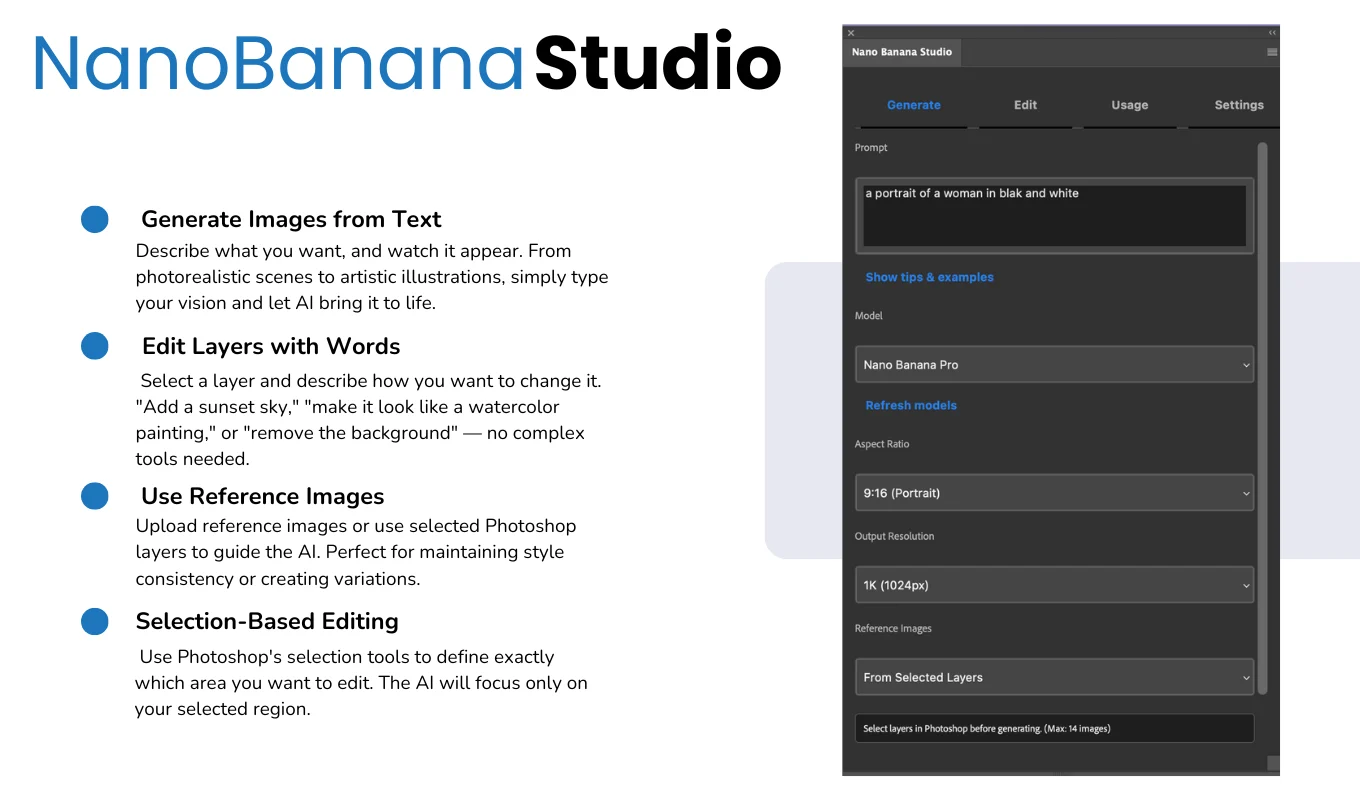
Generate from text
Describe an image and get it as a new layer in your document.
Edit with words
Change the style, replace an element or remove the background of an existing layer by describing it.
Reference images
Guide generation with reference images or selected layers to keep a consistent look.
Selection-based edits
Limit changes to an area drawn with Photoshop's own selection tools.
Aspect ratios and resolution
Choose from several aspect ratios and high-resolution output, depending on the model.
Prompt tips and usage
Built-in tips help you write prompts, and a usage panel shows activity and token consumption.
From install to result in a few clicks
- 1
Add your Google AI key
Create a key in Google AI Studio and paste it into the panel.
- 2
Prompt or select
Write a prompt, or select a layer or area to edit.
- 3
Generate
Get the result as a layer and keep refining it.
See it inside the app
Built for production work
Concept artists
Explore ideas quickly before refining them by hand.
Photo retouchers
Replace objects or backgrounds with a sentence.
Marketing teams
Produce visual variations for campaigns and tests.
E-commerce
Place products in new settings for listings.
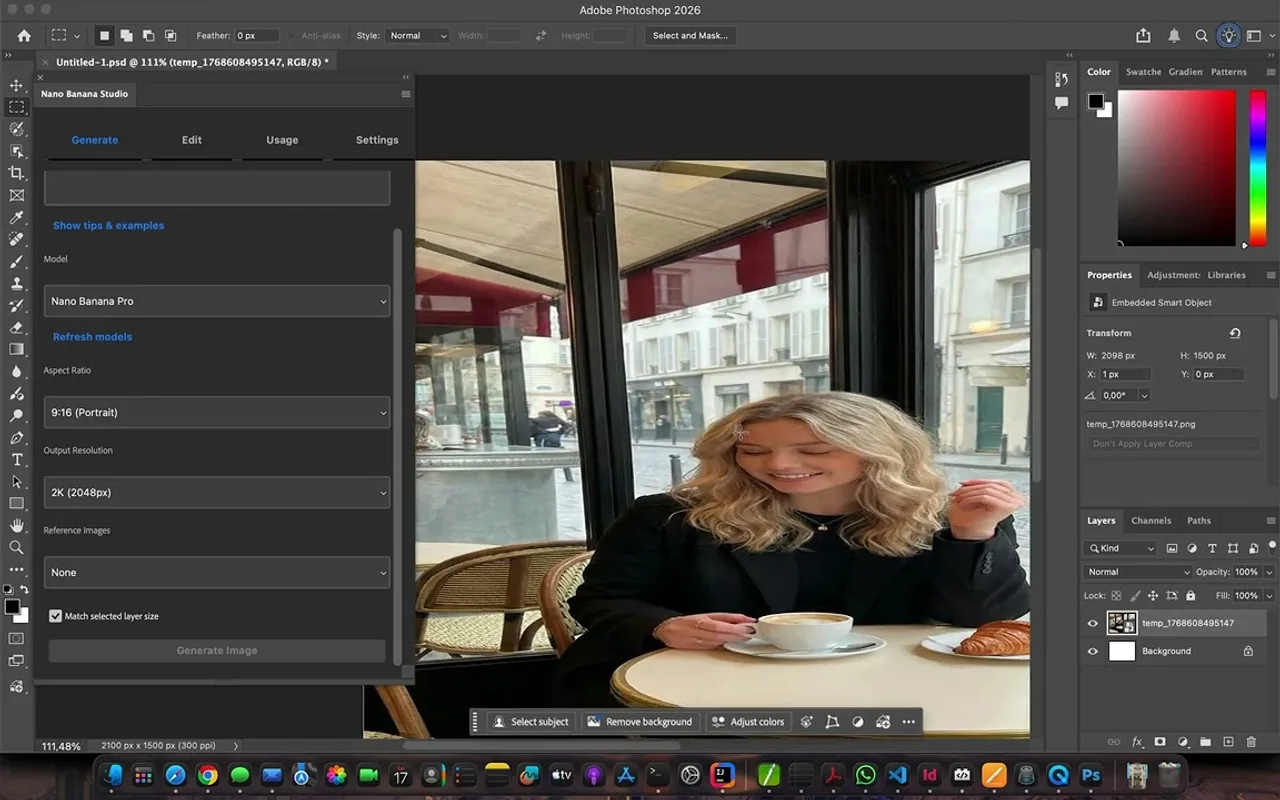
Watch Nano Banana Studio in Photoshop
See images generated and edited with Google Gemini inside Photoshop.
 Plays from YouTube (privacy-enhanced mode)
Frequently asked questions
Do I need a Google account?
Yes. A Google AI API key is required, and all API usage is billed to the associated Google account.
Which Photoshop versions are supported?
Adobe Photoshop 23.3 or later.
Are there limits on what it can generate?
Generated content follows the capabilities and limitations of the Gemini model you select.
Is the plugin a subscription?
No. The plugin is a one-time purchase on Adobe Exchange. Image generation is billed by Google.
Bring Gemini into your Photoshop workflow
Get Nano Banana Studio on Adobe Exchange and connect your Google AI key.
Need a feature it does not have yet?
We wrote this plugin, so we can extend it, connect it to your systems or build a private version for your team.
Talk to the developersMore from Lingway

Media Magnetizer for Adobe Photoshop
Social media image sizes for every platform, one click away in Photoshop.
View Product
Math Pro for Adobe InDesign
Insert equations and LaTeX into InDesign as sharp SVG graphics.
View Product
Math Pro for Adobe Photoshop
Insert equations and LaTeX into Photoshop as SVG.
View Product