 Adobe InDesign
WP-Exporter: InDesign to WordPress
Publish the articles you lay out in InDesign straight to WordPress. Export hundreds of articles with their images, captions and tags to one or many sites, as drafts or live posts.
- Publish to many WordPress sites
- Images, captions, quotes and tags
- Featured image, category and status
- Settings saved per article
Installs from Adobe Exchange · opens in a new tab
Rated 4.0 out of 5
- Works in
- Adobe InDesign
- InDesign 12.0 or later
- Price
- $29
- one-time purchase
- Adobe Exchange rating
- 4.0 / 5
- 3 ratings
- Installs
- 50+ users
Print and web from the same layout
WP-Exporter removes the copy-paste step between your magazine or newsletter and your websites.
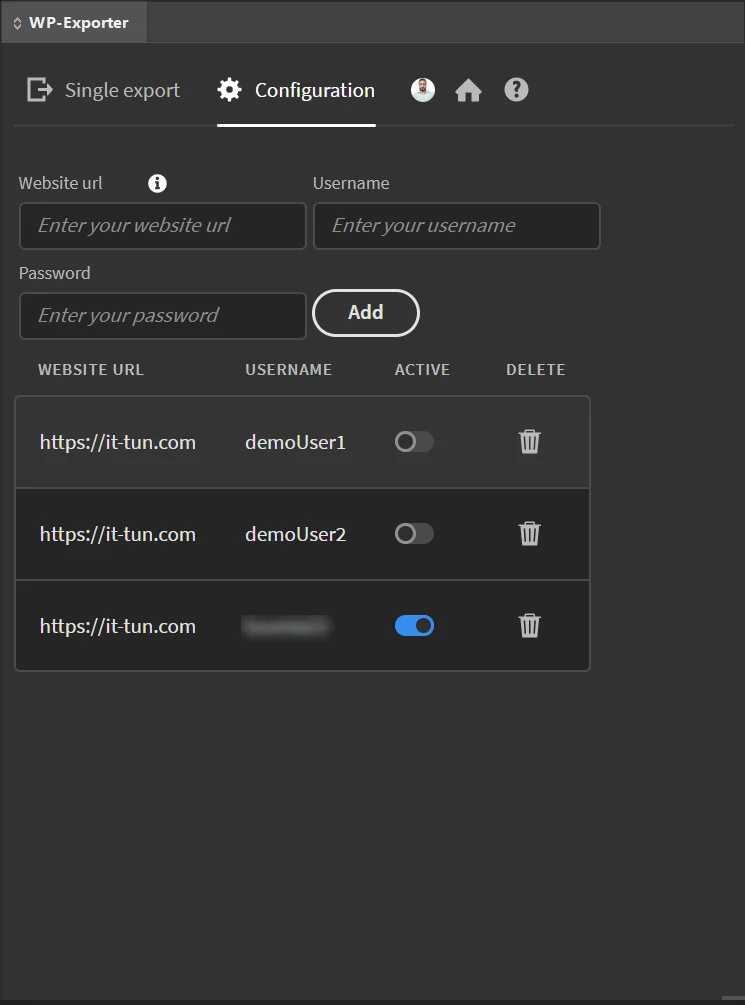
Multiple sites and users
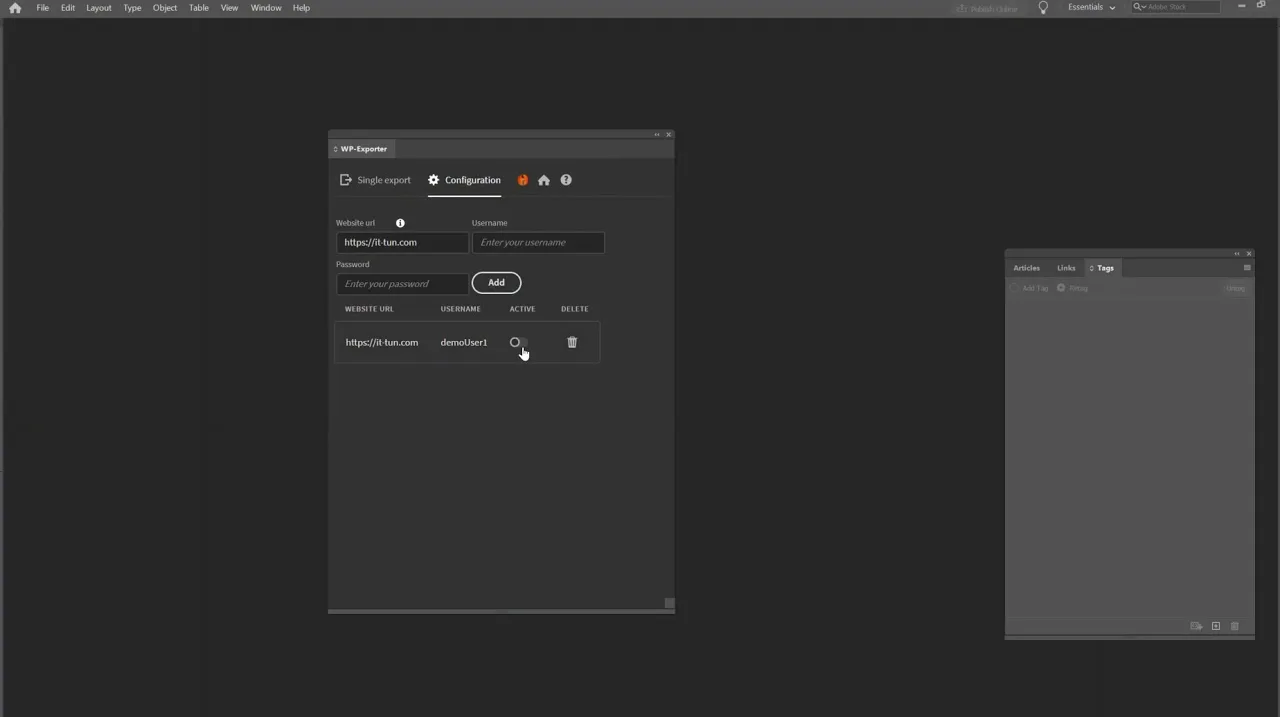
Save as many WordPress sites and users as you need and switch profiles in one click; categories update automatically.
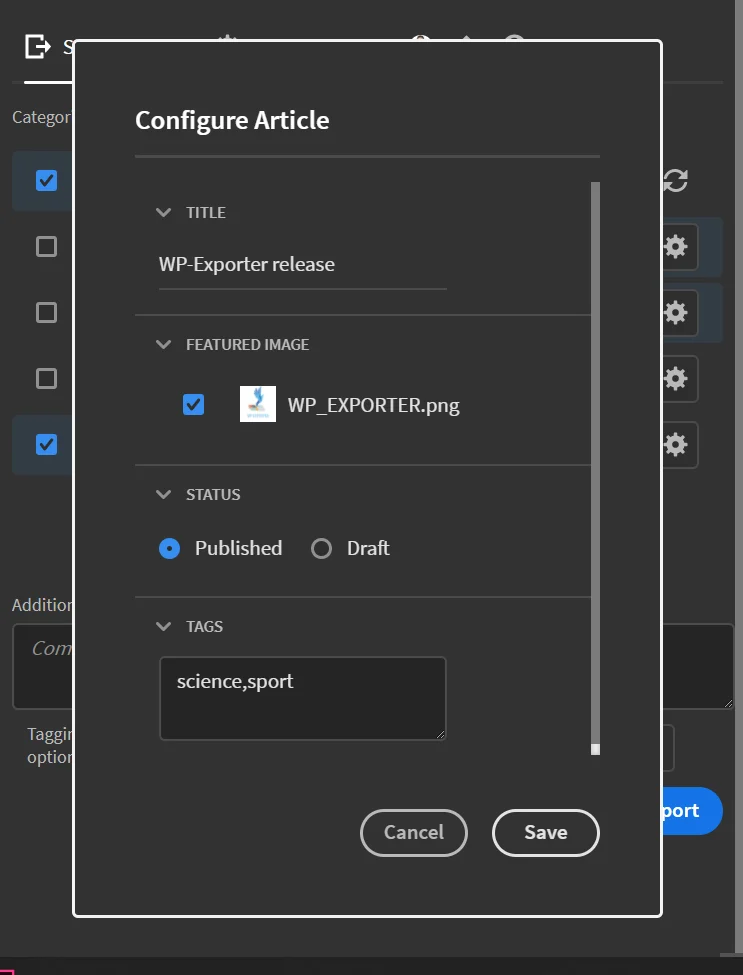
Per-article settings
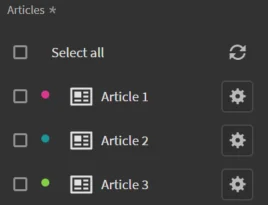
Set a custom title, featured image, draft or published status and tags for each article.
Rich content
Export text, images, captions and quotes, with your choice of image alignment.
Categories and tags
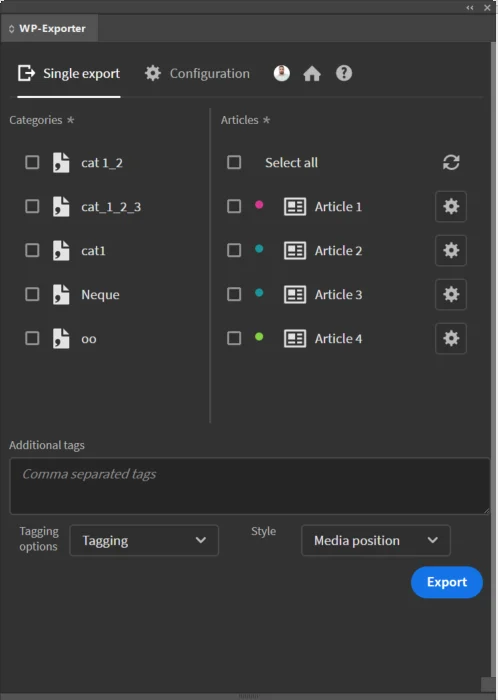
Send articles to several categories and apply tags to all of them at once.
Tagged or raw export
Use your own tags (title, text, image, caption, quote) or export the raw content.
Error log
Problems are written to a log file so support can help you quickly.
From install to result in a few clicks
- 1
Add your sites
Enter each WordPress site and user once; they are saved.
- 2
Configure articles
Choose the articles, categories, tags, featured image and status.
- 3
Export
Publish them all to WordPress in one run.
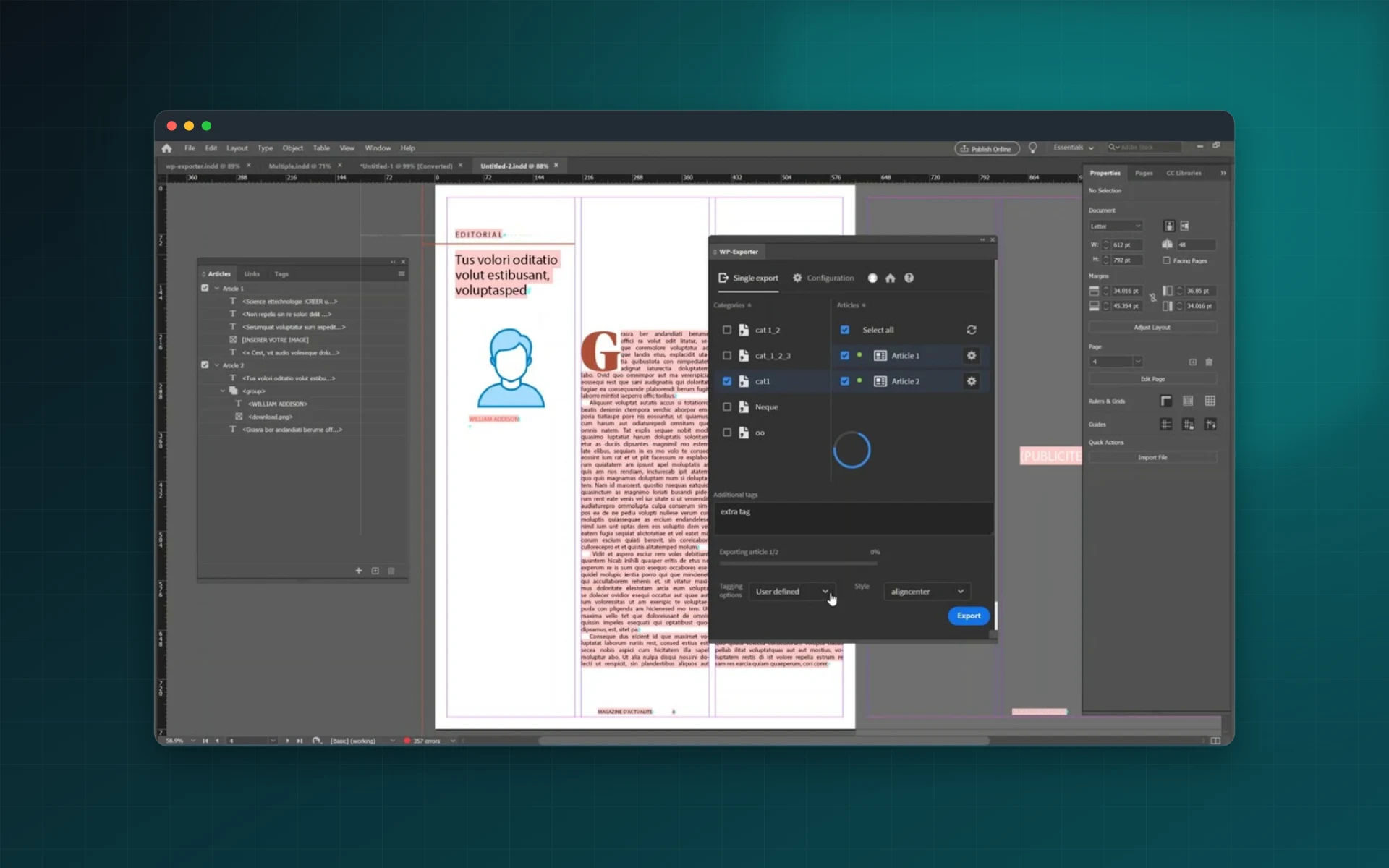
See it inside the app
Built for production work
Magazines
Put each issue online without retyping the articles.
Newsletters
Archive print newsletters on your website.
Publishing groups
Distribute content to several WordPress sites from one layout.
Associations
Share bulletins with members online and in print.
Watch WP-Exporter publish to WordPress
See InDesign articles exported to WordPress with their images and tags.
 Plays from YouTube (privacy-enhanced mode)
Frequently asked questions
Can I publish to several WordPress sites?
Yes. Add as many sites and users as you need and switch between them in one click.
Are images exported?
Yes, with their captions. You can also choose a featured image and how images are aligned.
Can I export as drafts?
Yes. Each article can be sent as a draft or published directly.
Which InDesign versions are supported?
Adobe InDesign 12.0 or later.
Need a feature it does not have yet?
We wrote this plugin, so we can extend it, connect it to your systems or build a private version for your team.
Talk to the developersMore from Lingway

DataInk for Adobe InDesign
Native, editable vector charts in InDesign, from your data or your tables.
View Product
Tables Extractor for Adobe InDesign
Extract tables from PDFs and scans into editable InDesign tables.
View Product
Nano Banana Studio for Adobe Photoshop
Generate and edit images with Google Gemini inside Photoshop.
View Product