Plop for Mac
Paste images straight into Finder. Copy a screenshot or any image, click a folder or the Desktop, and press ⌘V. Plop saves it there as a file, already named and selected. No more opening Preview just to save what is on your clipboard.
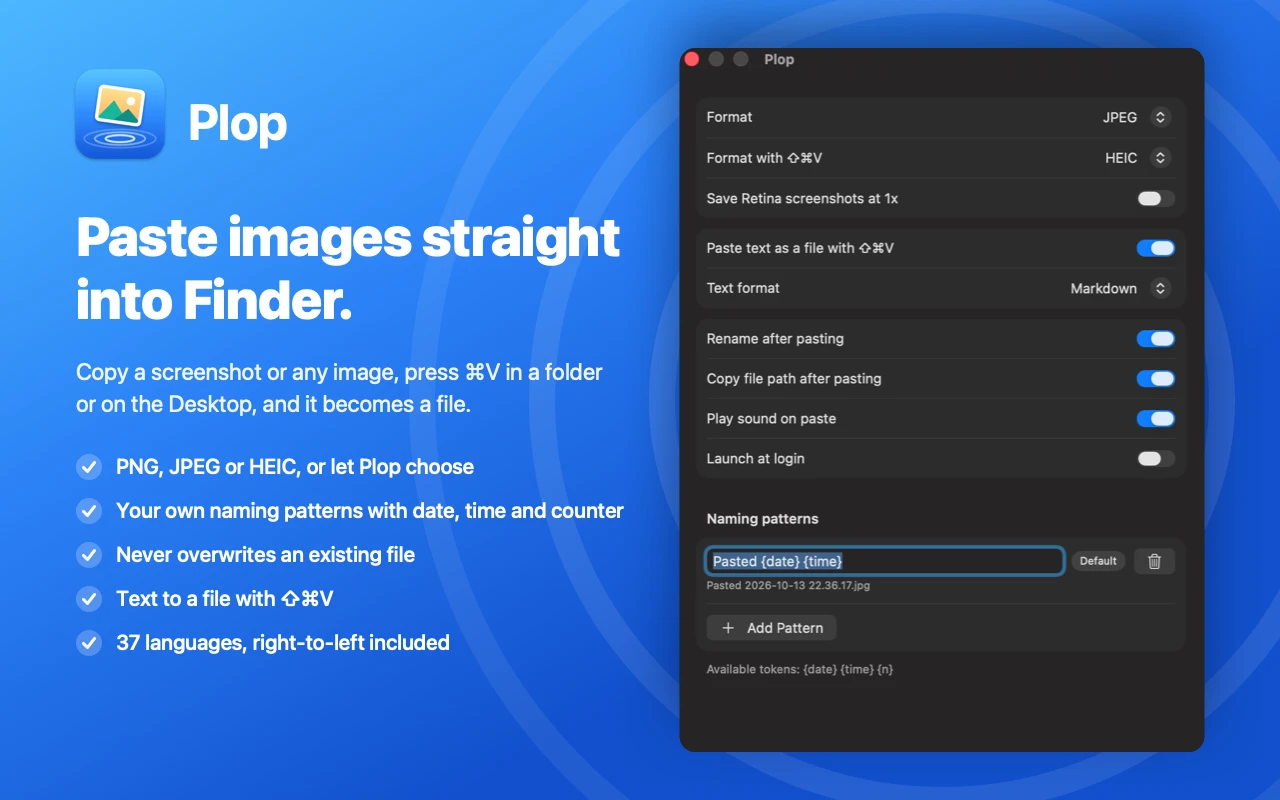
From Clipboard to File
in One Keystroke
Plop lives in the menu bar and watches for the paste shortcut in Finder. When the clipboard holds an image, it turns that image into a file in the folder you are looking at. Copied files still paste the normal way, so Plop only steps in when it is useful.
Paste Images as Files
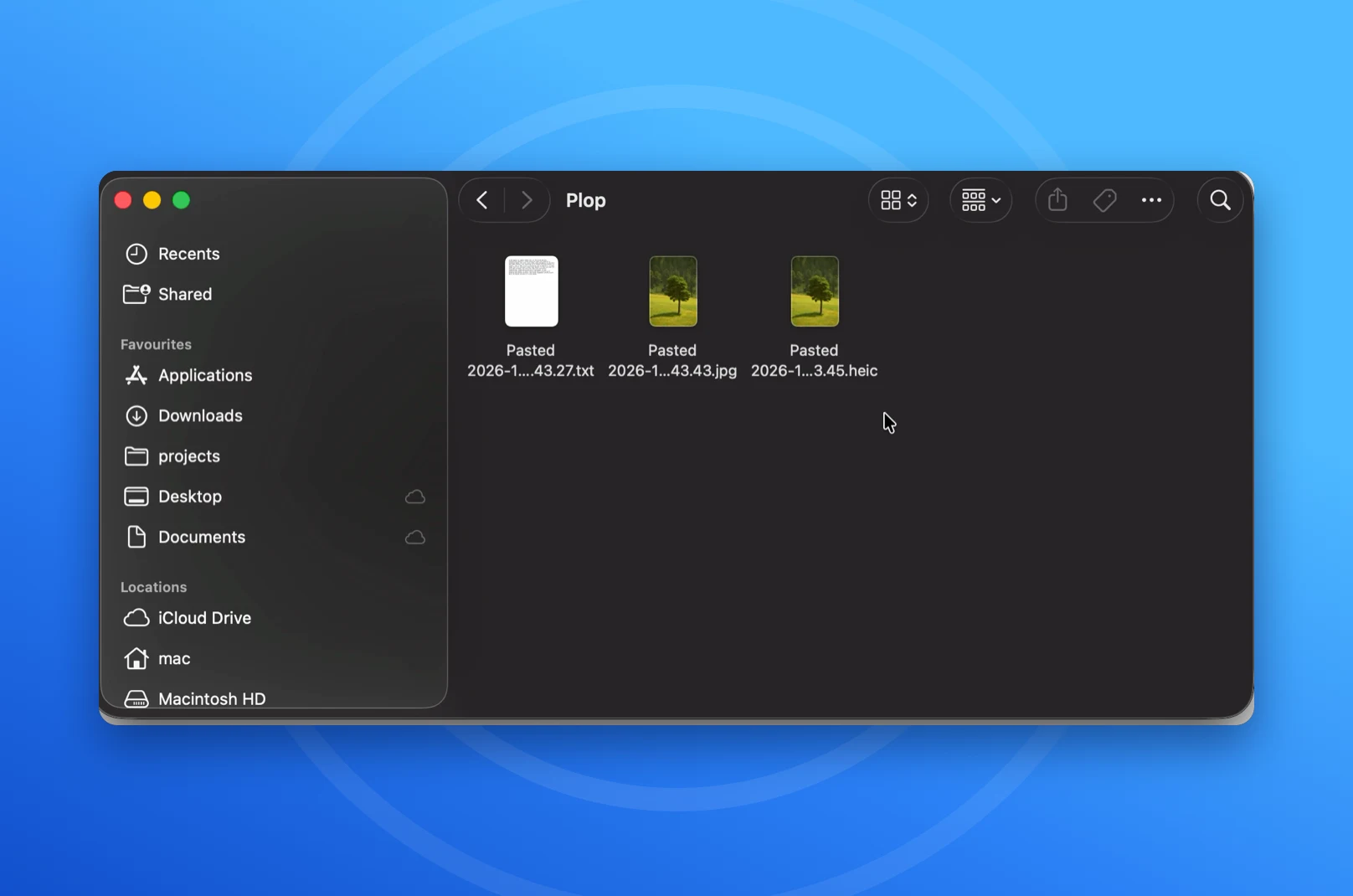
Press ⌘V in any Finder window or on the Desktop and the image on your clipboard becomes a file. It works with screenshots, images copied from a browser, and pictures copied from any other app. Undo with ⌘Z, just like any other paste in Finder.
Paste Text as Files
Copy text anywhere and press ⇧⌘V in Finder to save it as a plain text, Markdown or rich text file. With an image on the clipboard, the same shortcut saves it in a second format of your choice.
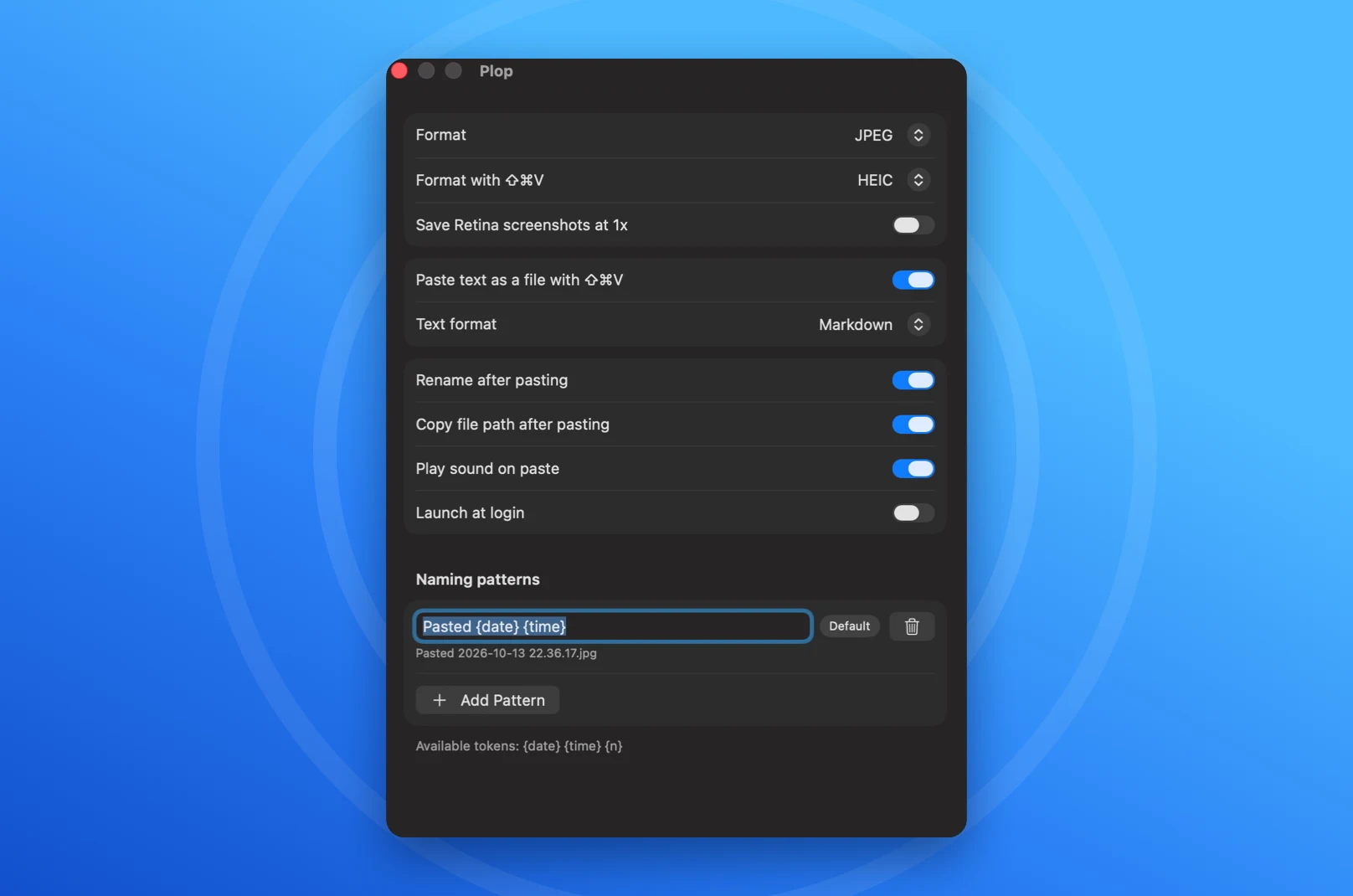
The Format and Name You Want
Save as PNG, JPEG or HEIC, or let Plop choose: PNG for screenshots and graphics, JPEG for photos. Create your own naming patterns with the date, the time and a counter, and see the resulting file name in a live preview.
Never Overwrites a File
If a name is already taken, Plop adds a number the way Finder does. Optional extras include saving Retina screenshots at 1x, renaming right after pasting, copying the new file's path, a paste sound, and launching at login.
Private and Multilingual
Everything happens on your Mac. Plop has no account, no analytics and no network access. It is available in 37 languages, including right-to-left layouts for Arabic and Hebrew.
See Plop in Action
Watch text and images go from the clipboard into a Finder folder as files, named and ready to use, in a few seconds.
Stop Saving Screenshots by Hand
Get Plop on the Mac App Store and paste images and text straight into Finder. One-time purchase, no subscription.