 Adobe Premiere Pro
Batch Export PRO for Premiere Pro
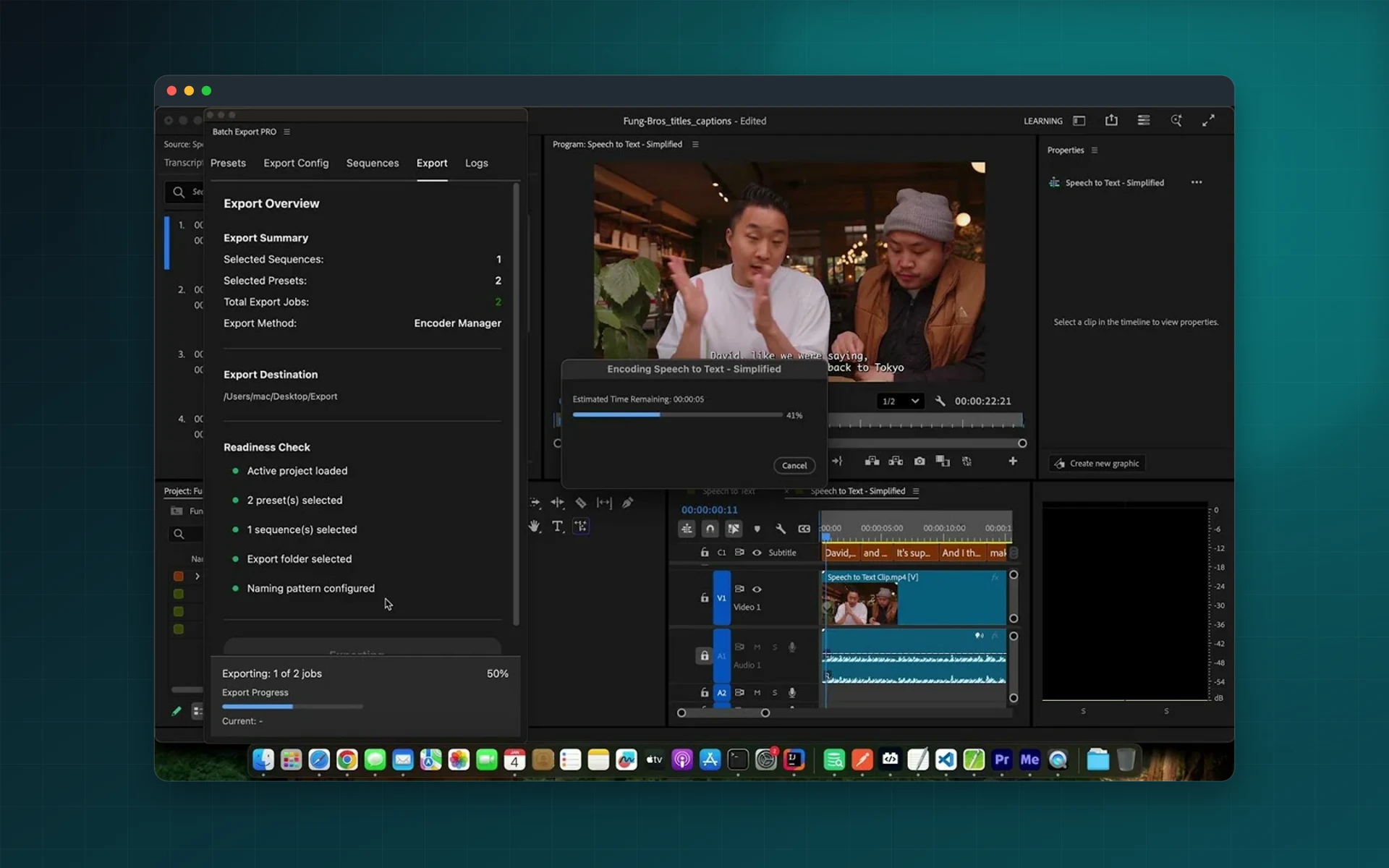
Select your sequences, tick your presets and export everything in one batch. Batch Export PRO names every file for you, keeps outputs organized and carries on even if one export fails.
- Multiple sequences, multiple presets
- Automatic, consistent filenames
- Full sequence or In/Out range
- Batch keeps going if one export fails
Installs from Adobe Exchange · opens in a new tab
- Works in
- Adobe Premiere Pro
- Premiere Pro 25.6 or later
- Price
- $39
- one-time purchase
- Support
- From the developers
- Updates included
Every deliverable from one panel
Made for editors who deliver the same content in several formats: social, broadcast, review and archive.
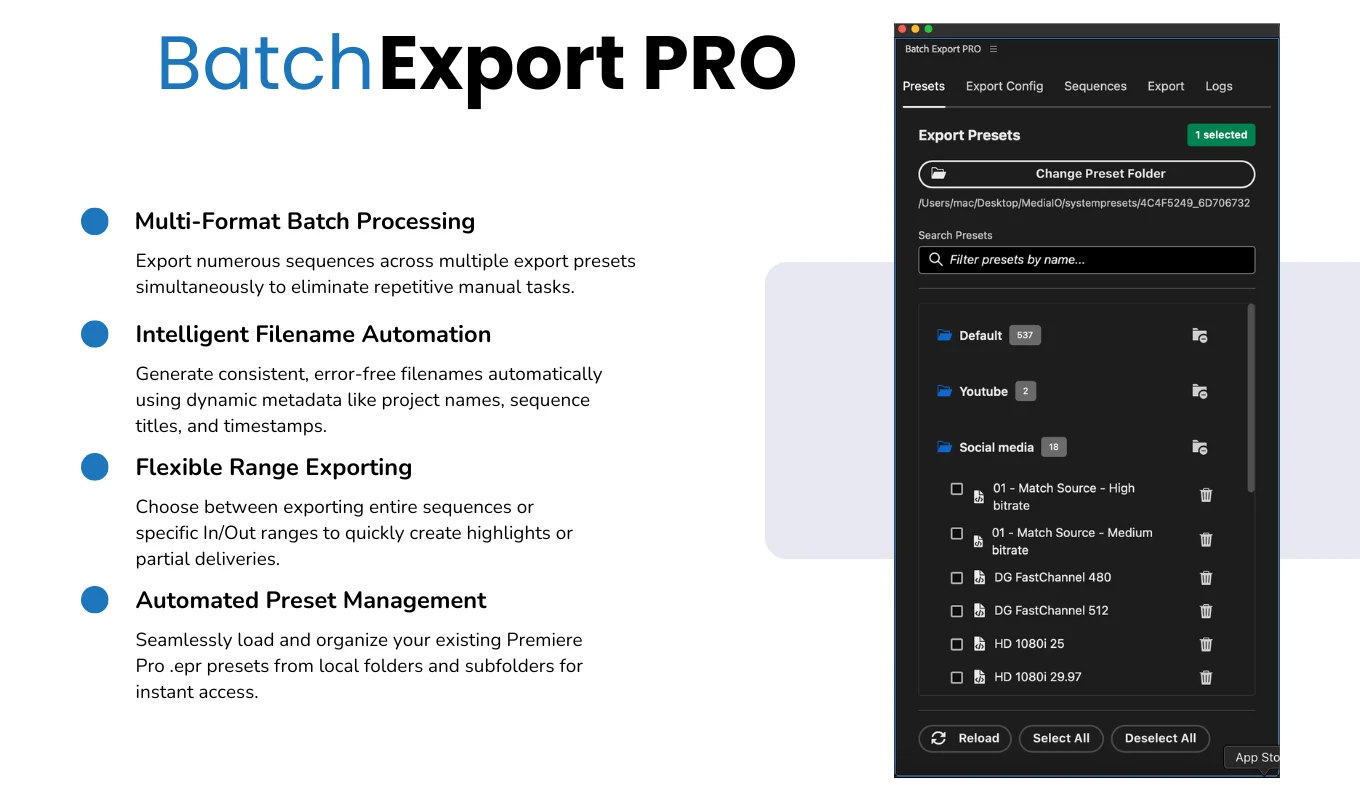
Multi-sequence batch
Export all selected sequences with all selected presets in one sequential run.
Preset folders
Load your .epr export presets from a folder and its subfolders, and select folders or single presets.
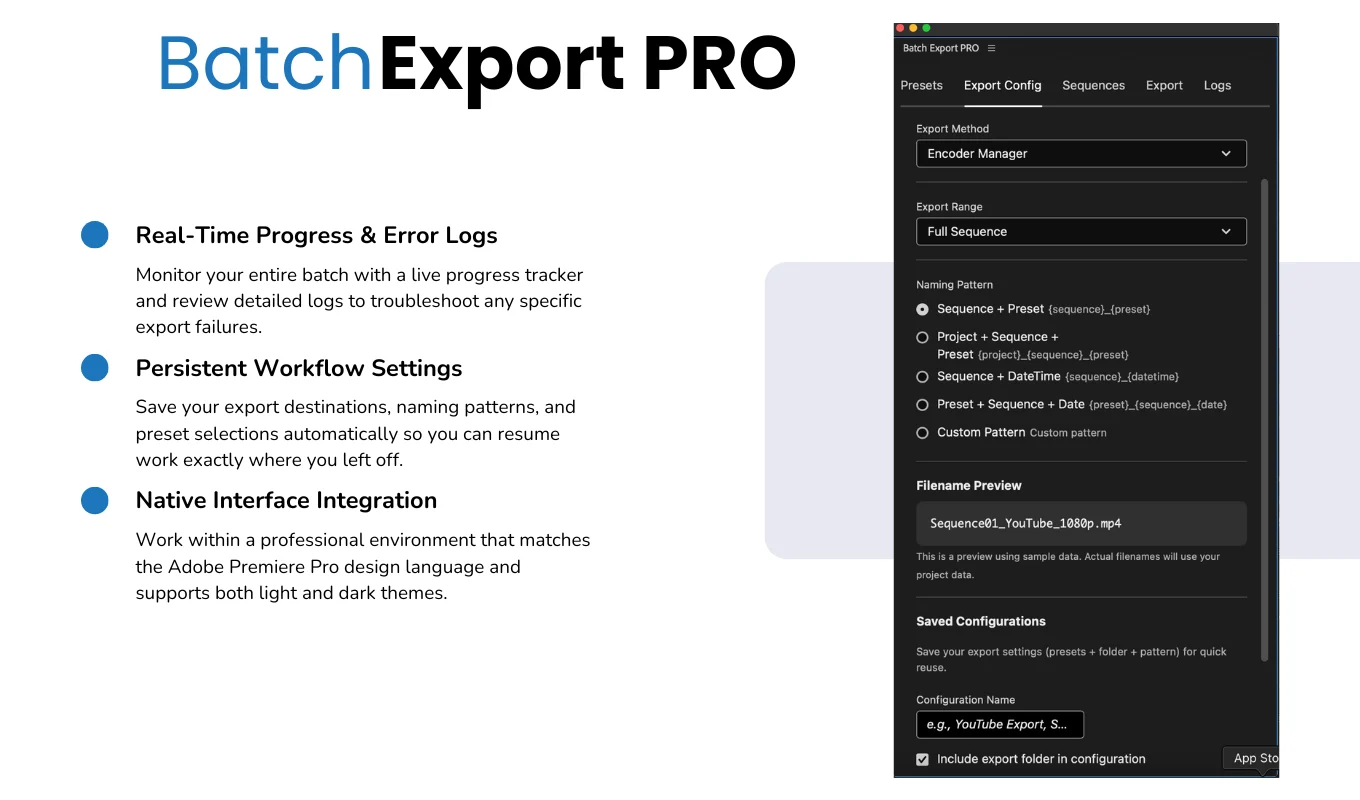
File naming automation
Build filenames from project, sequence and preset names, date, time and custom text, with a preview before export.
Range export
Export the whole sequence or only the In/Out range for previews and highlights.
Progress and logs
Follow progress for the whole batch and export detailed success and error logs.
Remembers your setup
Preset folder, selections, destination and naming pattern are kept between sessions.
From install to result in a few clicks
- 1
Pick sequences
Select one, several or all sequences of the active project.
- 2
Pick presets and names
Choose export presets and the filename pattern, and preview the names.
- 3
Export
Start the batch and follow its progress and logs.
See it inside the app
Built for production work
Social media editors
Deliver vertical, square and landscape versions in one go.
Post-production studios
Export review copies and masters with consistent names.
Episodic content
Export every episode of a series in one batch.
Corporate video
Produce web, intranet and archive versions for every project.
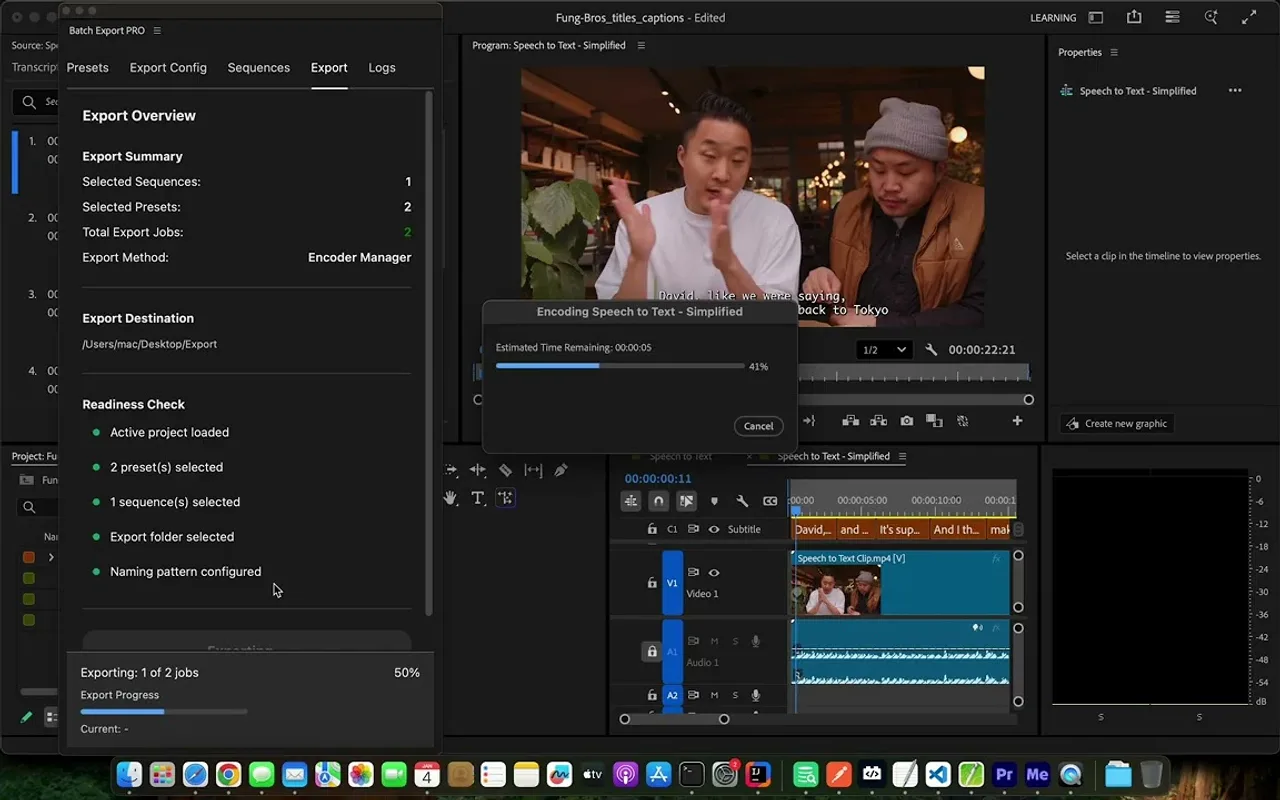
Watch Batch Export PRO in Premiere Pro
See several sequences exported with several presets in a single batch.
 Plays from YouTube (privacy-enhanced mode)
Frequently asked questions
Which Premiere Pro versions are supported?
Adobe Premiere Pro 25.6 or later.
Does it use my existing presets?
Yes. It loads your existing .epr export presets from a folder, including subfolders.
What happens if one export fails?
The batch continues with the next export, and the failure is recorded in the logs.
Is it a subscription?
No. Batch Export PRO is a one-time purchase on Adobe Exchange.
Export every version in one batch
Get Batch Export PRO on Adobe Exchange and stop exporting sequences one by one.
Need a feature it does not have yet?
We wrote this plugin, so we can extend it, connect it to your systems or build a private version for your team.
Talk to the developersMore from Lingway

ReplacePro for Adobe Illustrator
Batch replace text, images, colors and fonts across folders of .ai files.
View Product
ReplacePro for Adobe InDesign
Batch replace text, links, colors and fonts across many INDD files.
View Product
Markup Automator for Adobe Photoshop
Batch replace smart objects in mockups and export every version.
View Product