 Adobe Illustrator
Next Barcode Suite Batch Edition
Turn a spreadsheet of SKUs, ISBNs or URLs into hundreds of print-ready barcodes in Adobe Illustrator. Map your columns, choose a grid or one barcode per artboard and generate them all at once.
- Import CSV and Excel files
- Hundreds of barcodes in seconds
- Label-sheet grid or one per artboard
- One-time purchase, no subscription
Installs from Adobe Exchange · opens in a new tab
- Works in
- Adobe Illustrator
- Illustrator 23.0 or later
- Price
- $64.99
- one-time purchase
- Support
- From the developers
- Updates included
Built for barcode production at scale
Batch Edition adds data import and layout automation to the Next Barcode Suite engine.
CSV and Excel import
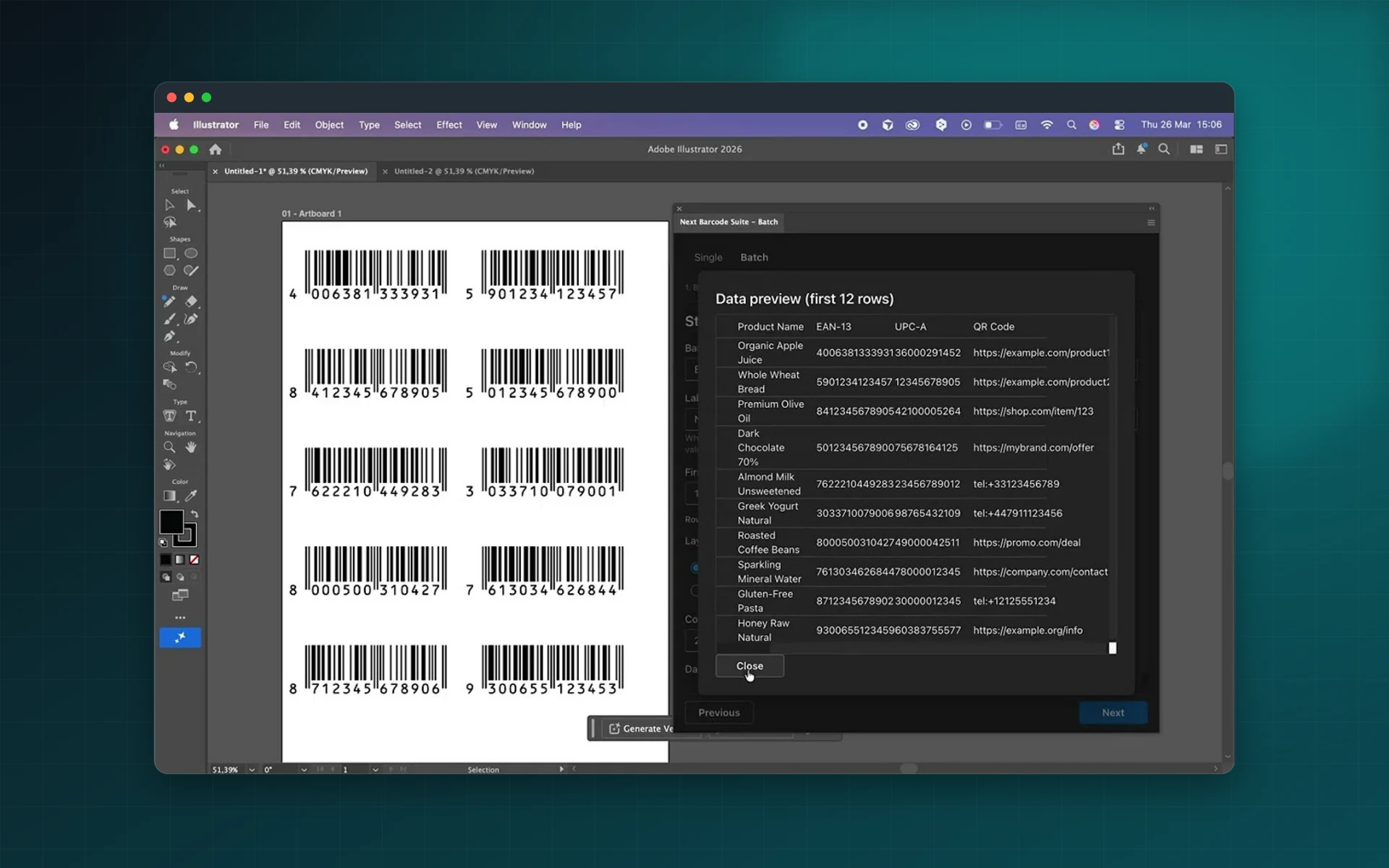
Load a CSV or Excel file and preview the rows before you generate anything.
Field mapping
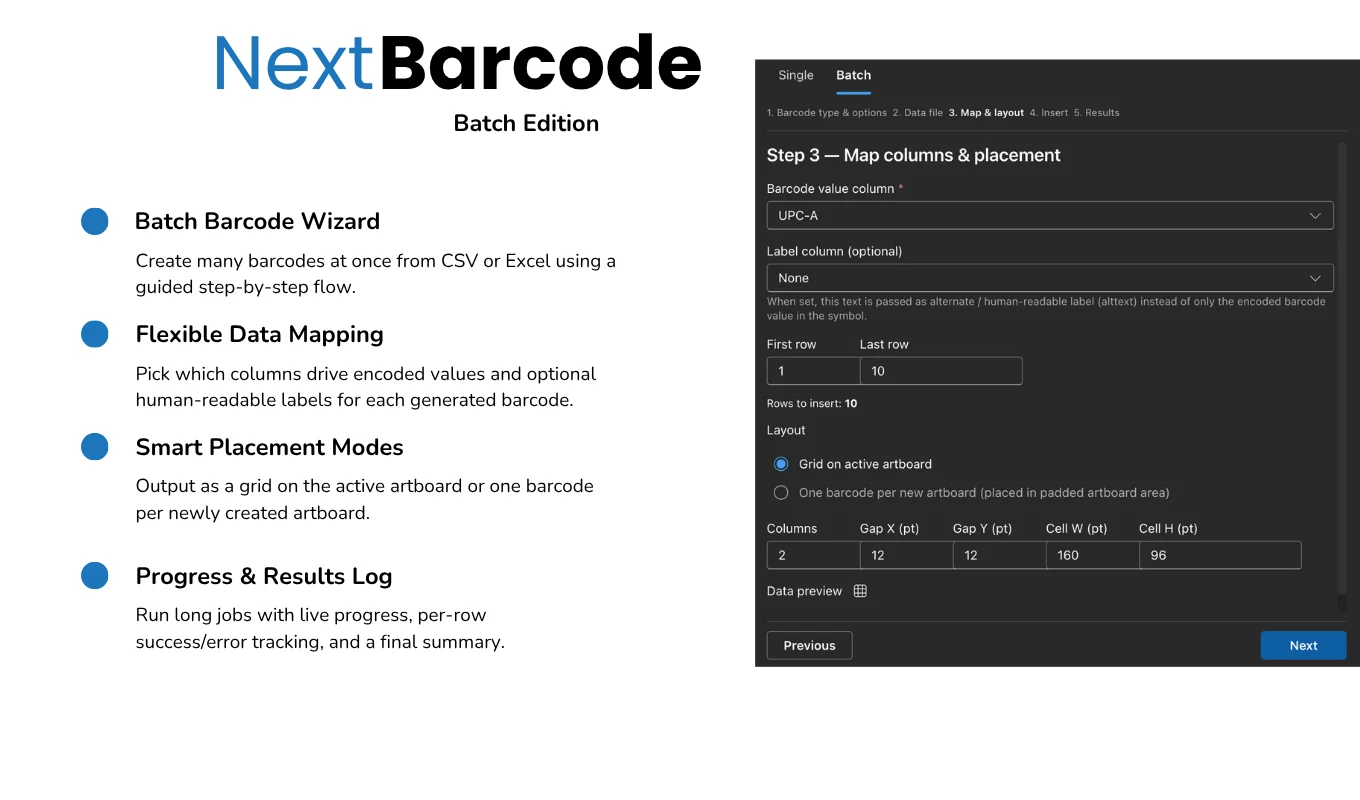
Map columns to the barcode value, the human-readable label and extra text lines.
Grid layouts
Lay barcodes out in rows and columns with your own spacing, ready for label sheets.
One per artboard
Put each barcode on its own artboard, ideal when every code is exported as a separate file.
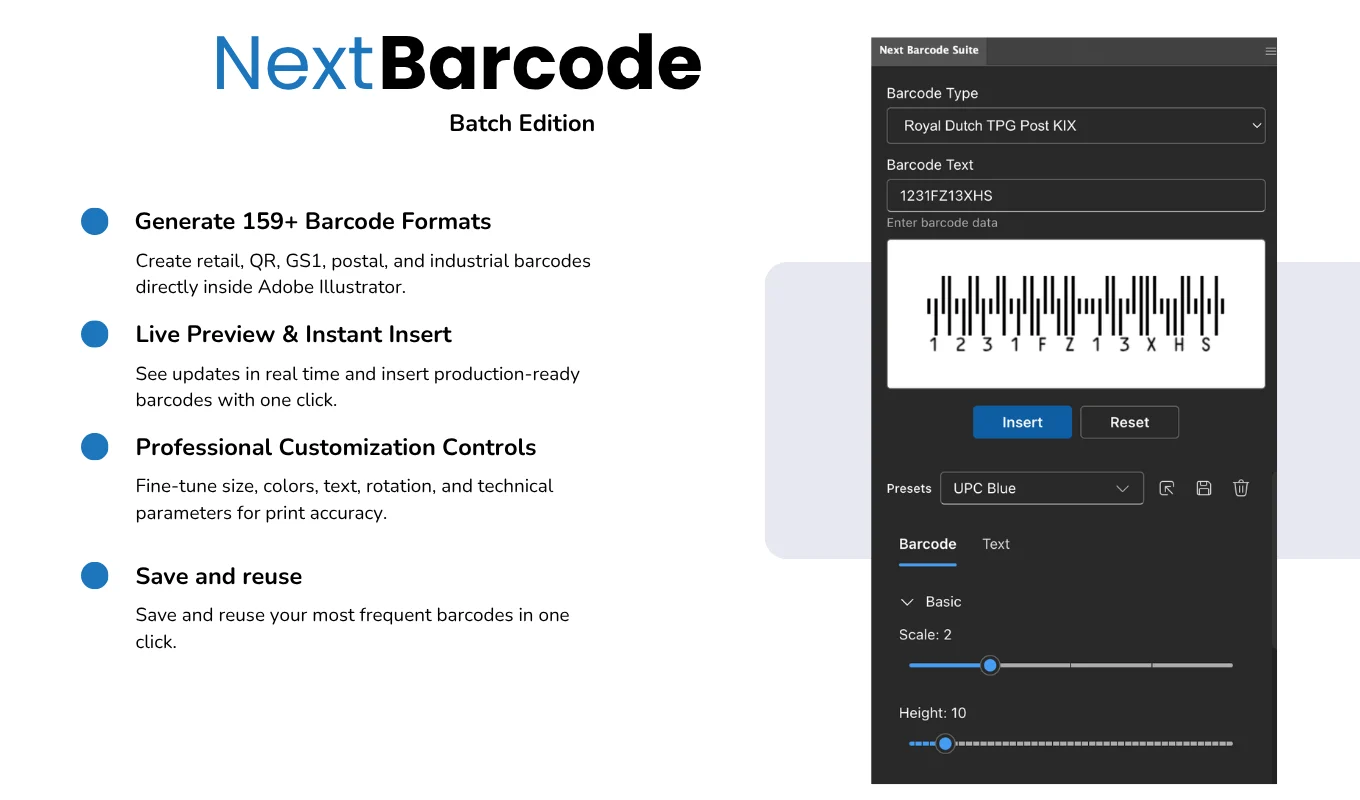
159+ formats
EAN-13, UPC-A, Code 128, GS1, ITF-14, QR Code, Data Matrix, PDF417 and more.
Progress and logs
Follow progress line by line and get a summary of what was generated.
From install to result in a few clicks
- 1
Import your data
Open a CSV or Excel file and select the rows to use.
- 2
Map and style
Map the columns, pick the format and set colours, size and text.
- 3
Generate
Choose grid or artboards and create every barcode in one run.
See it inside the app
Built for production work
Label sheets
Fill label sheets with a unique code in every cell.
E-commerce catalogs
Create barcodes for every SKU in a product feed.
Publishing
Generate ISBN or ISSN barcodes for a whole series at once.
Events
Produce unique QR codes for badges and tickets.
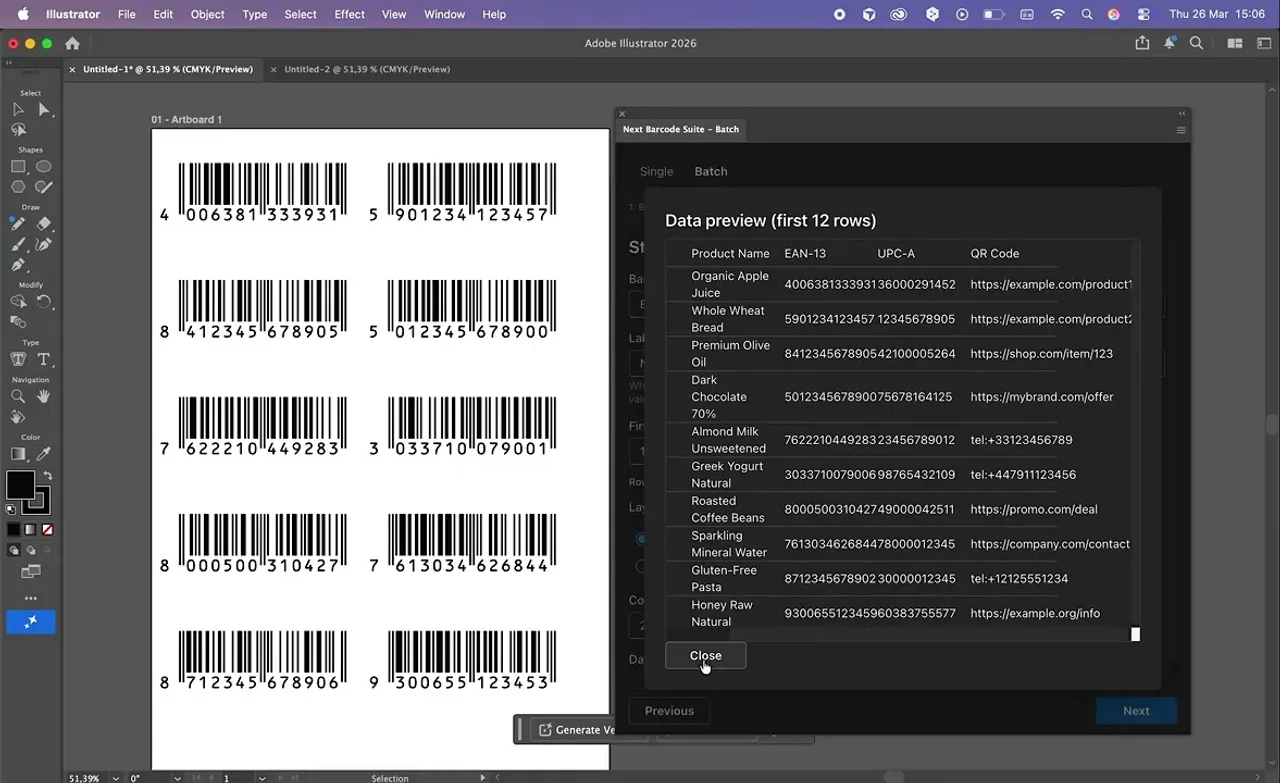
Watch Batch Edition generate barcodes from a spreadsheet
See a CSV file turned into a full sheet of barcodes in Illustrator.
 Plays from YouTube (privacy-enhanced mode)
Frequently asked questions
Which file formats can I import?
CSV and Excel files. You choose which rows and columns to use.
How many barcodes can I generate at once?
Hundreds in a single run, generated in seconds.
Can I export each barcode separately?
Yes. Choose one barcode per artboard and export the artboards with Illustrator's export tools.
Is it a subscription?
No. Batch Edition is a one-time purchase on Adobe Exchange.
Which Illustrator versions are supported?
Adobe Illustrator 23.0 or later.
Stop creating barcodes one by one
Get Next Barcode Suite Batch Edition on Adobe Exchange and generate your next label sheet in seconds.
Need a feature it does not have yet?
We wrote this plugin, so we can extend it, connect it to your systems or build a private version for your team.
Talk to the developersMore from Lingway

Next Barcode Suite for Adobe InDesign
Generate 159+ barcode and QR code formats as vectors inside InDesign.
View Product
Next Barcode Suite for Illustrator
Generate barcodes and QR codes in 159+ formats directly inside Adobe Illustrator, as vector artwork.
View Product
Next Barcode Suite for Adobe Photoshop
Generate 159+ barcode and QR code formats inside Photoshop.
View Product