 Adobe Photoshop
Bleedline for Adobe Photoshop
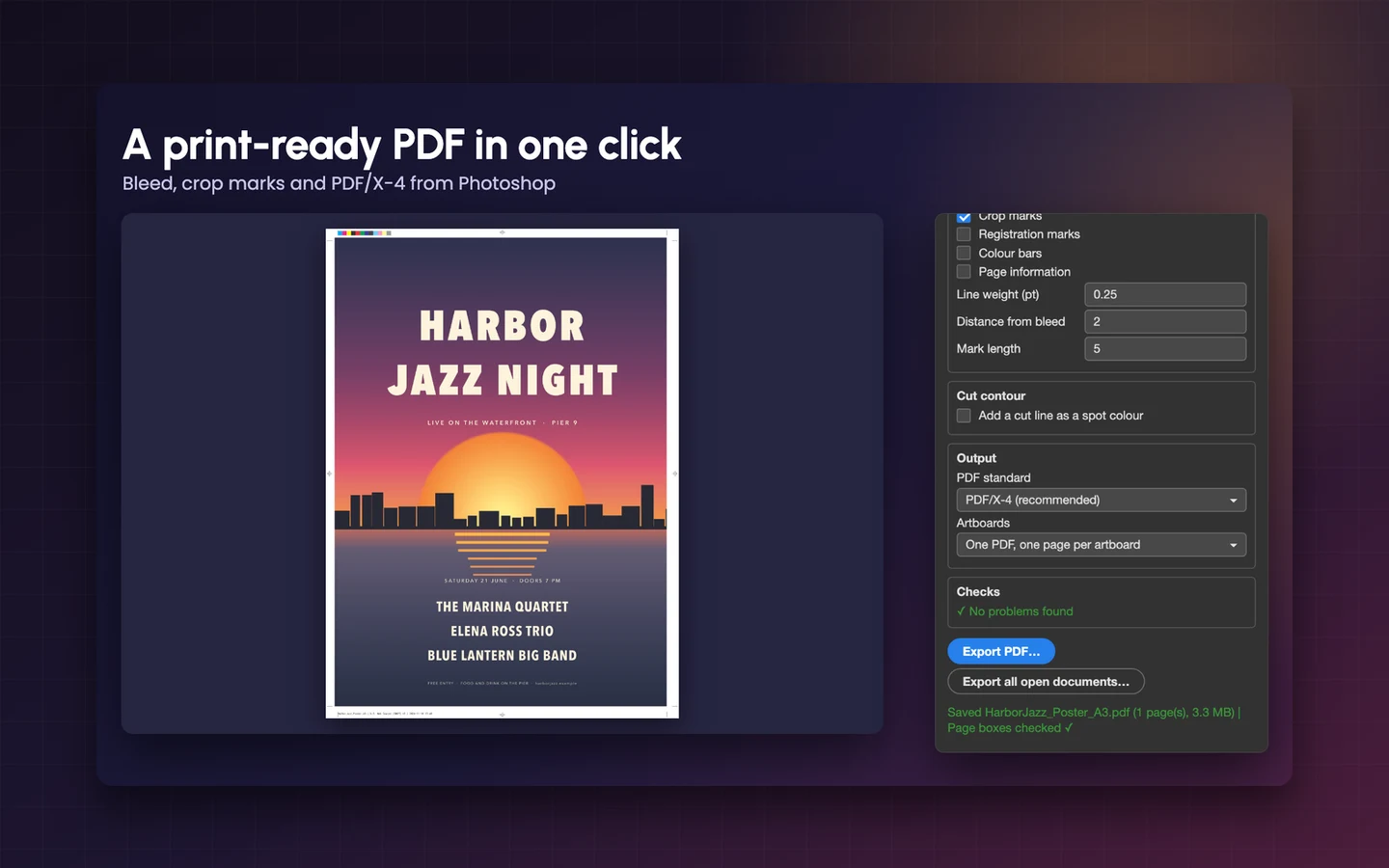
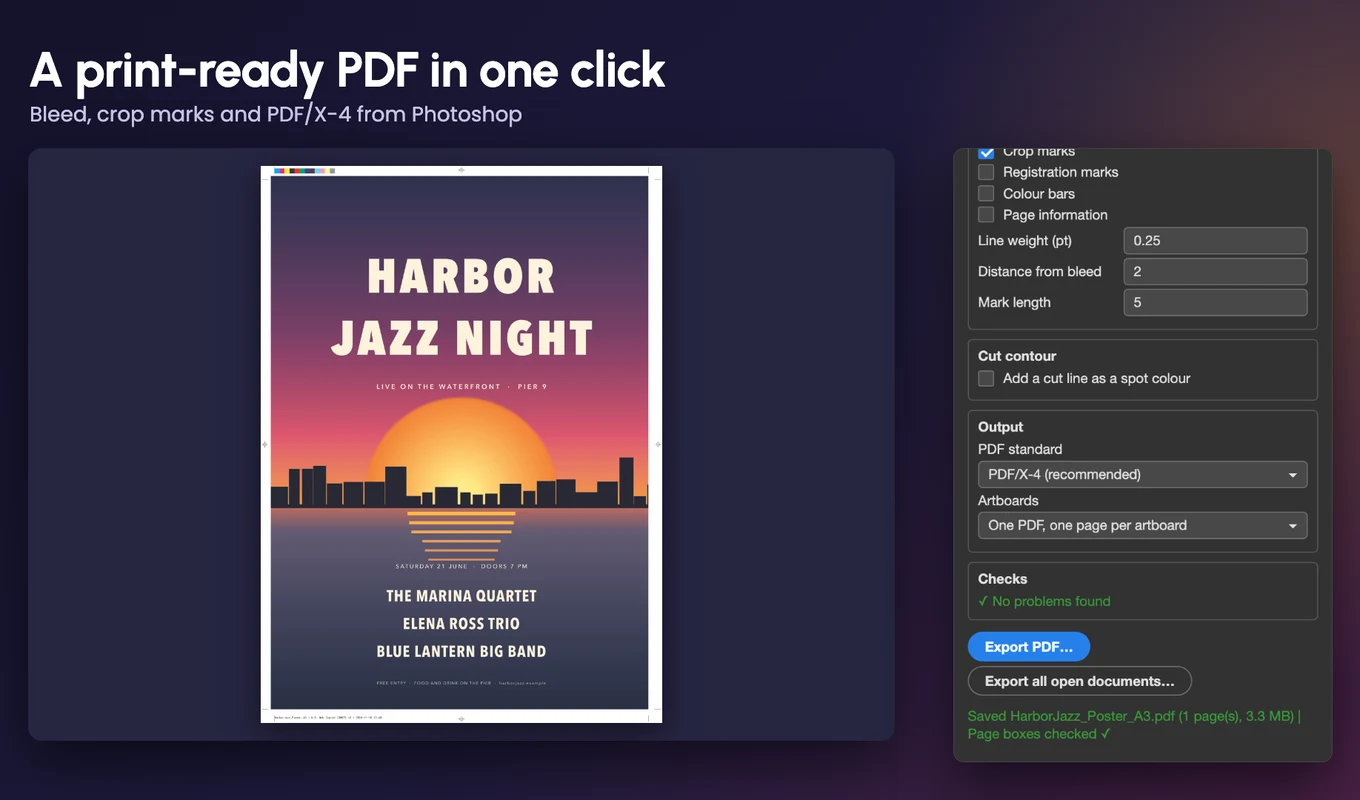
Turn an Adobe Photoshop document into a print-ready PDF in one click: bleed added from your own artwork, crop and registration marks, the trim box and bleed box your printer's software reads, a PDF/X-4 setting and a cut line for stickers. No rebuilding the file in InDesign.
- Bleed and crop marks added for you
- Trim box, bleed box and a PDF/X-4 setting
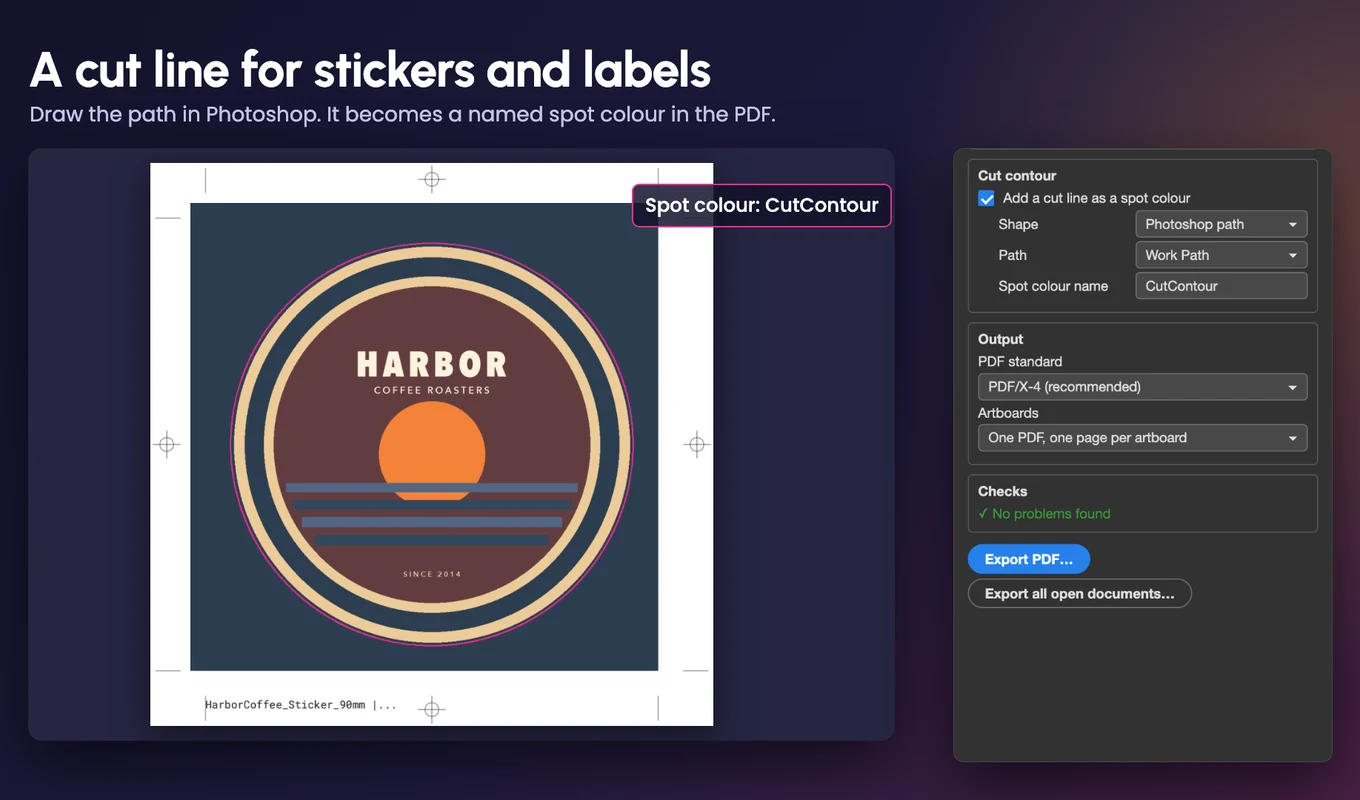
- A cut line for stickers and labels
- One-time $29, no subscription
- Works in
- Adobe Photoshop
- Adobe Photoshop 2024 (25.0) or later. Tested on Adobe Photoshop 2026 on macOS
- Price
- $29
- one-time purchase
- Support
- From the developers
- Updates included
The print-ready PDF Adobe Photoshop never made
Adobe Photoshop's Save As PDF does not add bleed or marks, so the usual fix is to rebuild the file in InDesign or patch the PDF by hand in Acrobat, on every job. Bleedline does it in one panel.
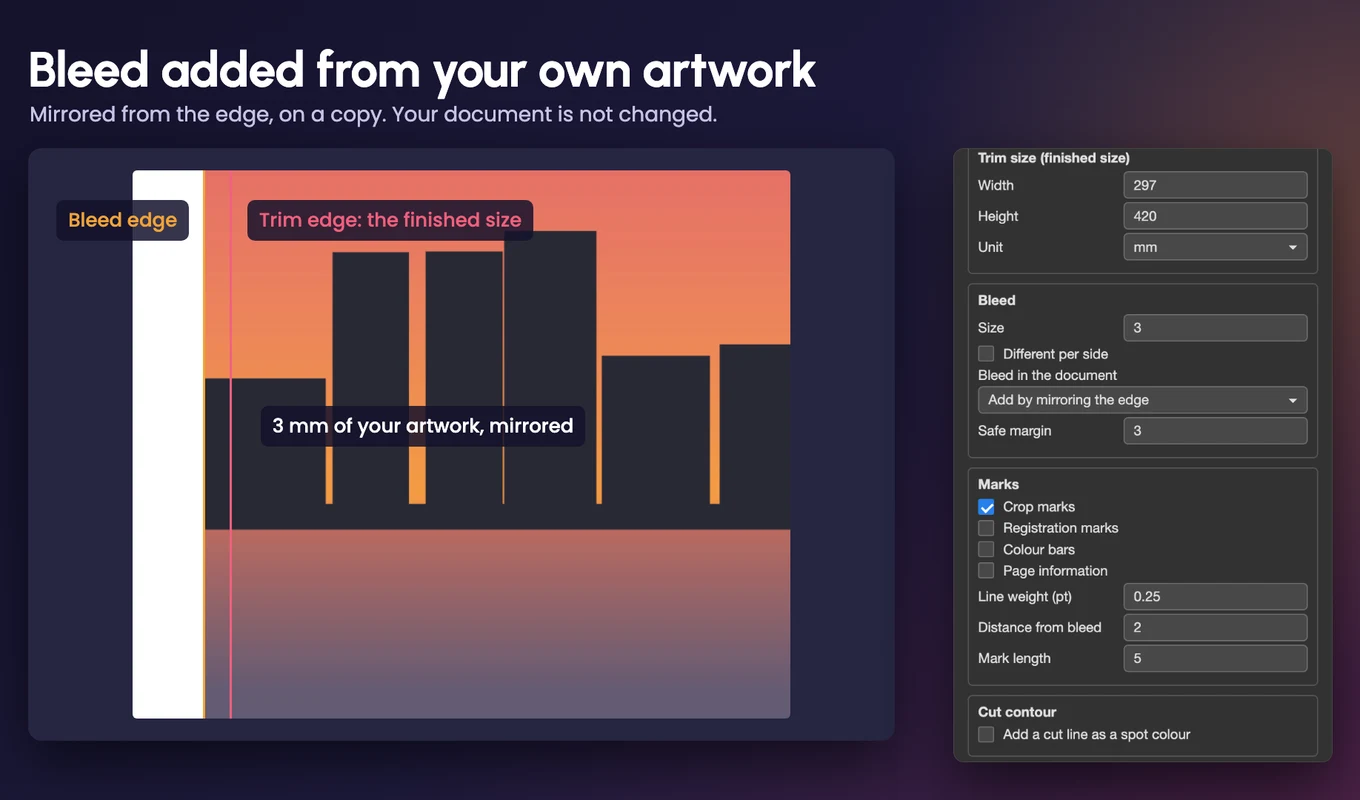
Bleed without redoing the artwork
Bleedline adds the bleed by mirroring or stretching the edge of your image, on a temporary copy. Or tell it the bleed is already in the document. 3 mm, 0.125 in or any value, the same on every side or different per side.
Marks your printer expects
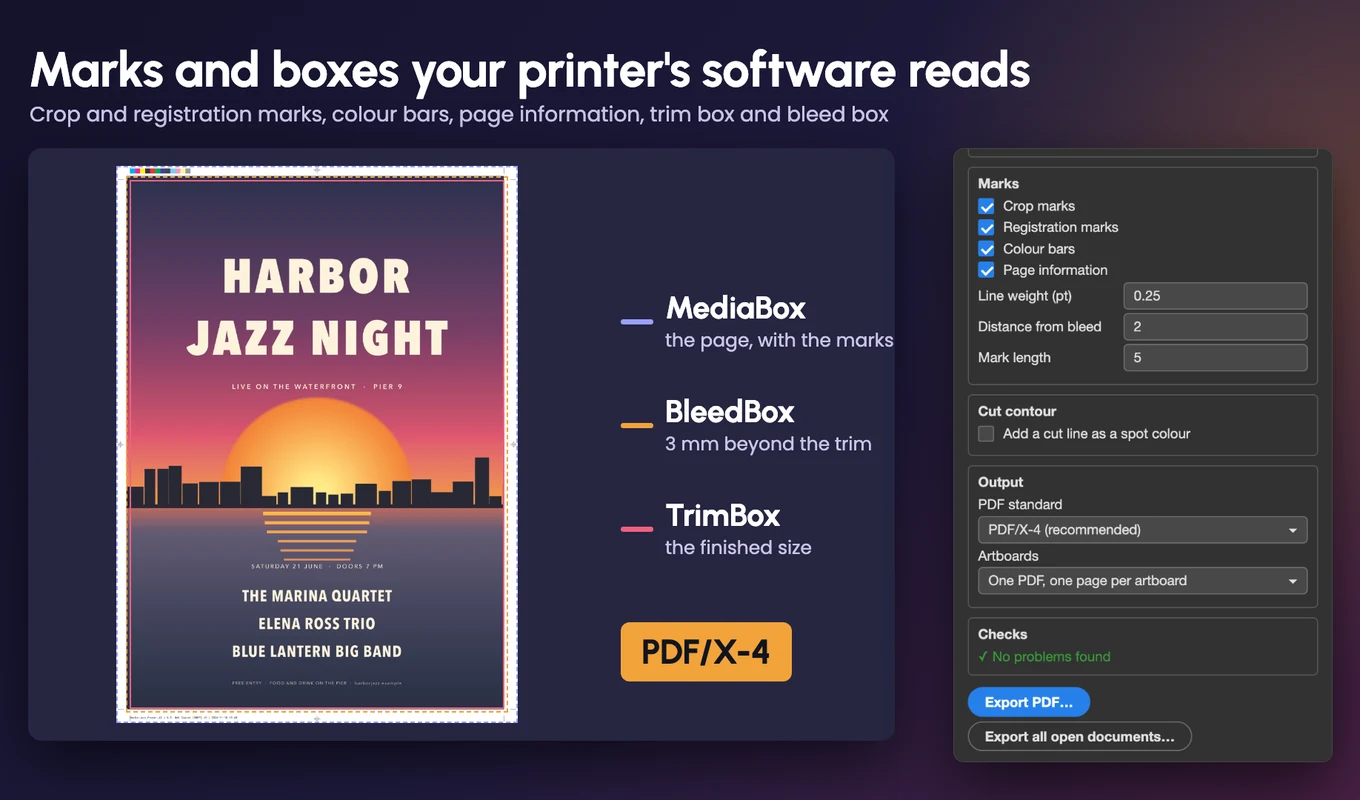
Crop marks, registration marks, colour bars and a page information line with the file name, colour profile and date.
Trim box and bleed box
Both boxes are written into the PDF, so imposition and preflight software find the finished size and the bleed.
PDF/X-4 setting
Choose PDF/X-4, PDF/X-1a or a plain PDF. CMYK colour and the embedded profile are kept as Adobe Photoshop wrote them.
Cut lines for stickers
Draw the die-cut shape as a path in Adobe Photoshop, or use the trim rectangle, a rounded rectangle or an ellipse. The cut line is added as a named spot colour, CutContour by default, set to overprint.
Artboards and batches
One PDF with a page per artboard, one PDF per artboard, or the whole canvas as one page. Export every open document into a folder in one click.
Checks before you export
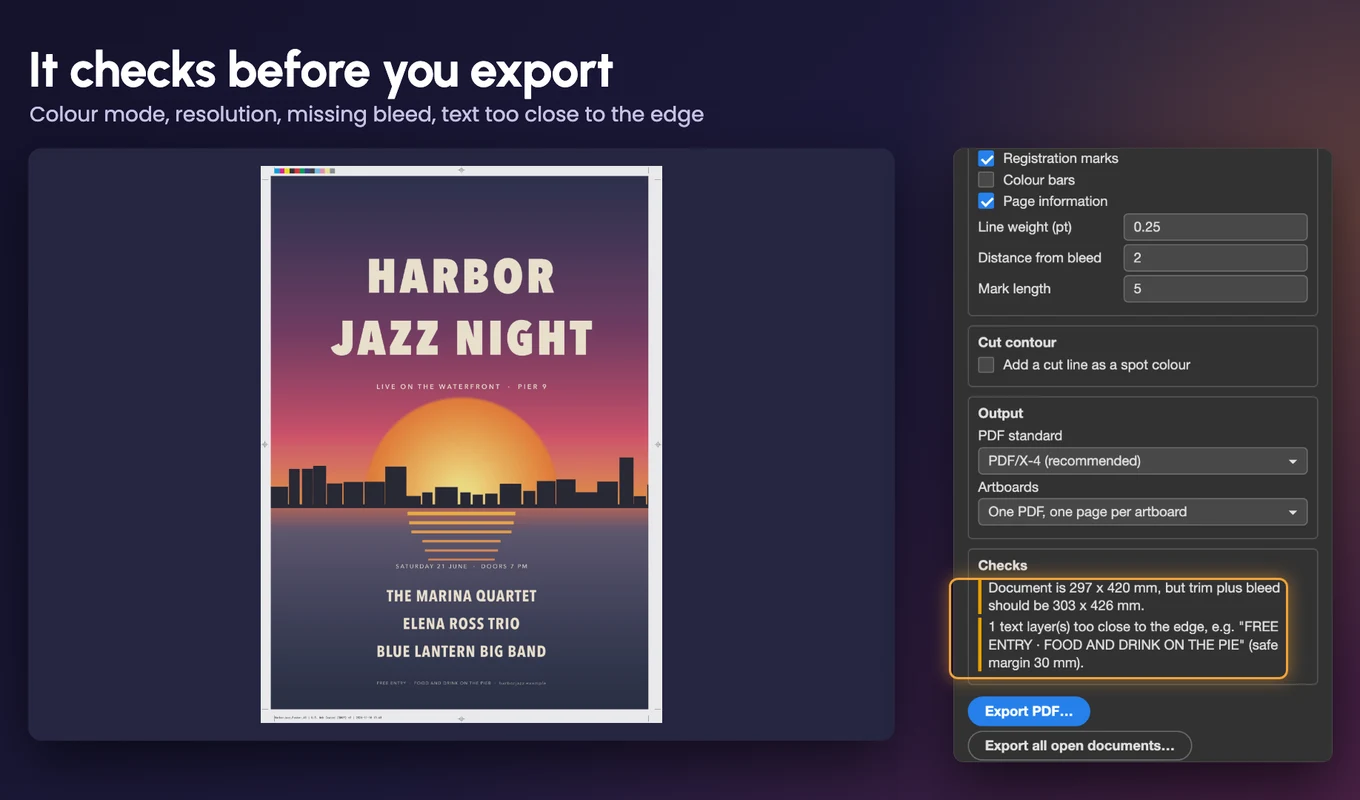
Warns about RGB documents, low resolution, missing or too small bleed, a document that does not match the format, and text too close to the edge.
Presets
A3 to A6, DL, business cards, posters and US sizes, plus your own saved presets.
Private and offline
No account. Bleedline works offline, uploads nothing and never changes your open document.
From install to result in a few clicks
- 1
Open your document
Pick the format in the Bleedline panel, or click Use document size.
- 2
Choose bleed, marks and PDF standard
Tick what your printer asked for. Add a cut line if you are making stickers or labels.
- 3
Click Export PDF
Bleedline writes the PDF with the bleed, marks, boxes and standard you chose.
See it inside the app
Built for production work
Designers sending files to a printer
Posters, flyers and brochures with the bleed and marks the printer asked for.
Sticker and label makers
A cut line as a named spot colour, ready for the cutting plotter.
Print shops and web-to-print
A consistent PDF with trim and bleed boxes, from every Adobe Photoshop file you receive.
Print-on-demand sellers
Batch export many documents or artboards to print-ready PDFs.
See Bleedline in action
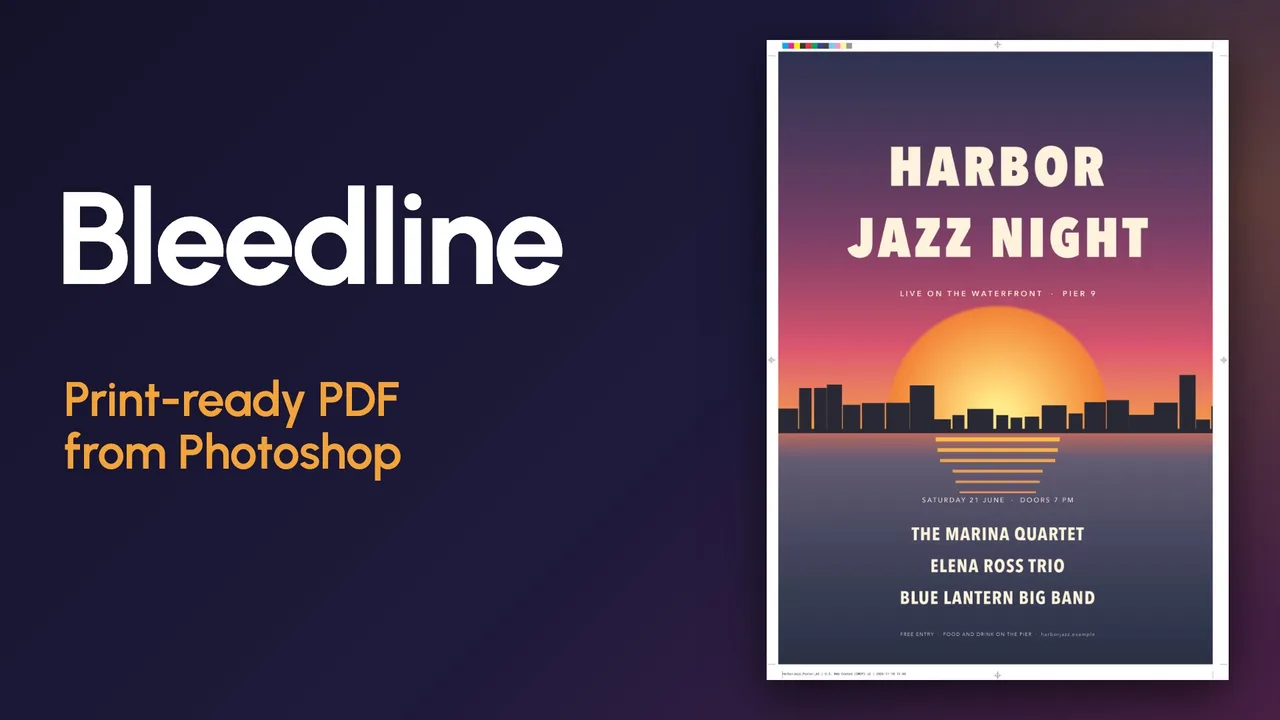
A poster for the printer: pick the format, add the bleed, marks and boxes, then a sticker with its cut line, the checks and artboard export.
 Plays from YouTube (privacy-enhanced mode)
Frequently asked questions
Why not use Adobe Photoshop's own Save As PDF?
Its PDF/X presets don't add bleed, crop marks or the trim and bleed boxes. Bleedline adds them, so you don't rebuild the file in InDesign or patch the PDF in Acrobat.
Will it change my document?
No. The bleed is added on a temporary copy that is closed without saving, so your document stays as it is.
Is the PDF PDF/X-4 compliant?
Bleedline sets the PDF/X-4 or PDF/X-1a standard in Adobe Photoshop's own PDF export and adds the boxes and marks. It does not replace your printer's preflight, so always run it on the final PDF.
Does it do imposition, trapping or colour separations?
No. Bleedline prepares one finished page for a printer. It is not a prepress workflow.
Which Adobe Photoshop versions and systems are supported?
Adobe Photoshop 2024 (25.0) or later. It is tested on Adobe Photoshop 2026 on macOS; Windows and older versions are not tested yet, and the free trial lets you check on your own computer.
Does it need an internet connection or an account?
No account. Bleedline works offline and uploads nothing. The licence key is checked once when you activate it and about once a week afterwards.
How does licensing work?
One purchase, $29, no subscription. Your key works on 2 computers, and you get 10 free exports to try it. A 14-day refund is included.
More from Lingway
Caliper for Adobe Illustrator
Sizes, gaps, specs and a legend for any Illustrator artwork, in one click and any unit.
View Product
DataInk for Adobe Illustrator
13 kinds of chart drawn as editable Adobe Illustrator paths, in your swatches and character styles.
View Product
Nano Banana Studio for Adobe Photoshop
Generate and edit images with Google Gemini inside Photoshop.
View Product