Adobe InDesign MCP Server: How AI Apps Connect to Adobe, Explained
byLingway Team
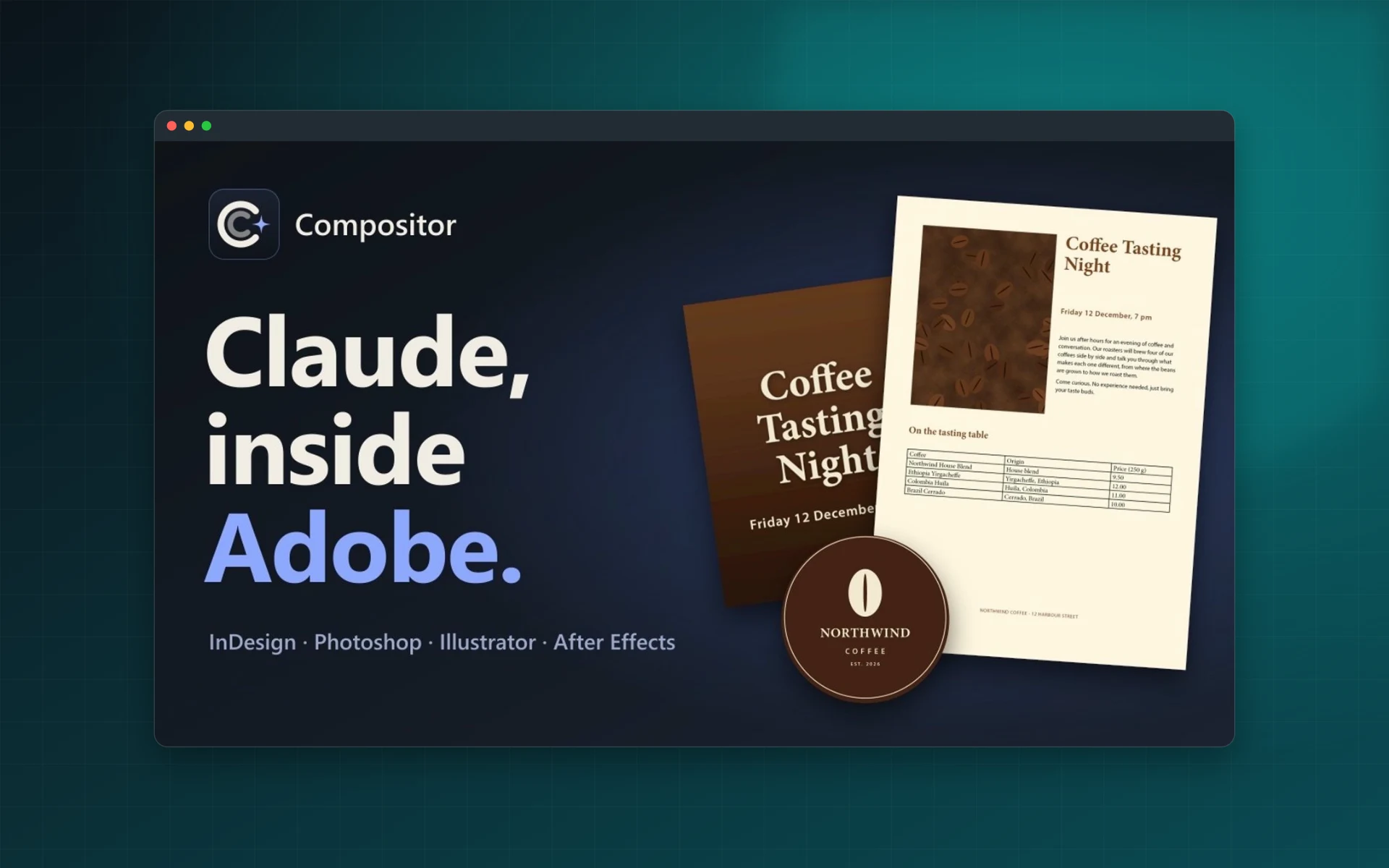
An Adobe InDesign MCP server is a small program that lets an AI app such as Claude or ChatGPT operate InDesign through a list of tools: read the text of page 3, create a paragraph style, export a PDF. MCP, the Model Context Protocol, is the open standard that AI apps use to call such tools. This article explains how the pieces fit, what to look for before you let an AI touch a client’s layout, and how Compositor is built.
The three parts
Every AI-in-Adobe setup has the same three parts:
- The AI app. Claude Desktop, the ChatGPT desktop app, Cursor, VS Code or another MCP client. It holds the conversation and decides which tool to call.
- The MCP server (connector). It tells the AI app which tools exist and passes each call on. With a local server the AI app starts it on your computer and talks to it over standard input and output (STDIO).
- The bridge inside the Adobe app. An extension or plugin that receives the call and runs it in InDesign, Photoshop, Illustrator or After Effects, using the app’s own scripting.
In Compositor, the connector listens only on 127.0.0.1 and relays calls to one panel that is loaded in each of the four Adobe apps. The panel runs each tool, records it as one undo step and reports back.
Tools, not scripts
There are two ways to let an AI act in an Adobe app:
| Approach | How it works | Trade-off |
|---|---|---|
| Script execution | The AI writes JavaScript or ExtendScript and the plugin runs it | Very flexible, but a wrong script can freeze the app, half-apply a change or touch things you didn’t ask for |
| Fixed tools | The AI picks from a list of tested actions with checked parameters | Limited to what the tools cover, but each action is predictable, reversible and explained |
Compositor uses fixed tools: 32 for InDesign, 15 each for Photoshop, Illustrator and After Effects, plus one that lists the connected apps. The AI never sends code. A call with wrong parameters is refused with a clear message, and a step that fails is rolled back.
Local or hosted?
A hosted connector runs on the vendor’s server. It can work in the web versions of AI apps, but your document travels through that server.
A local connector runs on your computer. It works only with desktop AI apps, but nothing goes to the plugin vendor. What the AI reads from your document still goes to your AI provider as part of the conversation, the same as anything you type there.
For client work under NDA, local is usually the safer default. Check where the connector runs before you install one.
What to look for
Before you let any AI connector work in production files, check five things:
- Approvals. Can you require confirmation before deleting or replacing content? Compositor asks before deleting or replacing by default, and can ask before every change.
- Undo. Is each AI action a single, named undo step? Compositor names each step “Compositor: …” and lists them per request.
- A stop button. Can you halt the AI immediately? Compositor’s Pause refuses further calls until you resume.
- Network behaviour. Does the connector open files or reach the internet? Compositor’s connector loads only Node’s
httpmodule, listens on127.0.0.1, opens no file and makes no internet request. - Visibility. Can the AI check its own work? Compositor can send the AI a picture of the page, document, artboard or frame it just changed, shrunk to 1,400 px.
About the “access to everything” warning
When you install a local extension from a file in Claude Desktop, Claude warns that the extension gets “access to everything on your computer”. The sentence is shown for every extension installed from a file, whatever it does. It describes what a local program could do, since it runs without a sandbox, not what it does. Read the vendor’s description of the connector’s network and file behaviour, and prefer one that states it precisely.
Getting started
- With Claude: how to use Claude in Adobe InDesign
- With ChatGPT: how to use ChatGPT in Adobe InDesign
- Across apps: one brief in InDesign, Photoshop, Illustrator and After Effects
Sources
- Model Context Protocol, Introduction
- Model Context Protocol, Transports (STDIO)
Frequently asked questions
What is an MCP server for InDesign?
A program that exposes InDesign actions, such as reading text, creating a paragraph style or exporting a PDF, as tools an AI app can call through the Model Context Protocol. Claude Desktop, the ChatGPT desktop app, Cursor and VS Code can all use MCP servers.
Is a local or a hosted MCP connector better for design files?
A local connector keeps your documents on your computer: only what the AI reads goes to your AI provider. A hosted connector also works in web apps, but every document passes through the vendor's server.
Does the AI run scripts in InDesign?
It depends on the connector. Some let the AI write and run scripts. Compositor does not: the AI can only call a fixed set of tested tools, each one undo step, and a failed step is rolled back.