One Brief, Four Adobe Apps: Claude in InDesign, Photoshop, Illustrator and After Effects
byLingway Team
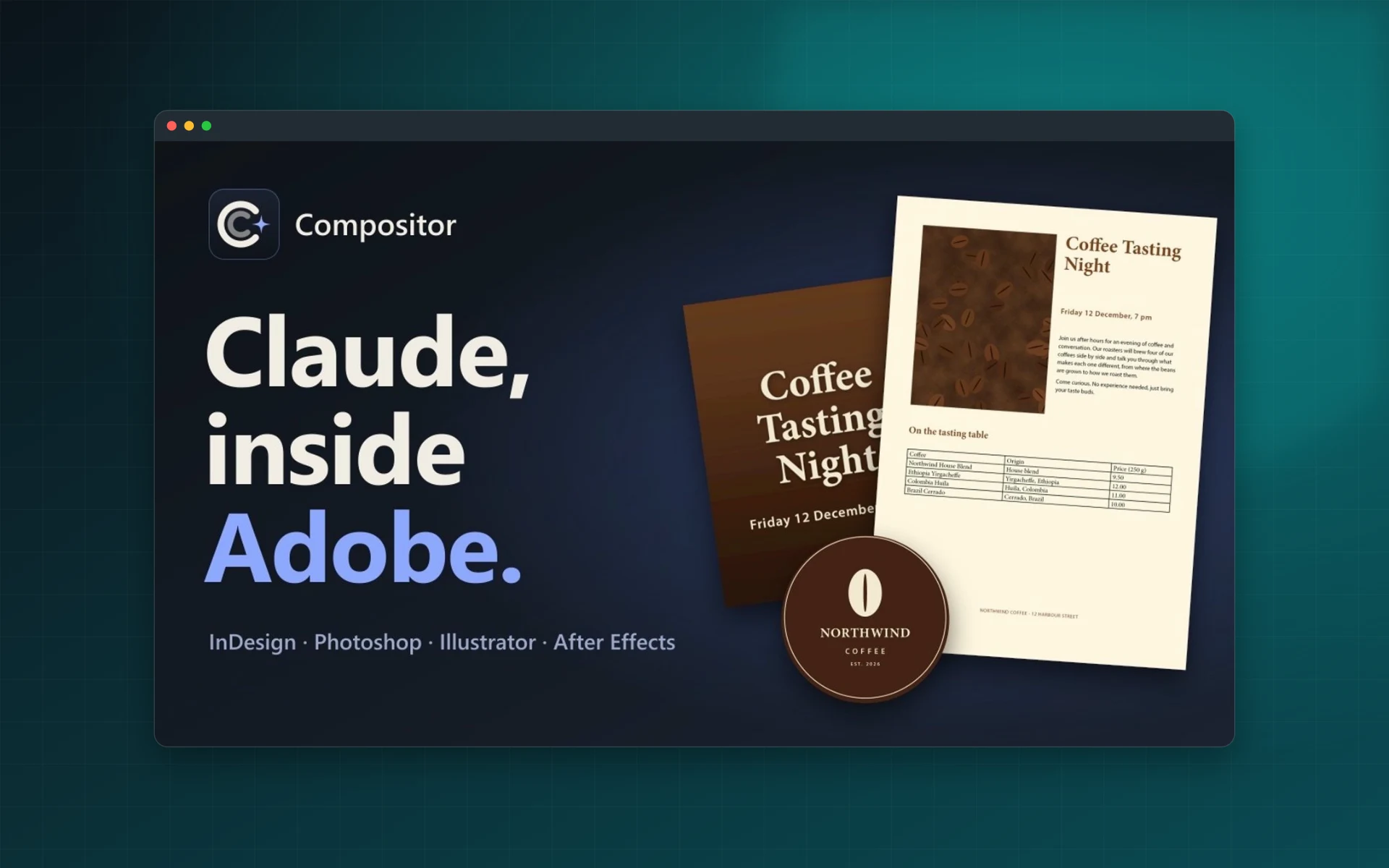
Most AI design tools live in one app. Compositor connects Claude (or ChatGPT) to four: Adobe InDesign, Photoshop, Illustrator and After Effects, through one panel. Each app’s tools carry its name, so a single conversation can take one brief across all of them. Here is what that looks like for a sample café brand, Northwind Coffee, and what the tools in each app cover.
The brief
Northwind Coffee is hosting a coffee tasting night on Friday 12 December. We need a simple logo, an A4 flyer for print, an Instagram post and a short animated title for the screens in the shop. Warm browns, a cream background, a serif for headings.
With Illustrator, InDesign, Photoshop and After Effects open and the Compositor panel connected in each, one request is enough to start: “Use this brief to make the logo in Illustrator, then the flyer in InDesign, the post in Photoshop and the title in After Effects. Show me each before moving on.”
Illustrator: the logo
Claude creates the swatches (brown, cream, a darker accent), draws the mark with shapes, sets the name as text and groups it. It then asks for a picture of the artboard and checks its own work: spacing, alignment, whether the text fits the circle.
Illustrator tools (15): document overview, list items, selection, fonts, create shapes and text, update text, create swatches and paragraph styles, update items, group, find and replace, add artboards, delete items and a picture of the artboard.
InDesign: the print flyer
InDesign is where Compositor goes deepest. Claude creates the document, the paragraph styles (heading, body, details), the swatches from the brief, the text frames and a tasting table. It can place the exported logo by its file path, then preflights the document and exports a print PDF.
InDesign tools (32): everything in Illustrator’s list, plus character and object styles, tables, placed images and links, parent pages, text wrap, align and distribute, find and replace with GREP, preflight and PDF export. See how to use Claude in Adobe InDesign for requests that work well.
Photoshop: the social post
For an Instagram post, Claude creates a document at the size you ask for, a fill layer for the background, text layers for the event, a shape layer for the badge, and a layer effect such as a soft shadow. Every change is one entry in the History panel, so stepping back is one click.
Photoshop tools (15): create document, text, shape, fill and adjustment layers, update layers and text, layer effects, blur, group layers, find and replace in text, delete layers, fonts and a picture of the document.
After Effects: the animated title
Claude creates a comp, adds the title as a text layer, a shape for the underline, and keyframes for position and opacity. It can add an effect or an expression, then look at frames at chosen times to check the motion.
After Effects tools (15): project overview, list layers, create compositions, add text, shape and other layers, update layers and text, set keyframes, apply effects, set expressions, find and replace, delete layers, fonts and a picture of a frame.
Keeping it under control
Four Adobe apps and one AI means more places for an unwanted change. The same rules apply everywhere:
- Approvals. Deleting or replacing asks first, by default. You can make it ask before every change.
- Undo. Every change is one step in the app’s own undo. In InDesign and Photoshop the panel’s Undo first checks that those steps are still the latest; in Illustrator and After Effects it can’t read the history, so it warns before undoing.
- Pause. Stops the AI in every app at once.
- House style. A few lines in Settings (fonts, colours, tone) go to the AI with every document overview, so the four pieces stay consistent.
When to use it, and when not to
AI across apps is good at the first 80% of production work: setting up documents, styles and swatches, placing content from a brief, and repeating a look in several formats. It is not a replacement for a designer’s judgement on the final 20%: typographic detail, image choice, the client’s taste. Treat the result as a solid first draft you refine.
For how the connection works and what stays on your computer, read what an Adobe InDesign MCP server is.
Sources
- Model Context Protocol, Introduction
- Adobe, Expressions in After Effects
Frequently asked questions
Can Claude work in Photoshop?
Yes, with Compositor. Claude gets 15 Photoshop tools: new documents, text, shape, fill and adjustment layers, layer effects, blur, groups, find and replace in text, and a picture of the document to check its work. Each change is one History step.
Can Claude work in Adobe Illustrator?
Yes. Compositor gives Claude 15 Illustrator tools: shapes, text, swatches, paragraph styles, grouping, artboards, find and replace and a picture of the artboard.
Can Claude animate in After Effects?
Yes. In After Effects, Claude can create compositions, text and shape layers, set keyframes, apply effects and expressions, and look at a frame at a given time.
Can one request use several Adobe apps?
Yes. Each app's tools are named after the app, so one conversation can work in Illustrator, InDesign, Photoshop and After Effects in turn, as long as each app is open with the Compositor panel.