Lingway Blog
Guides and how-tos for design and production teams
byOussama Touzni
23 Nov, 2026
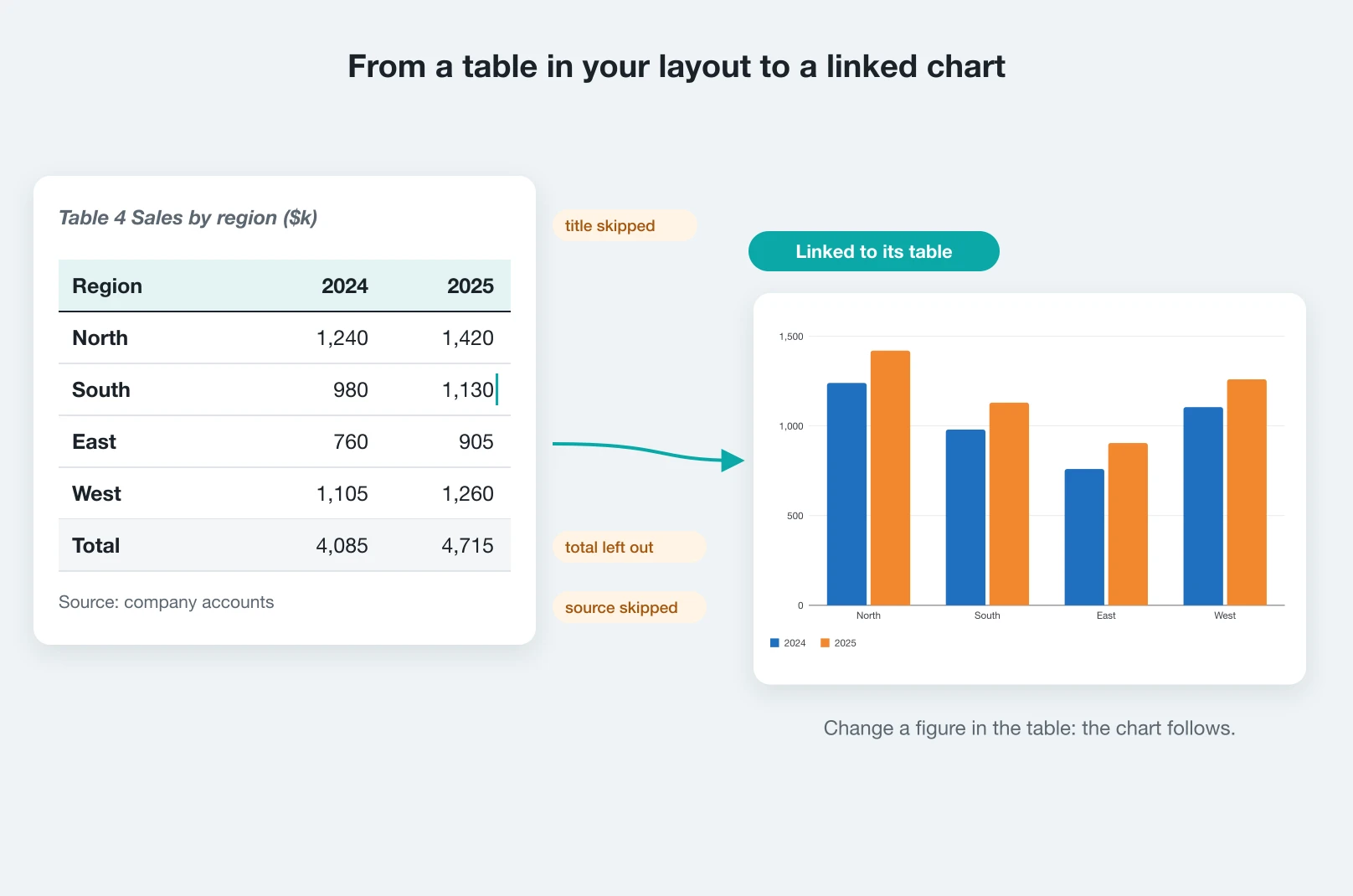
How to Put an Excel Chart in Adobe InDesign Without Losing Quality
The figures live in Excel, the layout lives in Adobe InDesign, and the chart has to travel from
Read More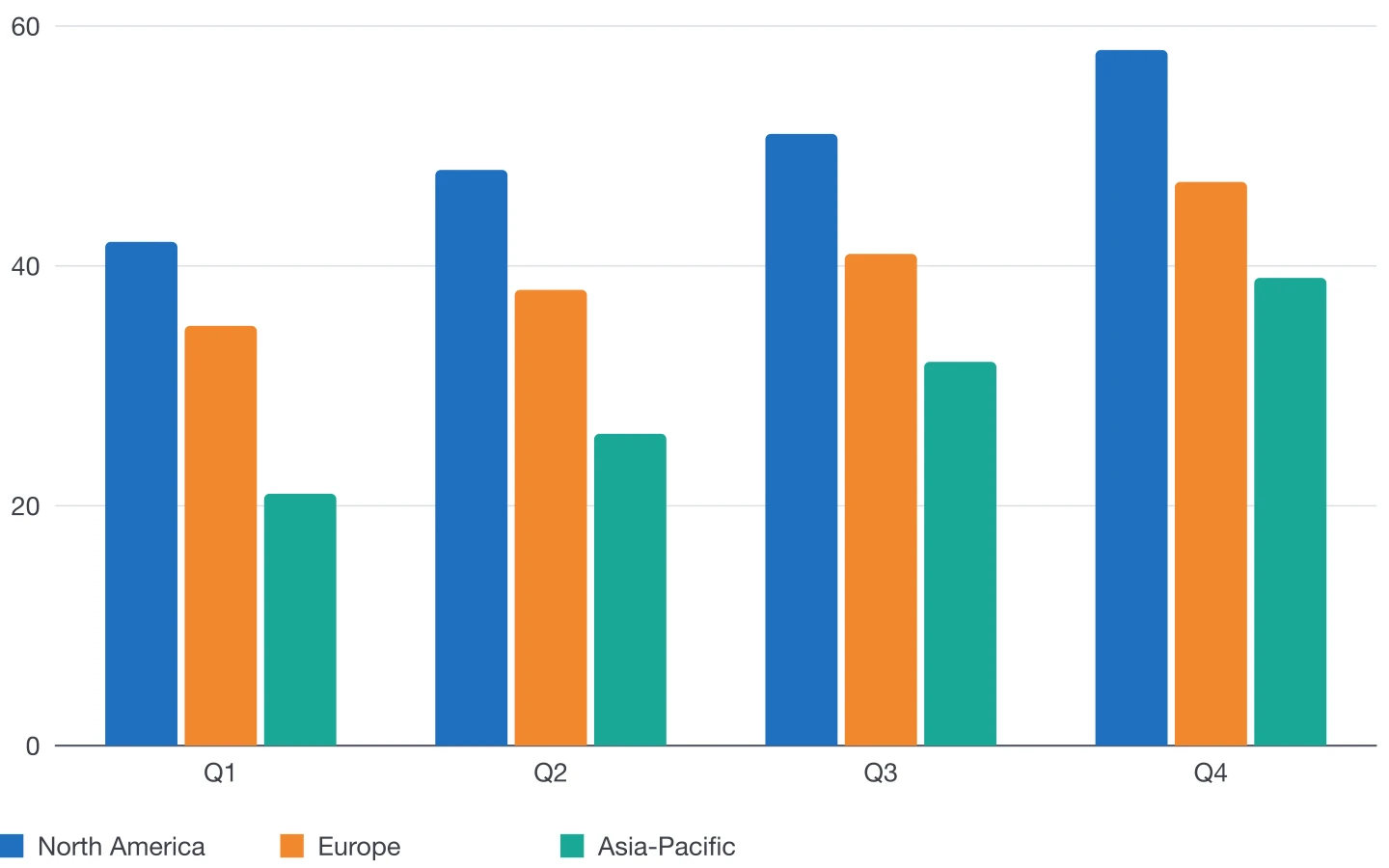
byOussama Touzni
23 Nov, 2026
How to Make a Chart in Adobe InDesign: Four Ways
Annual reports, brochures and magazines are full of charts, yet Adobe InDesign has no chart tool
Read More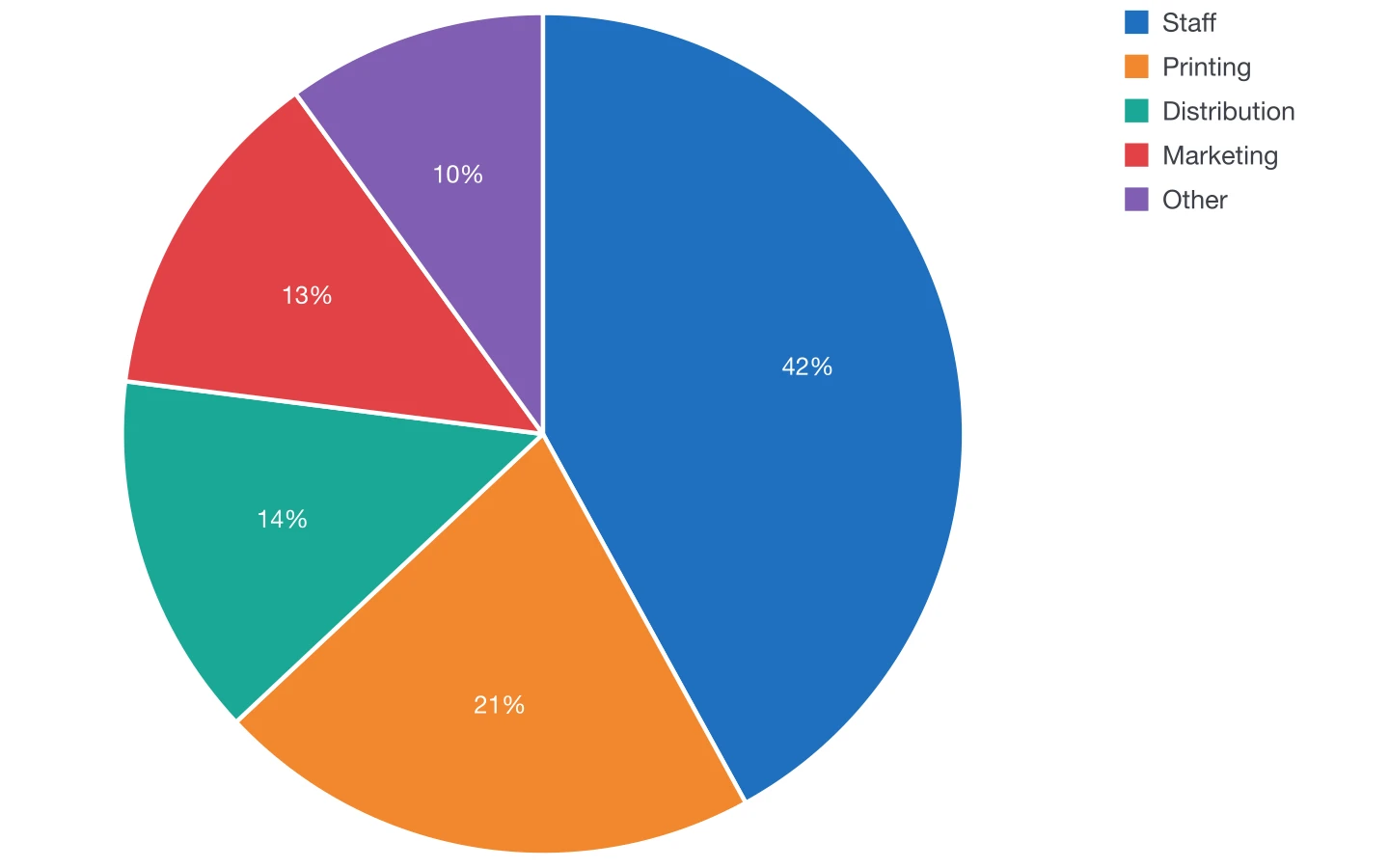
byOussama Touzni
23 Nov, 2026
How to Make a Pie Chart in Adobe InDesign
A pie chart shows how one total splits into parts: a budget, a market, a survey sample. It is on
Read More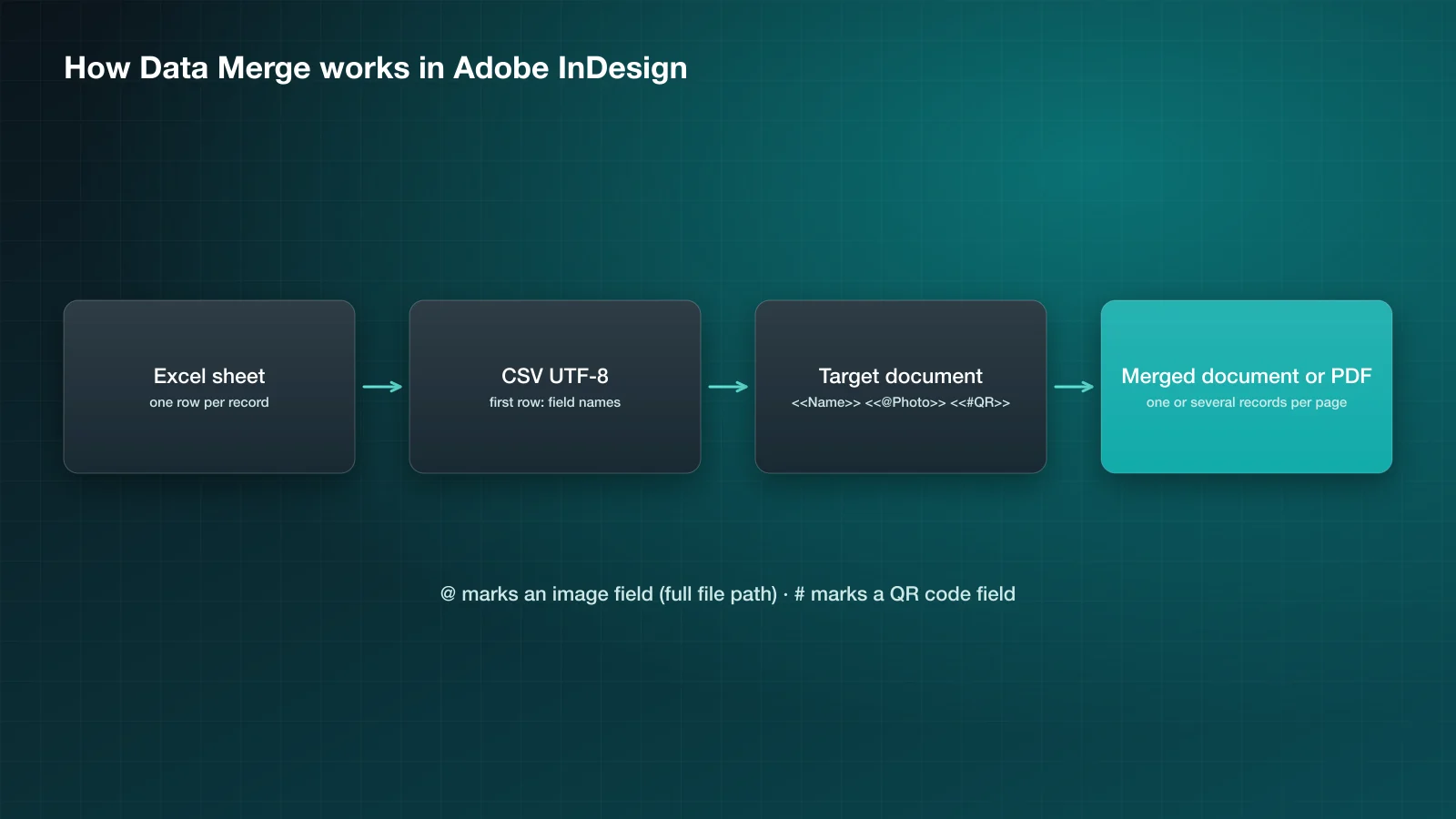
byOussama Touzni
13 Nov, 2026
How to Use Data Merge in Adobe InDesign with an Excel File
Name badges, labels, certificates, product sheets and catalogue pages share one thing: the same
Read More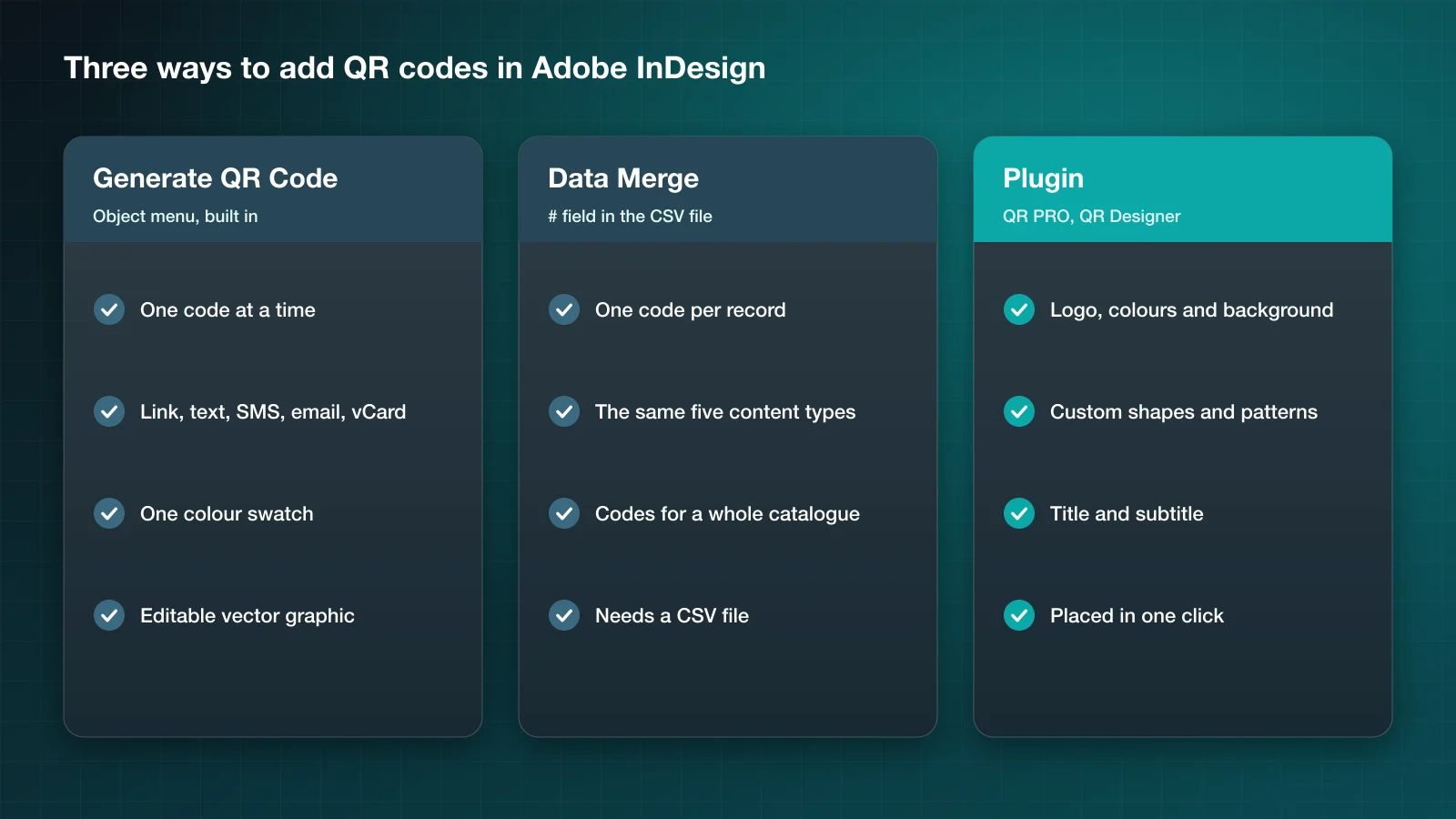
byFahd Jlif
13 Nov, 2026
How to Create a QR Code in Adobe InDesign: Three Ways
A QR code on a poster, a menu or a product sheet takes readers straight from paper to a web page
Read More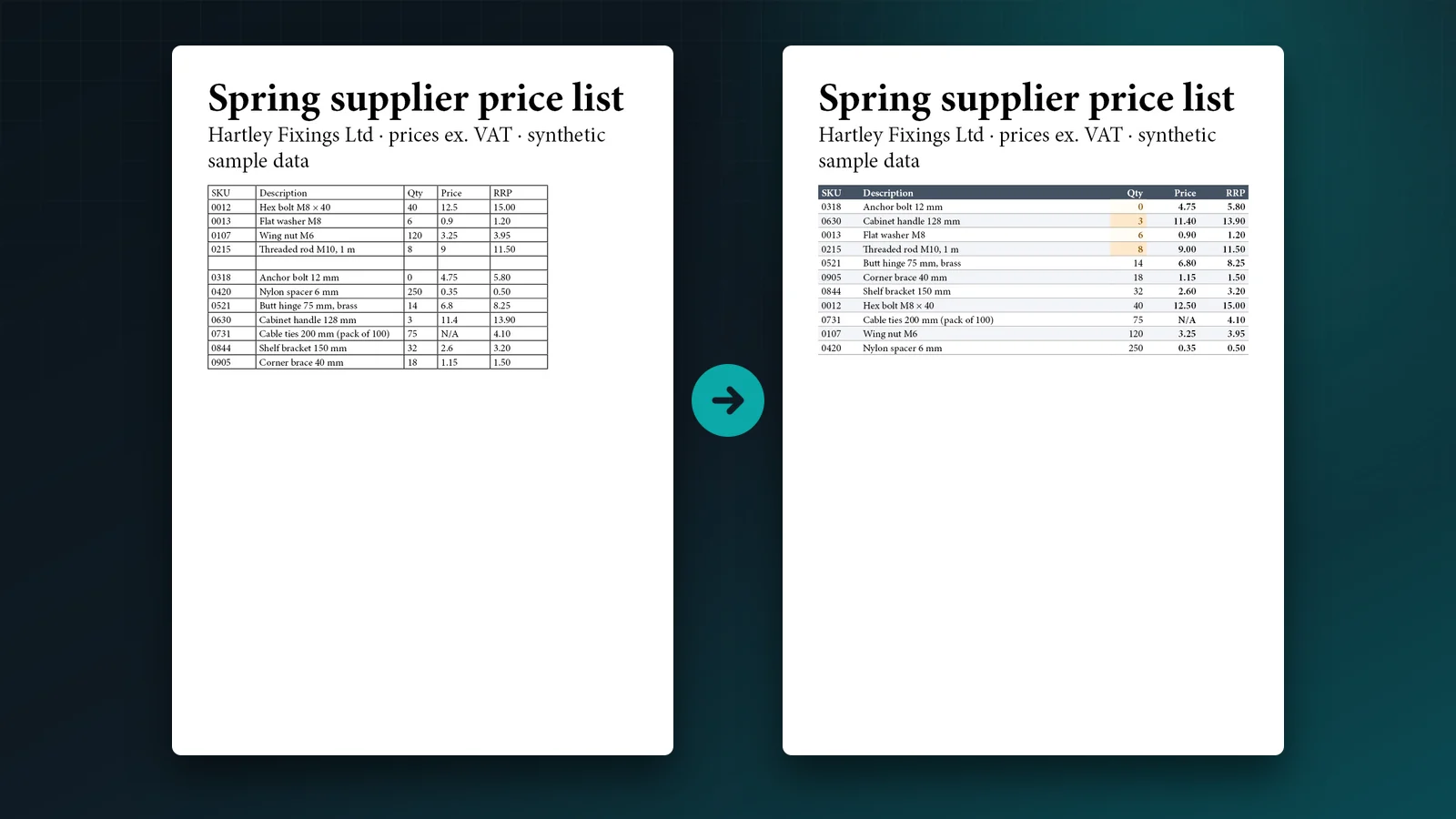
byOussama Touzni
20 Oct, 2026
How to Fit Table Column Widths to Their Content in InDesign
A table placed from Excel or typed quickly arrives with columns of equal width. The SKU column,
Read More