 Chart typeHalf doughnut available
Doughnut chart
A pie with room in the middle for a key figure.
A ring of slices with an open centre, where you can place a total, a title or an icon. Lighter than a pie and well suited to small sizes.
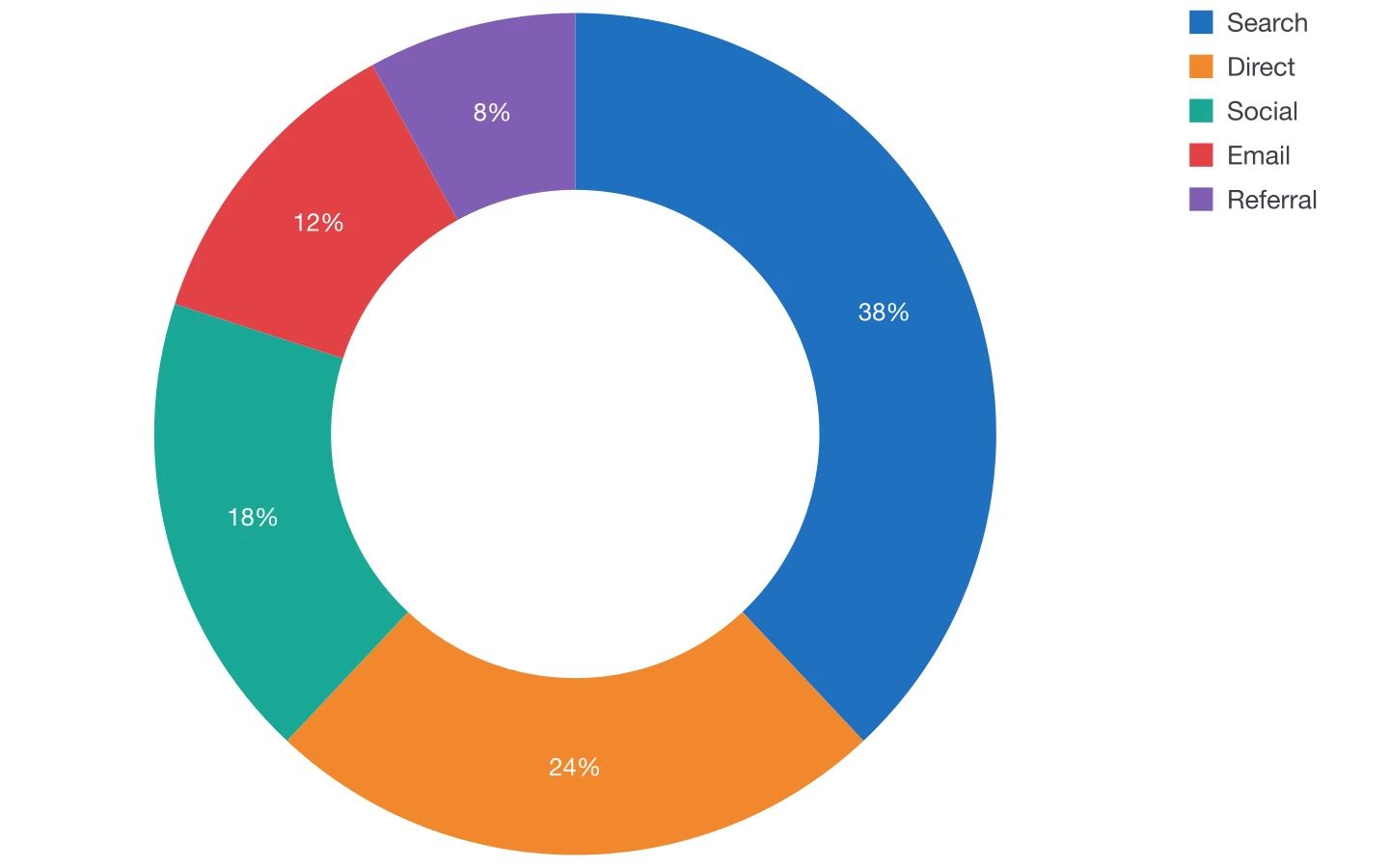
Plugin options
Options for this chart
- 1
Hole size
The width of the ring, from a thin band to almost a full pie.
- 2
Half circle
A half doughnut, often used as a gauge.
- 3
Start angle and outline
Rotation of the ring and white lines between segments.
- 4
Series and value labels
The series to show and its percentages inside or outside the ring.
Also available for every chart
- Colours and styles
- DataInk object styles, one colour in tints or a swatch group of your document; your own paragraph styles for axis labels, values and legend.
- Legend
- Below or beside the chart, or as an InDesign table you style like any other.
- Numbers
- Number format of 14 locales, decimals, prefix and suffix (€, %, kg), compact numbers (12K).
- Size
- Width and height in your document's unit, or fit a frame you drew beforehand.
- Data
- Panel grid, large data editor, paste, Excel and CSV import, or a linked InDesign table.
- Presets
- Save the look, reuse it, and share it with your team as a file.
Editorial guide
When to use it
Typical use
Shares of a total in dashboards, infographics and small spaces, with a figure in the centre.
Better avoided
Precise comparisons between similar shares: bars do it better.
Layout tips
- Put the total or the key share in the centre with your own text frame.
- A thinner ring reads as more modern; a thicker one keeps labels readable.
- Keep to a handful of segments.
Data structure
Sample data
Categories in the first column and their amounts in the second.
Paste a table like this one, import it from Excel or CSV, or click in an InDesign table with the same layout.
| Source | Visits (%) |
|---|---|
| Search | 38 |
| Direct | 24 |
| Social | 18 |
| 12 | |
| Referral | 8 |
Other chart types
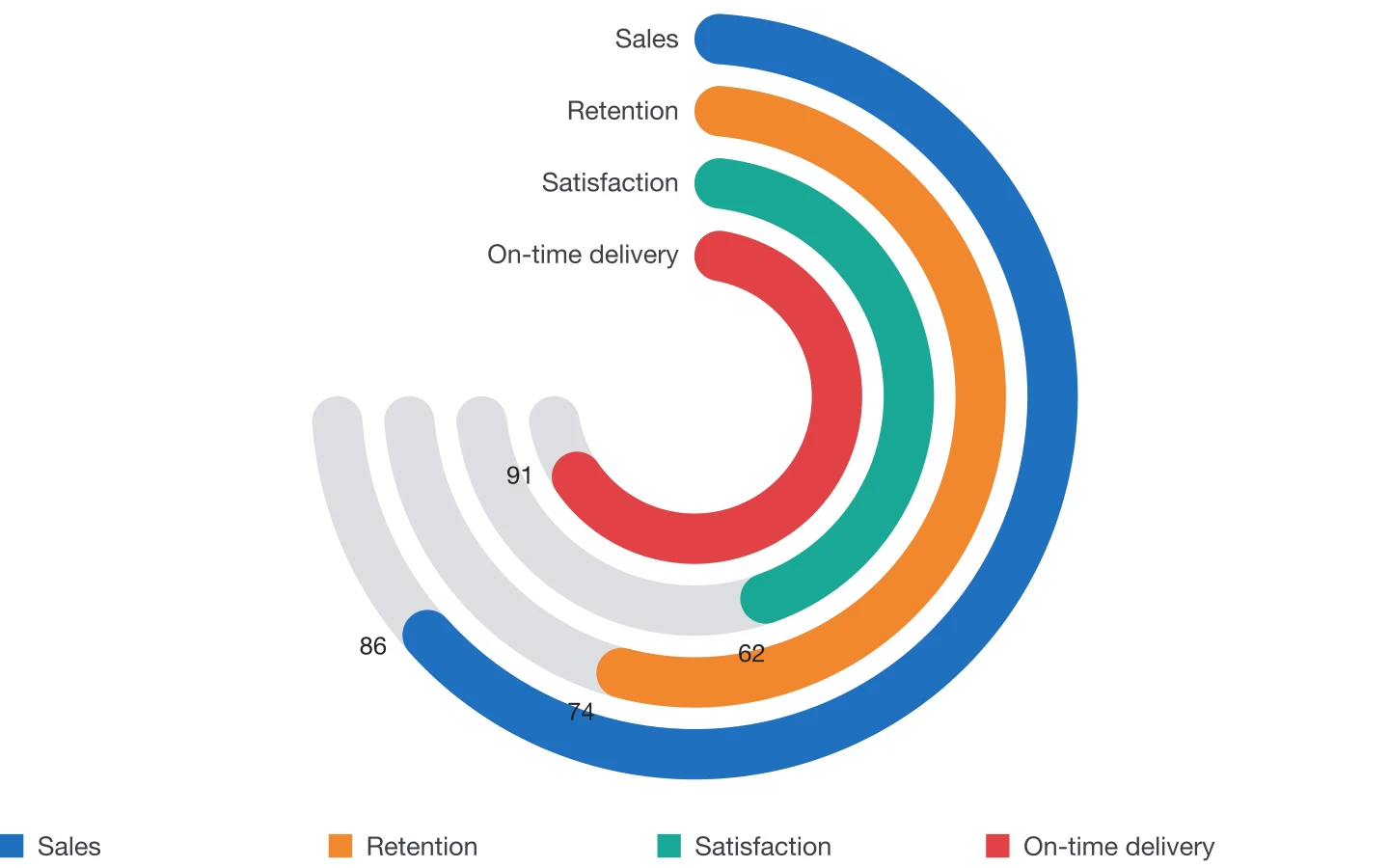 Radial bar chartConcentric rings for progress and scores.
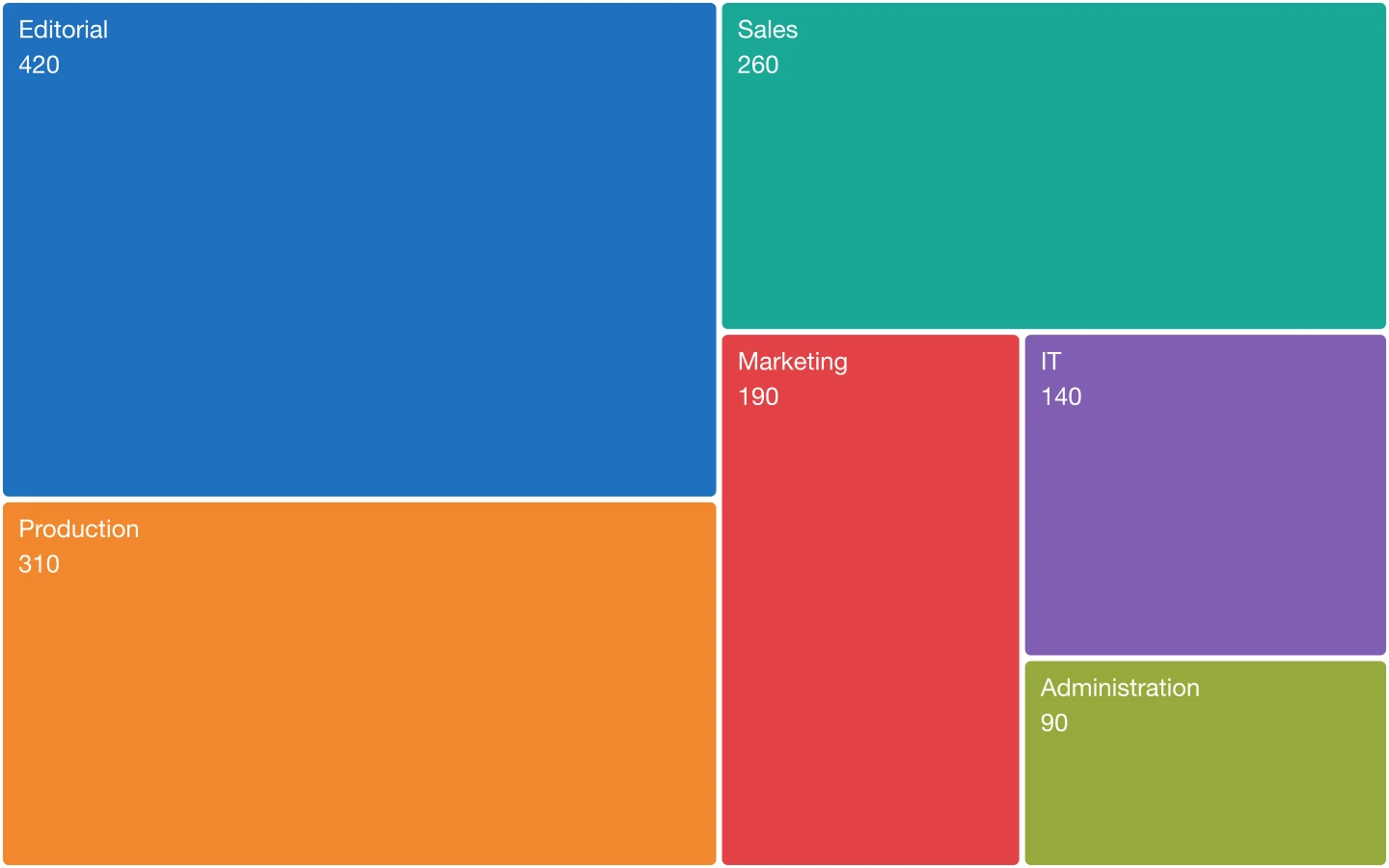 TreemapRectangles sized by value, filling the whole frame.
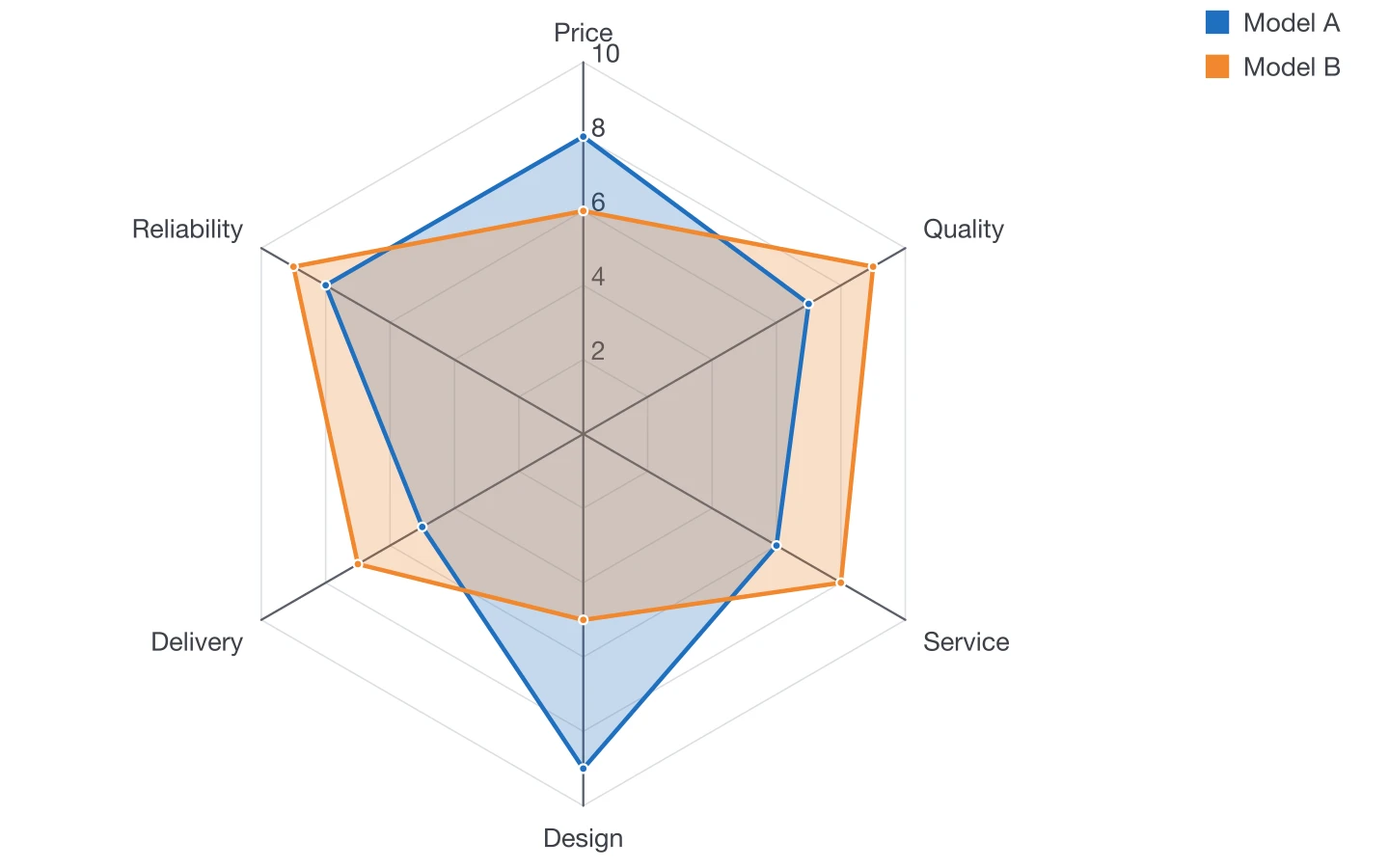 Radar chartProfiles across several criteria.
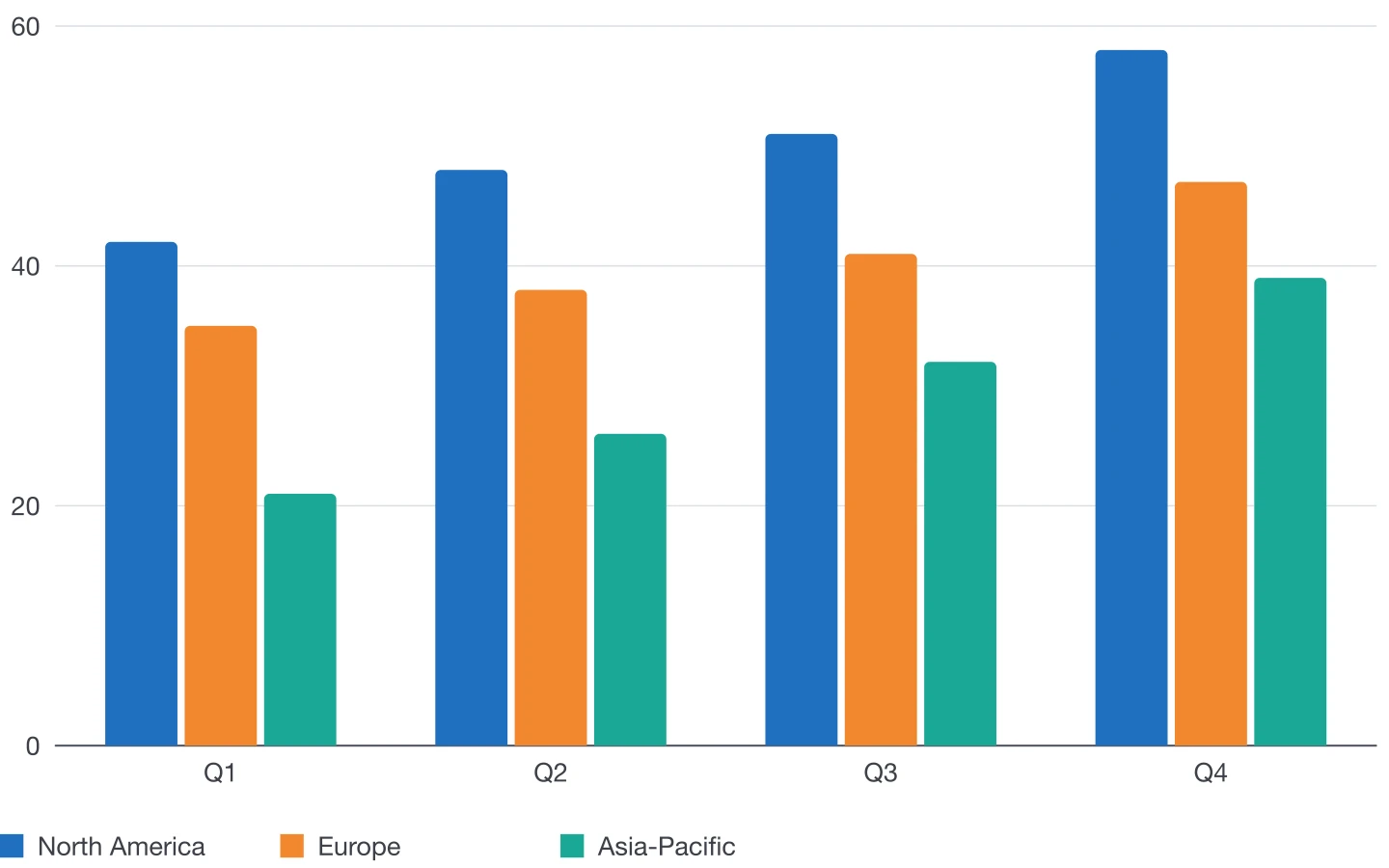 Column chartCompare values across categories or periods with vertical bars.
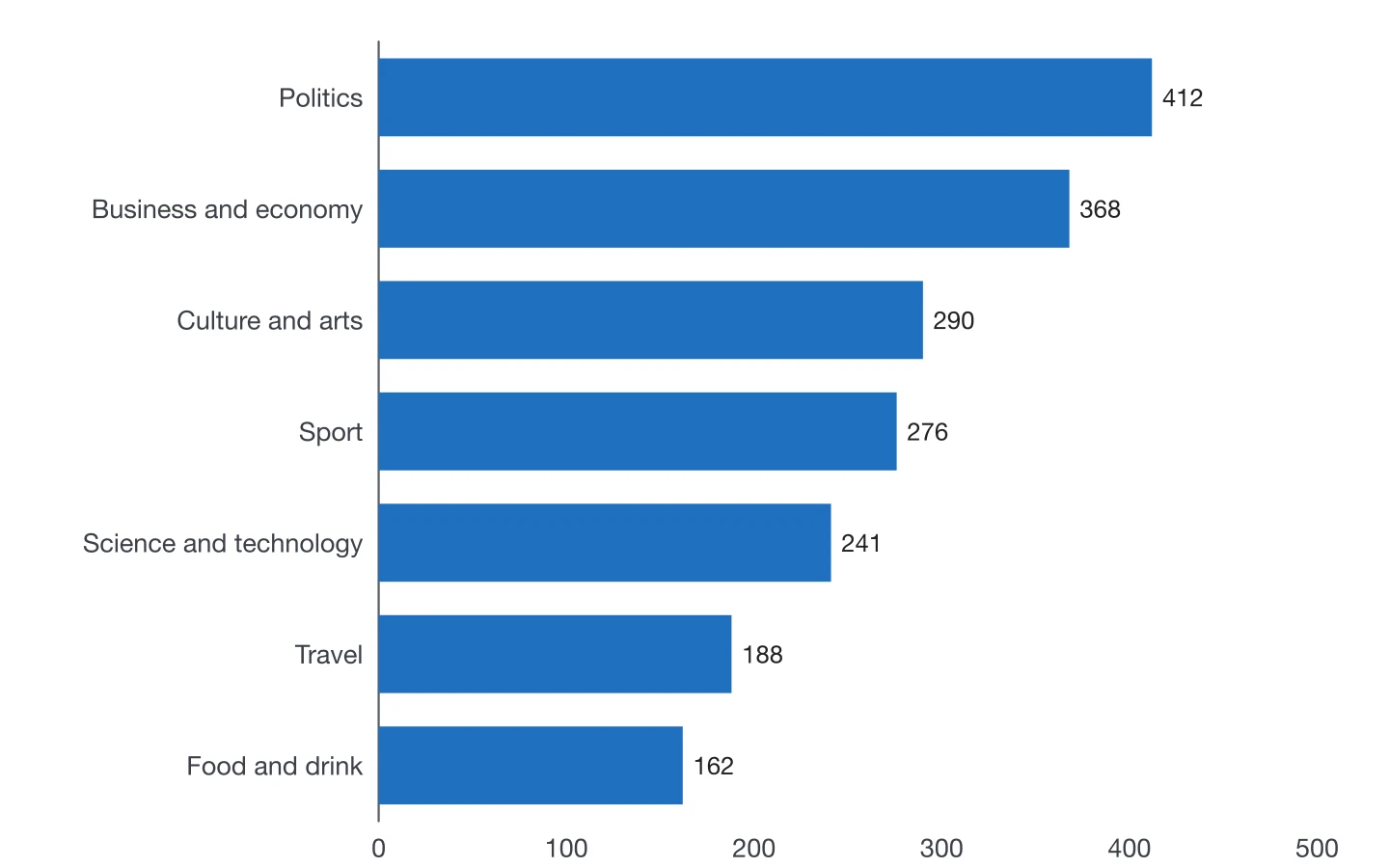 Bar chartHorizontal bars for rankings and long category names.
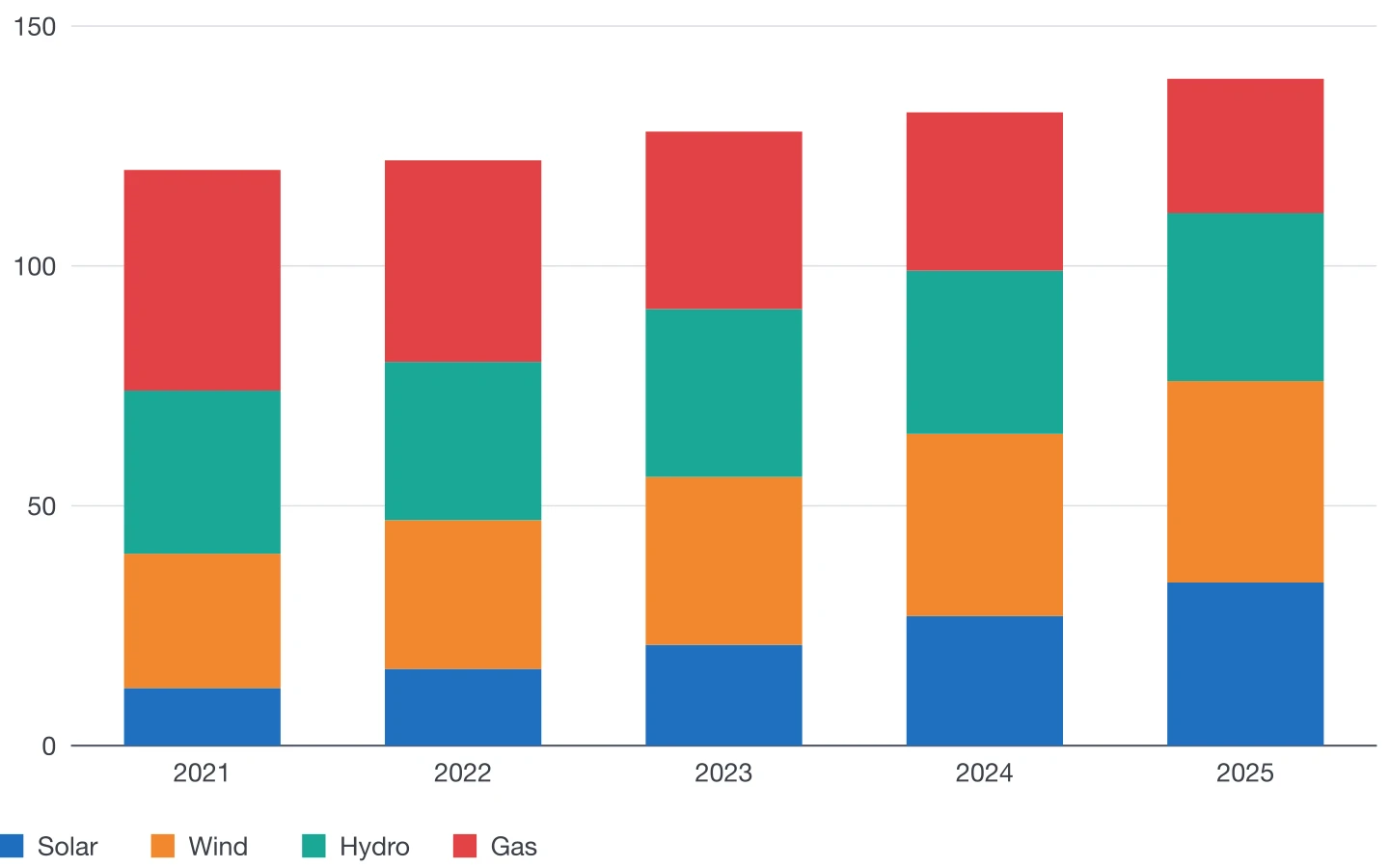 Stacked column chartTotals and their composition in one set of columns.
Make your next chart in InDesign
Buy DataInk once, on Adobe Exchange or Gumroad, and draw every chart of your layout natively, in your own styles.
Get DataInk for InDesign