How to Translate an After Effects Project with DeepL (Text Layers, Precomps, RTL)
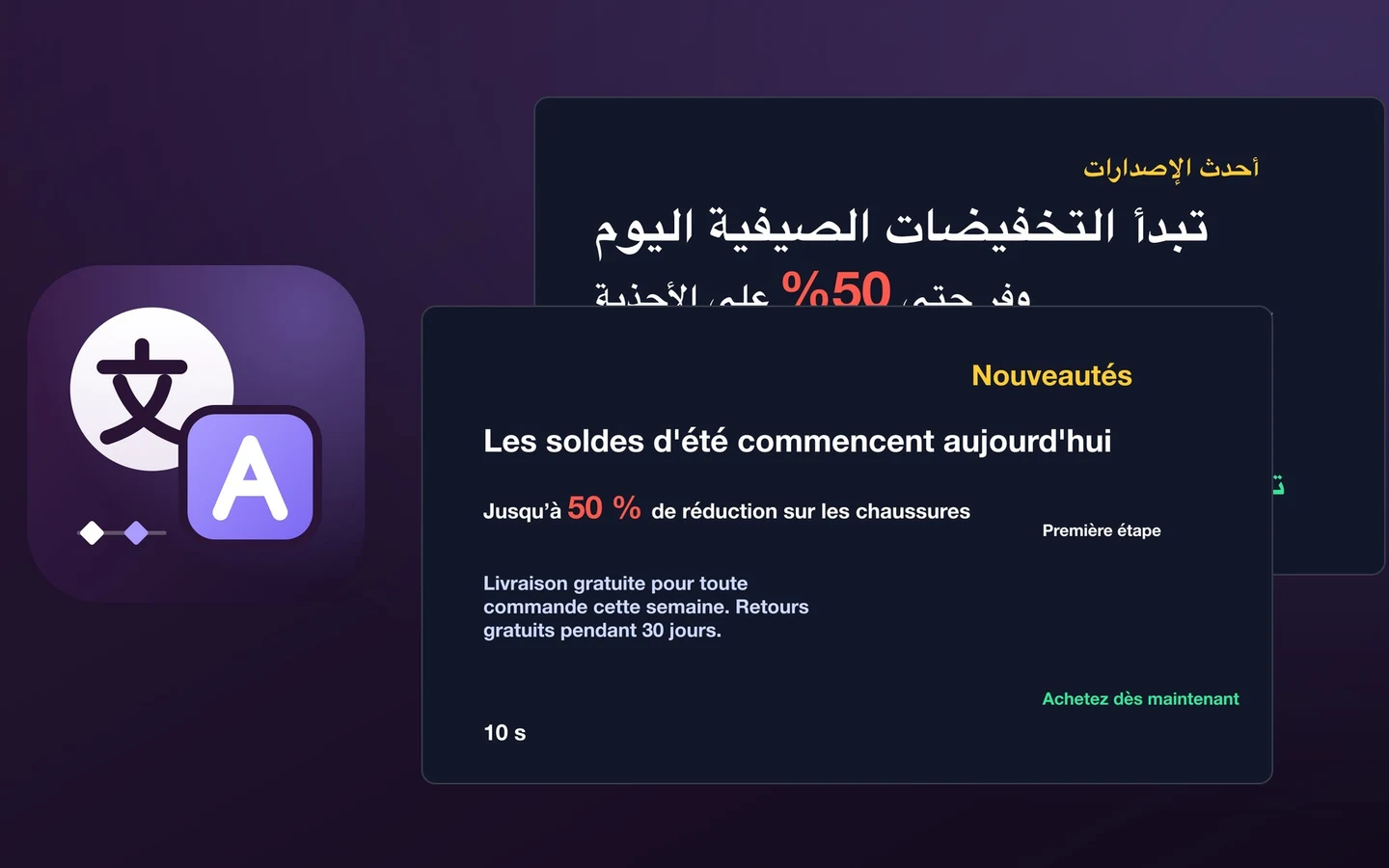
After Effects has no translation feature, so localising a motion graphic usually means opening every text layer, copying it into a translator, pasting it back and repairing the styling. With six languages and a few precomps that is hours of careful clicking. This guide covers the manual method, its traps, and how Translator PRO for Adobe After Effects does it with DeepL.
The manual method, and where it breaks
- Duplicate the comp for each language (and every precomp inside it, then relink them).
- Open each text layer, copy the Source Text, translate it, paste it back.
- Repeat for every Source Text keyframe.
- Fix what broke.
What breaks is predictable:
- Styling inside a layer. Pasting replaces the text with one style, so the red word in a white sentence turns white.
- Precomps. A duplicated comp still points to the original precomps until you duplicate and relink them.
- Right-to-left languages. Arabic and Hebrew need the paragraph direction set, and the text jumps to the other side of the anchor point.
- Missing glyphs. A Latin font shows boxes for Japanese or Arabic.
- Longer text. German or French often runs 20–30% longer and overflows the design.
Translate with Translator PRO and DeepL
- Add your DeepL API key. New accounts start on DeepL’s free Developer plan (1,000,000 characters in total, not renewed). The panel shows how to get a key in three steps.
- Choose the scope: selected layers, the active comp, the comp with all its precomps, comps selected in the Project panel, or the whole project.
- Pick one or several languages and click Translate.
- Review. Every translation is listed next to its source. Edit any line. Export the table as CSV for a reviewer and import it back.
- Apply. The comp and every precomp under it are duplicated, relinked and translated into a Translations folder with one subfolder per language. Your original is not touched. (Or replace the texts in place, as one undo step, with the originals kept.)
Source Text keyframes are translated one by one and keep their times.
How it handles the hard parts
| Problem | What Translator PRO does |
|---|---|
| Several styles in one layer | Each style comes back on the right words, even when word order changes |
| Arabic, Hebrew, Persian, Urdu | Set right to left; the text stays on its side of the anchor point; digits can stay 0–9 or become Arabic or Persian digits |
| Missing characters | Only the missing characters take another font, in the same weight when possible; choose that font per language |
| Longer translations | Flagged with how much wider they are, or reduced to fit down to a limit you set |
| Consistent terms | Your DeepL glossaries, instructions, formal or informal tone, and the comp’s other texts sent as context |
| Re-running after a change | Translations are cached on your computer, so only changed texts are sent |
Privacy and cost
Texts go from your computer straight to DeepL. There is no Lingway account and no Lingway server, and the key is stored on your computer only. Context sent to DeepL isn’t billed by DeepL. Layers that contain only numbers or symbols are never sent.
Translator PRO for After Effects needs After Effects 2025 (25.1) or later on macOS or Windows, and costs $60 once. Translated comps are ordinary comps, so the project opens and renders without the plugin.
Also for InDesign, Illustrator and Photoshop
Translator PRO started in InDesign. If your campaign also has print pieces, see how to translate an InDesign document with DeepL.
Sources
- DeepL, DeepL API plans
Frequently asked questions
Can After Effects translate text automatically?
No. After Effects has no translation feature. You either copy each text layer into a translator and paste it back, or use a plugin such as Translator PRO, which sends the text layers to DeepL and writes the translations into a copy of the comp per language.
Is DeepL's free API plan enough to translate videos?
Often, to start with. New accounts get DeepL's free Developer plan, with 1,000,000 characters in total that do not renew, and then move to the paid Growth plan. A motion graphic has far less text than a document. You need a DeepL API key, not just a DeepL web account.
Do translated layers keep their styling?
With Translator PRO, yes: a layer with several styles, such as one red word in a white sentence, gets each style back on the right words even when the word order changes.
Fahd Jlif is part of the team at Lingway, which makes plugins for Adobe InDesign, Illustrator, Photoshop and After Effects. LinkedIn