 Adobe Premiere Pro
Renamer PRO for Premiere Pro
Import 200 clips from a multicam shoot and rename them Interview_Cam1_001, Interview_Cam2_001 in seconds instead of hours. Renamer PRO renames project items, bins and markers with patterns you can preview before applying.
- Pattern tokens, numbering and regex
- Clips, bins and timeline markers
- Live preview with conflict detection
- Reusable naming presets
Installs from Adobe Exchange · opens in a new tab
- Works in
- Adobe Premiere Pro
- Premiere Pro 25.6 or later
- Price
- $39
- one-time purchase
- Support
- From the developers
- Updates included
Organized projects without the busywork
Three renaming modes, a live preview and presets for the naming standards you use every day.
Pattern-based naming
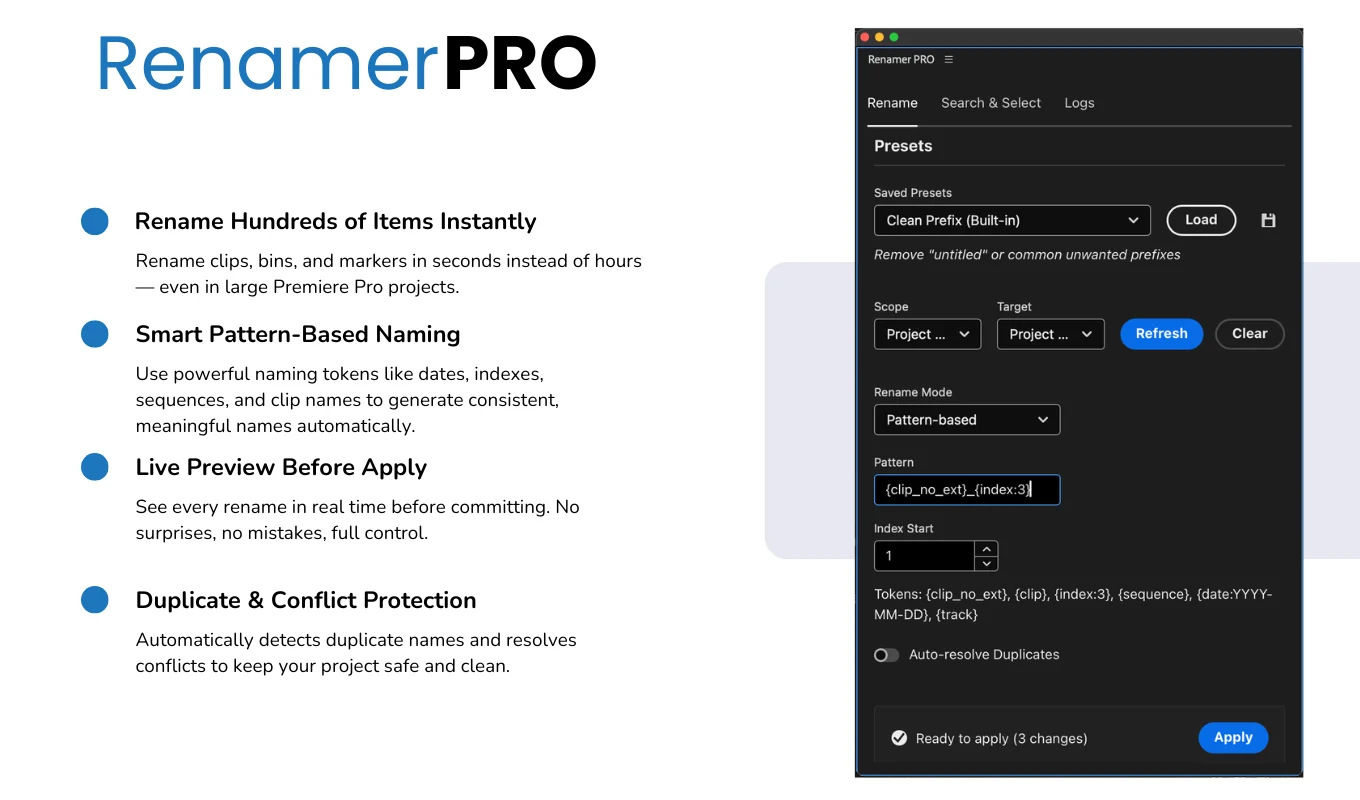
Use tokens such as {clip_no_ext}, {index}, {sequence} and {date} to build names.
Sequential numbering
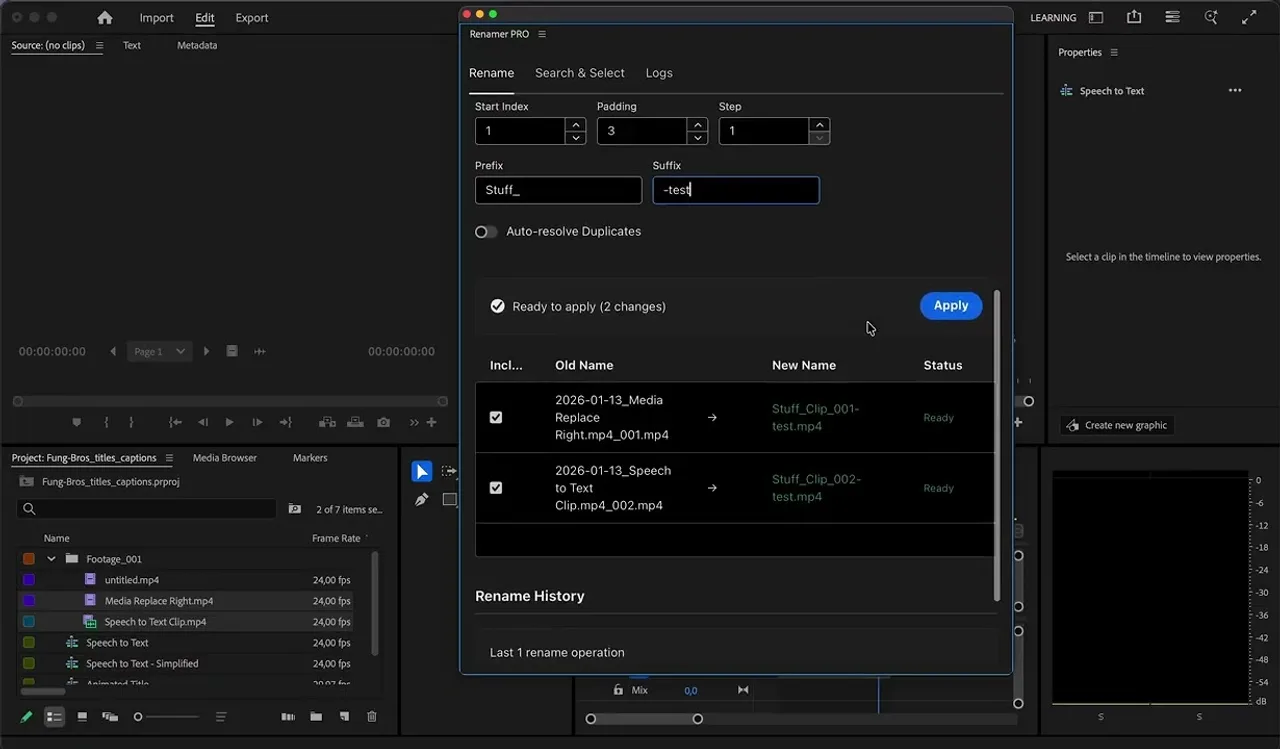
Add numbered sequences with your own padding and format.
Find and replace
Search and replace in names, with regular expression support.
Live preview
See every new name before applying it, with duplicate detection and clear warnings.
Flexible scope
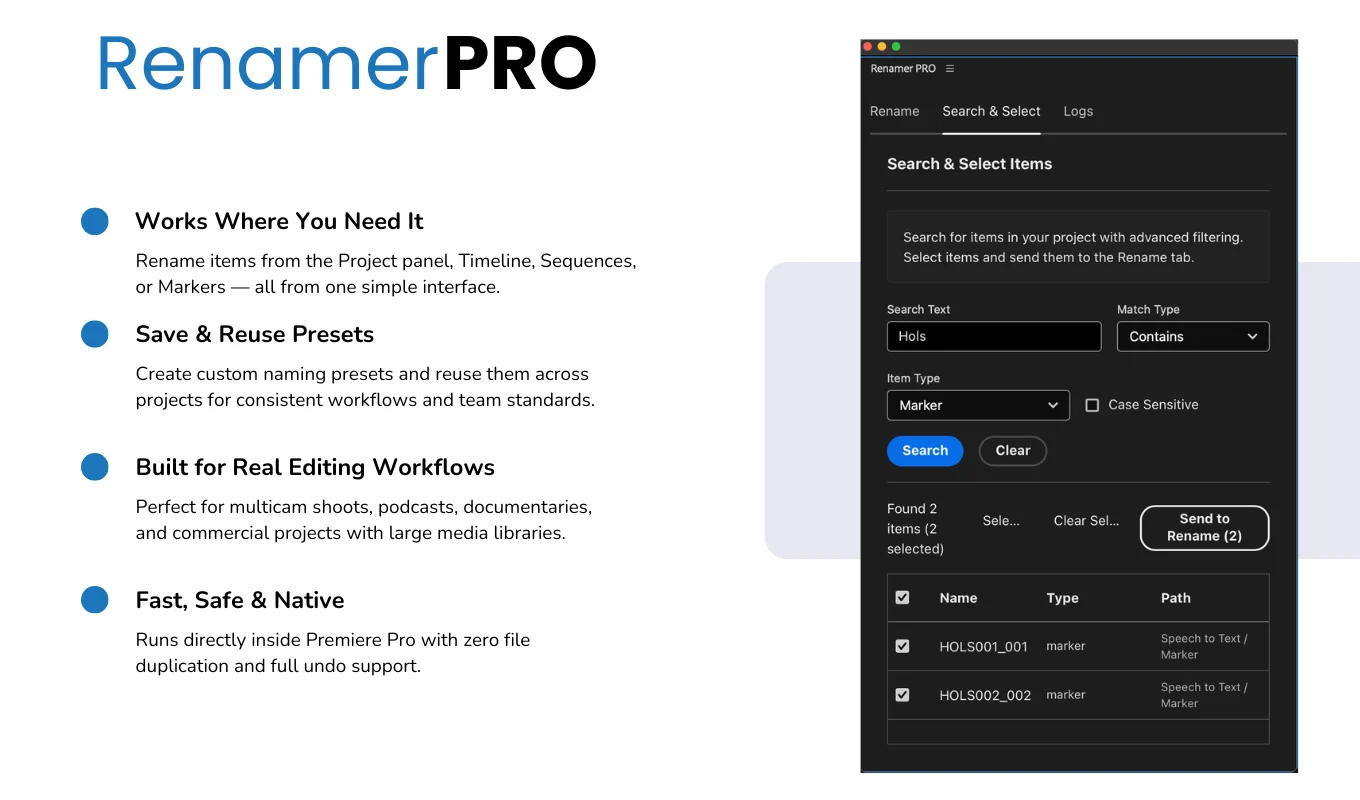
Work on project selections, timeline selections or entire sequences, including bins and markers.
Presets
Save frequent patterns and use built-in presets for common workflows.
From install to result in a few clicks
- 1
Select items
Choose clips, bins or markers in the project or timeline.
- 2
Build the name
Use a pattern, numbering or find and replace, and check the preview.
- 3
Apply
Rename everything at once, with conflicts resolved.
See it inside the app
Built for production work
Multicam shoots
Label Camera 1, Camera 2 and Camera 3 instantly.
Podcasts
Apply episode numbers and dates to hundreds of clips.
Documentaries
Organize interviews by date and subject.
Commercial work
Follow each client's naming standards on every project.
Watch Renamer PRO in Premiere Pro
See hundreds of clips renamed with a pattern and a live preview.
 Plays from YouTube (privacy-enhanced mode)
Frequently asked questions
What can I rename?
Project items, bins and timeline markers, from a project selection, a timeline selection or a whole sequence.
Can I see the result first?
Yes. A live preview shows every change, with duplicate detection and warnings, before anything is applied.
Does it support regular expressions?
Yes. The find and replace mode supports regex.
Which Premiere Pro versions are supported?
Adobe Premiere Pro 25.6 or later.
Rename your next project in seconds
Get Renamer PRO on Adobe Exchange with a single payment.
Need a feature it does not have yet?
We wrote this plugin, so we can extend it, connect it to your systems or build a private version for your team.
Talk to the developersMore from Lingway

ReplacePro for Adobe Illustrator
Batch replace text, images, colors and fonts across folders of .ai files.
View Product
ReplacePro for Adobe InDesign
Batch replace text, links, colors and fonts across many INDD files.
View Product
Markup Automator for Adobe Photoshop
Batch replace smart objects in mockups and export every version.
View Product