 Adobe Illustrator
GPT Box for Adobe Illustrator
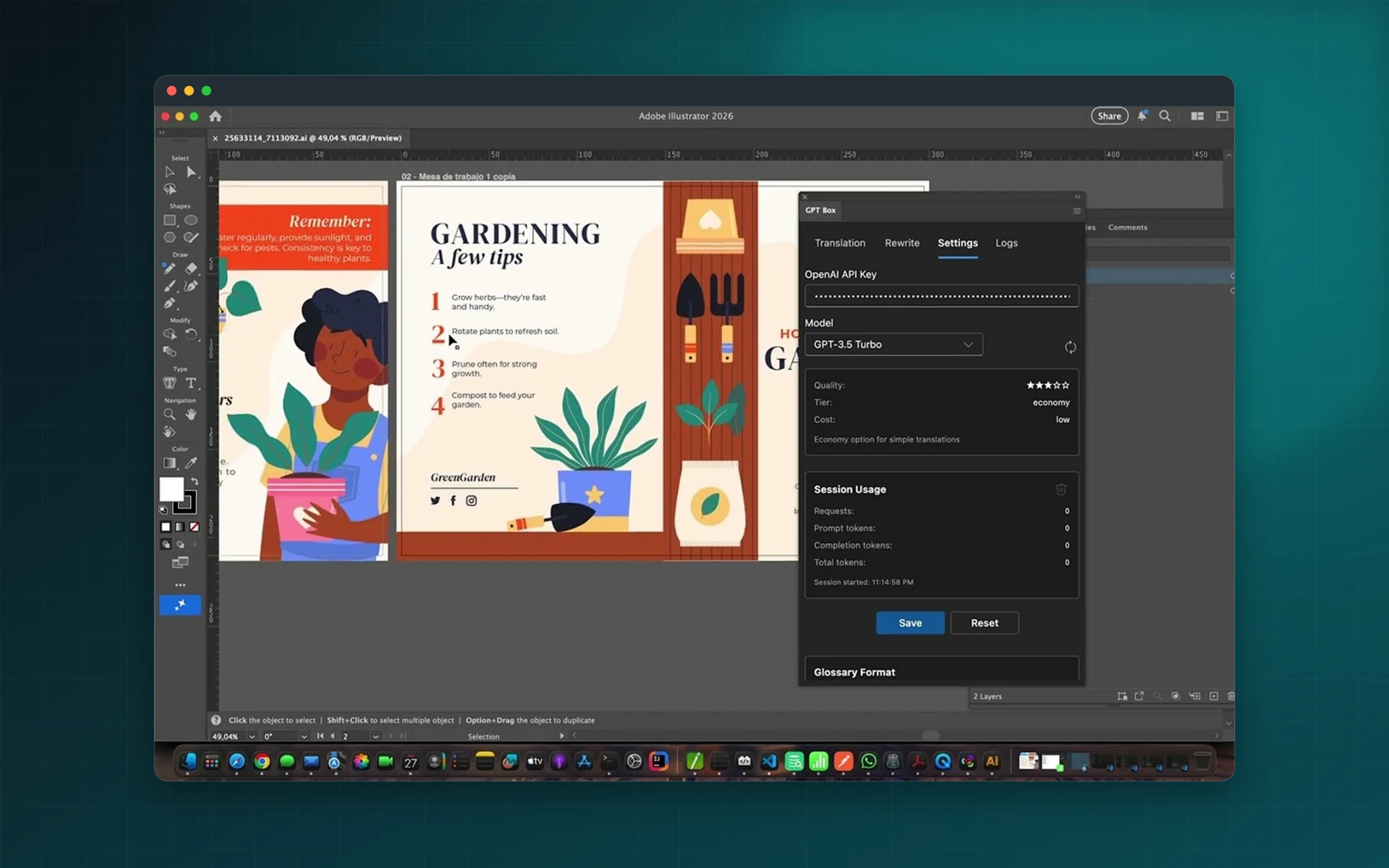
Bring ChatGPT into Illustrator. Translate whole documents, rewrite headlines, shorten copy that overflows and apply your own prompts, without breaking layouts or styles.
- Translate full documents with ChatGPT
- Rewrite selected text with AI
- Save and reuse custom prompts
- Choose your OpenAI model
Installs from Adobe Exchange · opens in a new tab
- Works in
- Adobe Illustrator
- Illustrator 23.0 or later, OpenAI API key
- Price
- $39
- per year
- Support
- From the developers
- Updates included
An AI copy desk inside Illustrator
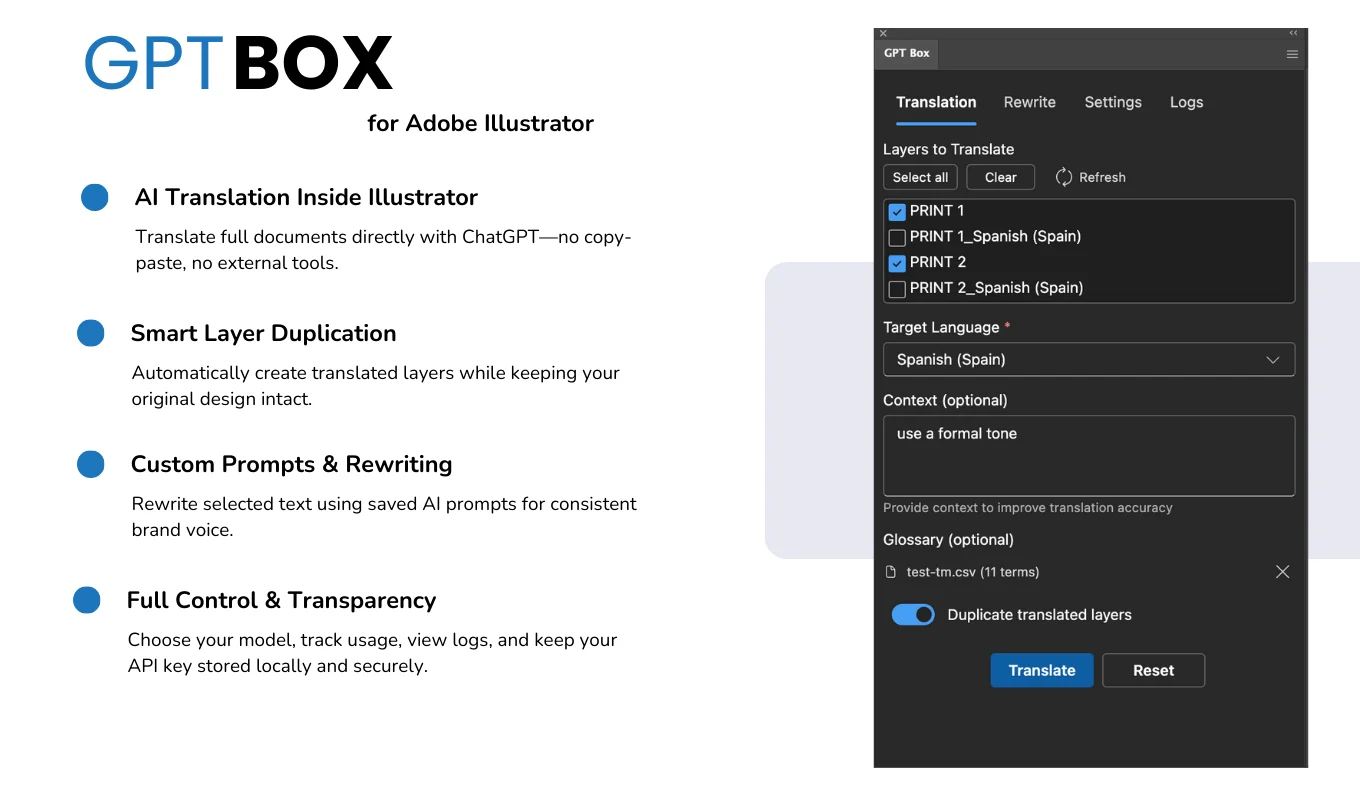
GPT Box connects Illustrator directly to the OpenAI API. You stay in control of the model, the prompts and the cost.
Translate documents
Translate every text object in the document with ChatGPT while keeping fonts and styles.
Duplicate translated layers
Put each translation on its own duplicated layer so the source text stays untouched.
Rewrite with AI
Rewrite, shorten or change the tone of selected text without copying it to a browser.
Custom prompts
Save the prompts that work for your brand and load them again in one click.
Glossary support
Keep product names and terminology consistent across every language.
Logs and usage
Built-in logs show what was sent and how many tokens each run used.
From install to result in a few clicks
- 1
Connect OpenAI
Add your OpenAI API key. It is stored in secure local storage.
- 2
Pick a task
Translate the document, rewrite a selection or run one of your saved prompts.
- 3
Review the result
Compare it with the original layer and keep the version you prefer.
See it inside the app
Built for production work
Marketing teams
Adapt headlines and calls to action for each market.
Packaging designers
Produce first-draft translations for multilingual labels.
Copywriters
Try variations of a headline directly on the artwork.
Freelancers
Offer translation to clients without adding another tool.
Watch GPT Box in Illustrator
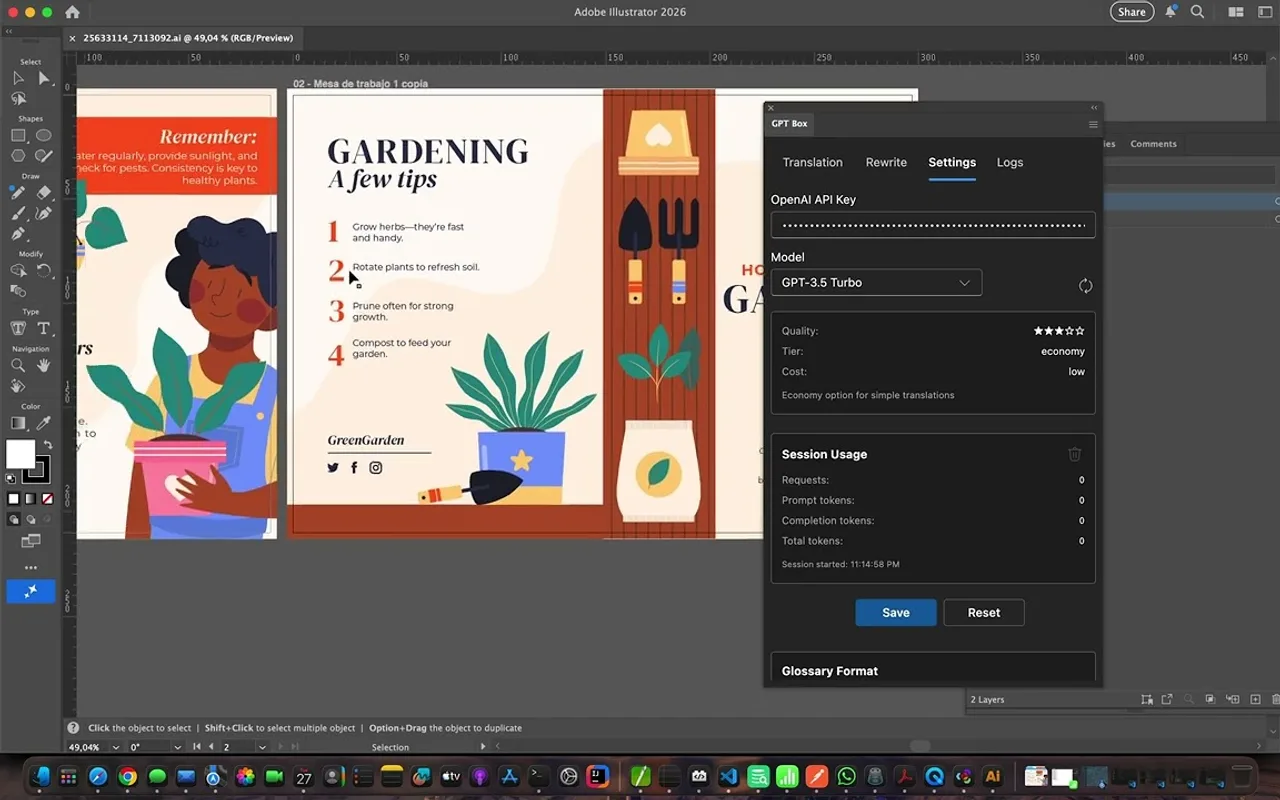
See an Illustrator brochure translated and rewritten with ChatGPT.
 Plays from YouTube (privacy-enhanced mode)
Frequently asked questions
Do I need an OpenAI account?
Yes. GPT Box needs an OpenAI API key with active credits. API usage is billed by OpenAI and is not included in the plugin.
Where is my API key stored?
In secure local storage on your computer. There is no Lingway backend; only the text is sent to OpenAI.
Can I choose the model?
Yes. You can pick the OpenAI model to use for translation and rewriting.
Which Illustrator versions are supported?
Adobe Illustrator 23.0 or later.
Put ChatGPT next to your artboard
Install GPT Box from Adobe Exchange and connect your OpenAI key.
Need a feature it does not have yet?
We wrote this plugin, so we can extend it, connect it to your systems or build a private version for your team.
Talk to the developersMore from Lingway
Translator PRO for Adobe InDesign
Translate InDesign documents with DeepL and keep styles, formatting and layout intact.
View Product
Translator PRO Batch Edition
Translate many InDesign, IDML and ICML files in a single run with DeepL, with styles and layout preserved.
View Product
AI Translator Pro for Adobe InDesign
Translate InDesign documents with modern AI models while preserving formatting, styles, tables, and layout structure.
View Product